> ## Documentation Index
> Fetch the complete documentation index at: https://noradocs.solomontsao.com/llms.txt
> Use this file to discover all available pages before exploring further.
# Kubernetes gke
# GKE Kubernetes provisioner backend
> Provision Nora agents into Google Kubernetes Engine using Nora's generic Kubernetes adapter and Admin cluster registry.
GKE uses the same Kubernetes adapter as every Kubernetes provider. Nora stores provider, namespace, exposure, and load-balancer settings on the Admin cluster row; `docker-compose.kubernetes.yml` only mounts kubeconfig files into the control-plane containers.
## Step-by-step setup
### 1. Prerequisites
* GCP project with the Kubernetes Engine API enabled.
* `gcloud` CLI installed and `gcloud auth login` completed.
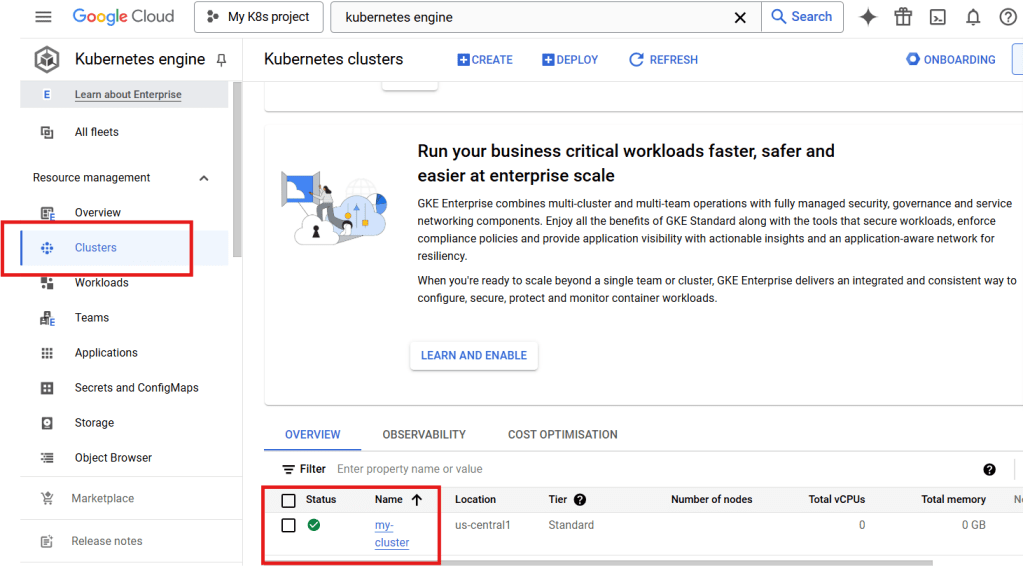
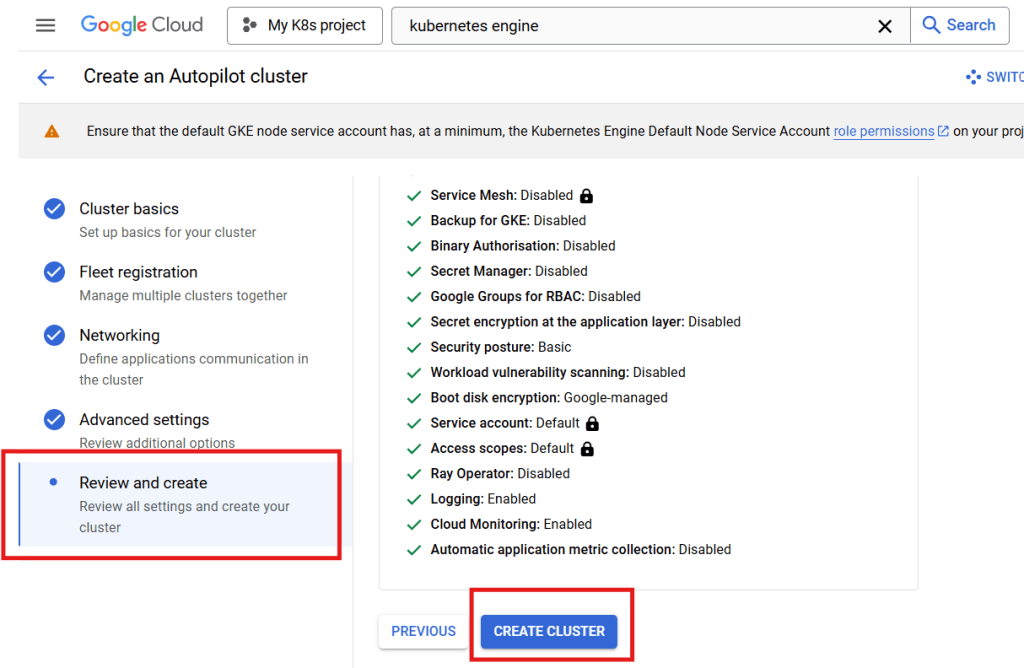
* An existing GKE cluster (or create one — GCP Console → **Kubernetes Engine → Clusters → Create**).
* `kubectl` installed on the host that runs Nora.
Use the cluster details page in Google Cloud Console to confirm the GKE cluster name, location
type, and region or zone before creating the kubeconfig.
 ### 2. Create the kubeconfig
```bash theme={null} theme={null}
mkdir -p .secrets
KUBECONFIG=./.secrets/gke-kubeconfig \
gcloud container clusters get-credentials \
--region \
--project
```
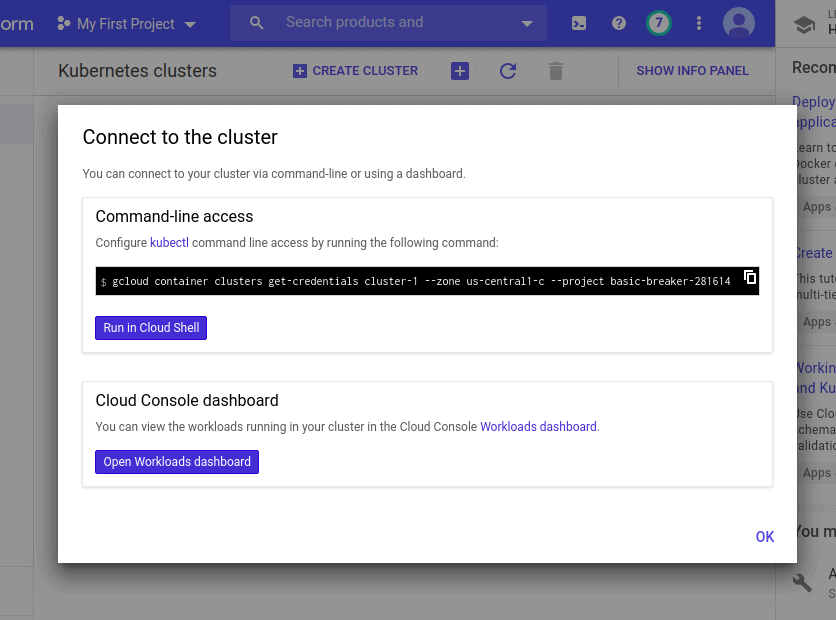
Use `--zone ` instead of `--region ` for zonal clusters. You can copy the exact command from the cluster's **Connect** dialog.
### 2. Create the kubeconfig
```bash theme={null} theme={null}
mkdir -p .secrets
KUBECONFIG=./.secrets/gke-kubeconfig \
gcloud container clusters get-credentials \
--region \
--project
```
Use `--zone ` instead of `--region ` for zonal clusters. You can copy the exact command from the cluster's **Connect** dialog.
 ### 3. Verify access from the host
```bash theme={null} theme={null}
kubectl --kubeconfig ./.secrets/gke-kubeconfig get nodes
```
### 4. Configure Nora
Set the generic Kubernetes mount variable in `.env`:
```bash theme={null} theme={null}
mkdir -p ./.secrets/kubeconfigs
cp ./.secrets/gke-kubeconfig ./.secrets/kubeconfigs/gke-us-central1
NORA_KUBECONFIGS_DIR=./.secrets/kubeconfigs
```
For two or more GKE clusters, put each kubeconfig under `NORA_KUBECONFIGS_DIR` and use Admin paths such as `/kubeconfigs/gke-us-central1` and `/kubeconfigs/gke-us-east1`.
Confirm region / VPC alignment in the Console's **Networking** tab before exposing services to the public internet.
### 3. Verify access from the host
```bash theme={null} theme={null}
kubectl --kubeconfig ./.secrets/gke-kubeconfig get nodes
```
### 4. Configure Nora
Set the generic Kubernetes mount variable in `.env`:
```bash theme={null} theme={null}
mkdir -p ./.secrets/kubeconfigs
cp ./.secrets/gke-kubeconfig ./.secrets/kubeconfigs/gke-us-central1
NORA_KUBECONFIGS_DIR=./.secrets/kubeconfigs
```
For two or more GKE clusters, put each kubeconfig under `NORA_KUBECONFIGS_DIR` and use Admin paths such as `/kubeconfigs/gke-us-central1` and `/kubeconfigs/gke-us-east1`.
Confirm region / VPC alignment in the Console's **Networking** tab before exposing services to the public internet.
 ### 5. Start the stack
```bash theme={null} theme={null}
docker compose -f docker-compose.yml -f docker-compose.kubernetes.yml up -d --build
```
This smoke-mode command is for the local nginx config (`NGINX_CONFIG_FILE=nginx.conf`, usually
`NGINX_HTTP_PORT=8080`). If your `.env` already points to the public TLS config
(`NGINX_CONFIG_FILE=nginx.public.conf`), include the tracked `infra/docker-compose.public-tls.yml`
layer as shown in [Promote to production](#promote-to-production); otherwise nginx will not mount
`/etc/letsencrypt` and Cloudflare can return 521 because the origin web server is down.
### 6. Register this cluster in Admin
Open **Admin -> Kubernetes**, click **Add cluster**, and use these values:
| Field | Value |
| ------------------------ | ----------------------------------------------------------------------------------------------------------- |
| Cluster id | `gke-us-central1` |
| Label | `GKE US Central 1` |
| Provider | `GKE` |
| Actual cluster name | The GKE cluster name from the Console |
| Credential mode | `Mounted kubeconfig path` |
| Kubeconfig path | `/kubeconfigs/gke-us-central1` |
| Fallback namespace | `nora-openclaw-agents` |
| OpenClaw namespace | `nora-openclaw-agents` |
| Hermes namespace | `nora-hermes-agents` |
| Exposure mode | `LoadBalancer` |
| Service annotations JSON | Leave empty unless your cluster policy requires annotations such as `{"cloud.google.com/l4-rbs":"enabled"}` |
| Source ranges | Your Nora control-plane egress CIDR when you can restrict access |
| Load balancer class | Leave empty by default, or use `networking.gke.io/l4-regional-external` when your cluster supports it |
Do not put `./.secrets/gke-kubeconfig` in the Admin Kubeconfig path when Nora runs in Docker Compose. That is the host-side path; the containers see files from `NORA_KUBECONFIGS_DIR` under `/kubeconfigs`.
### 7. Deploy a test agent
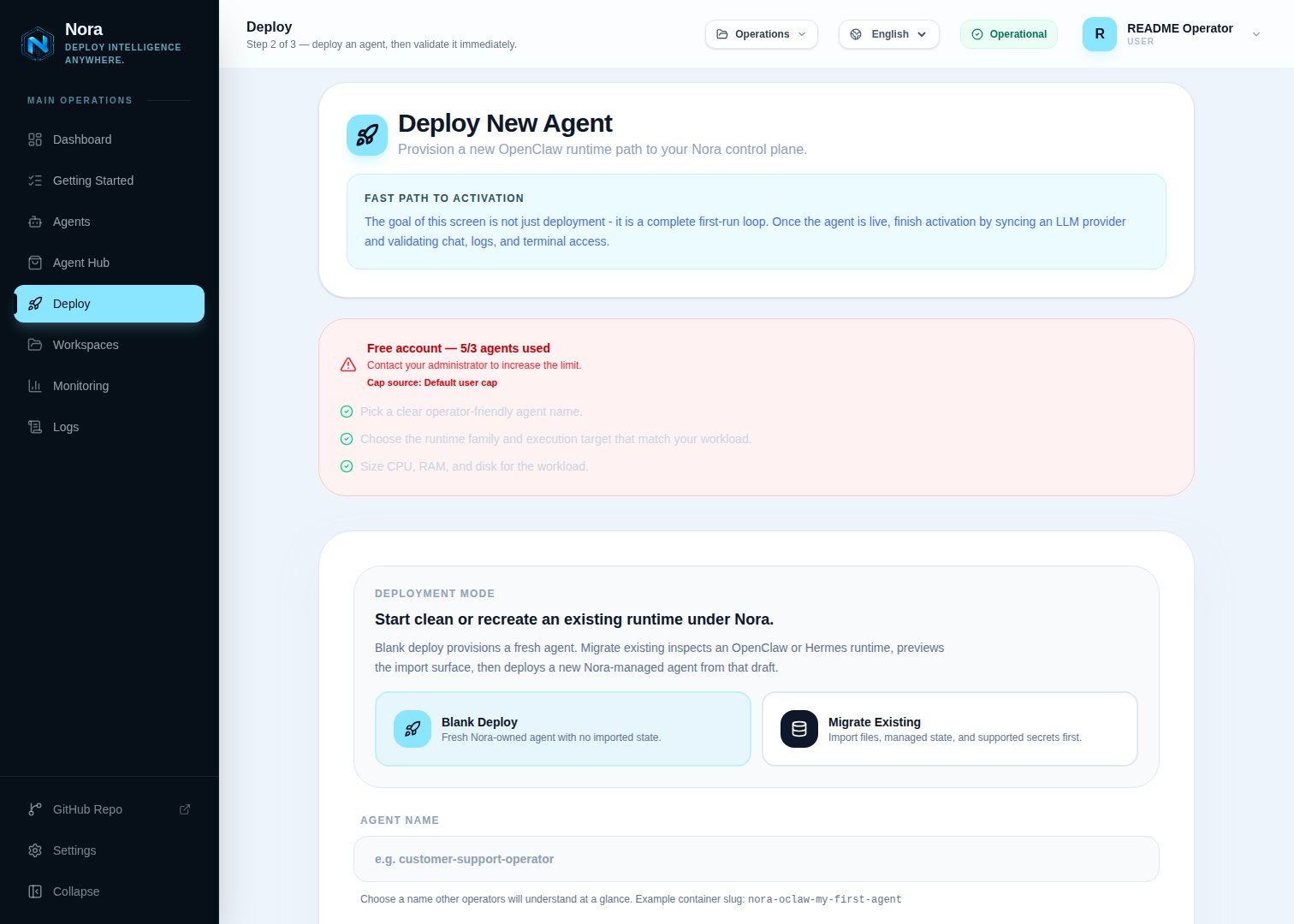
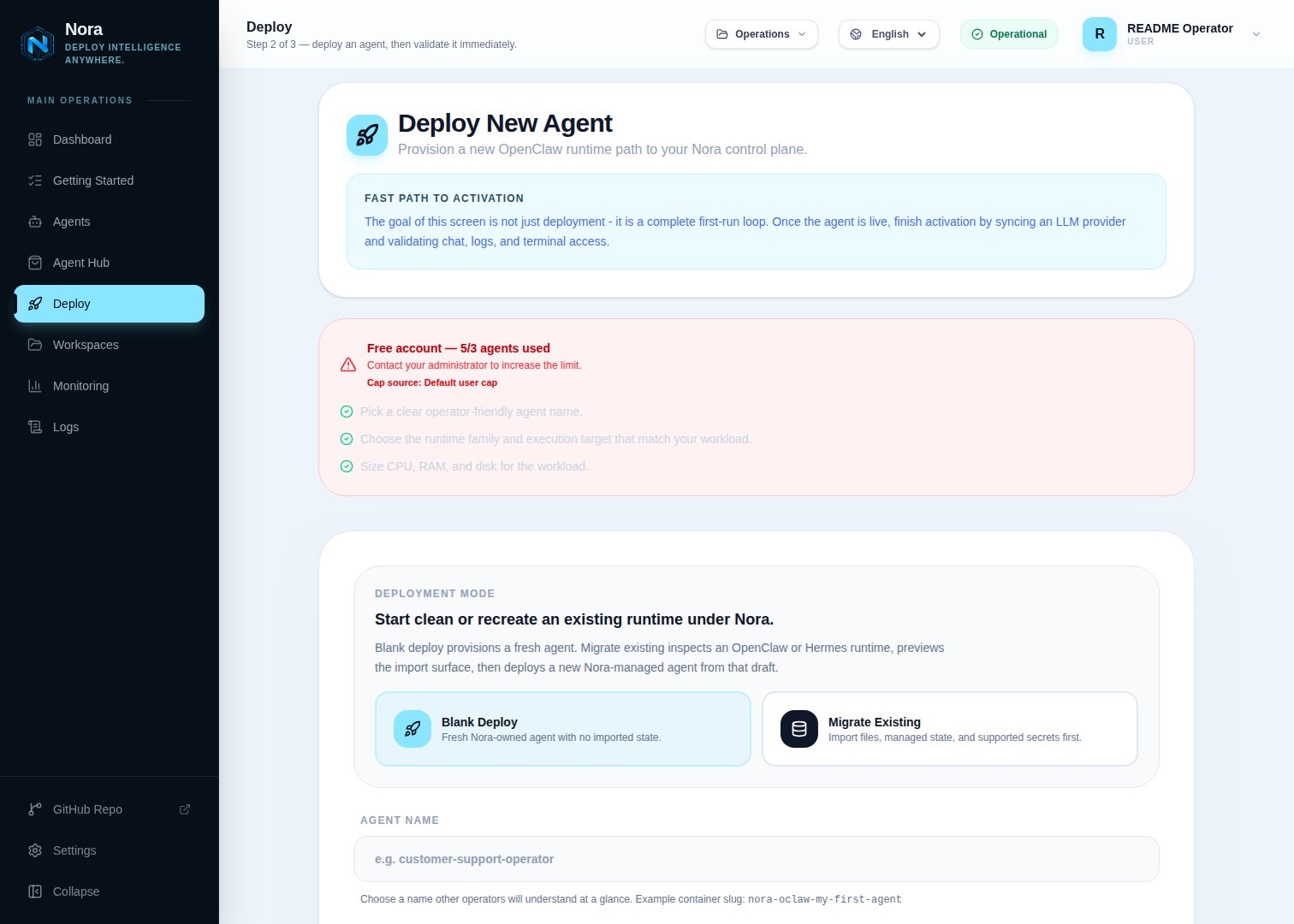
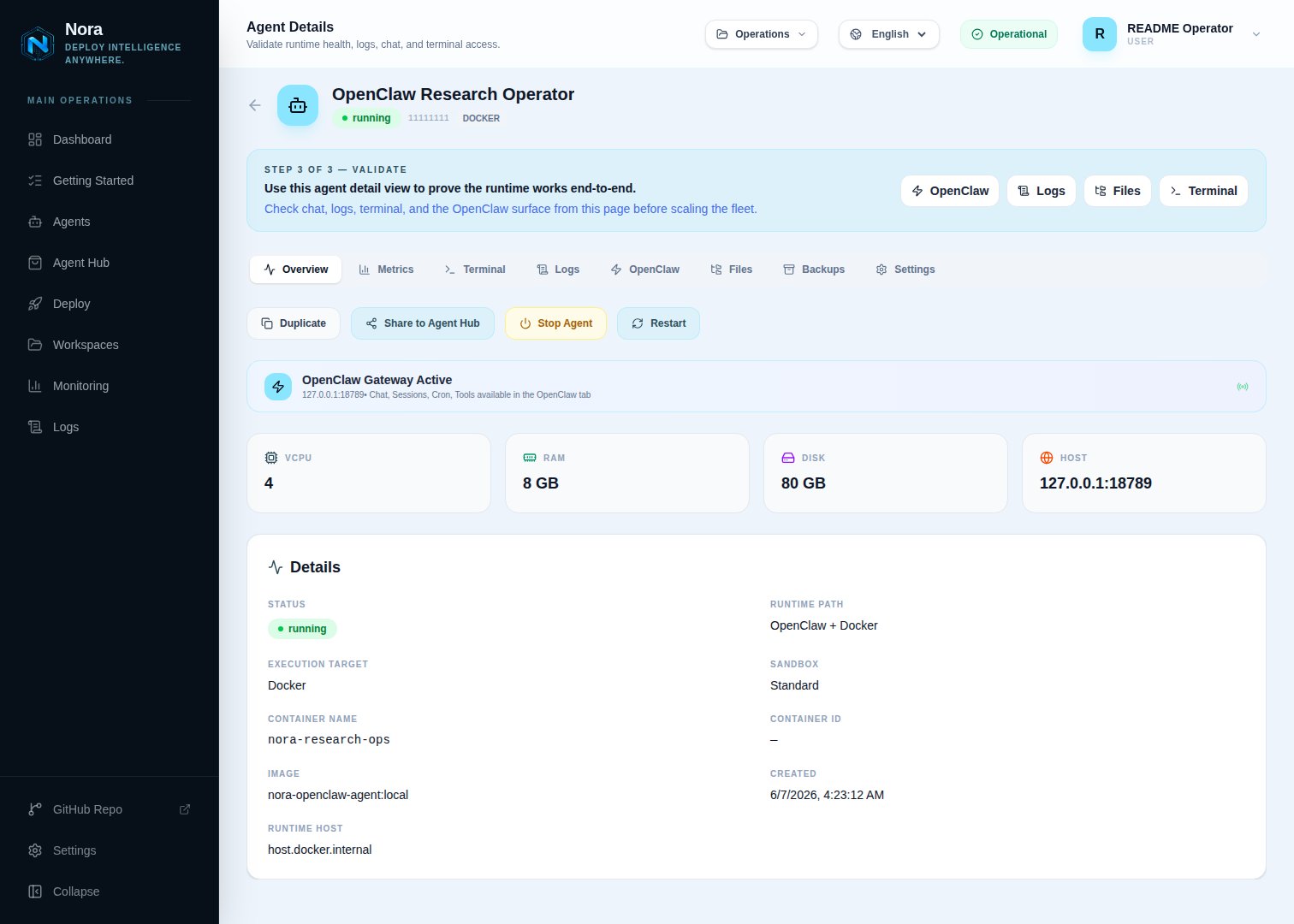
Open the dashboard at `http://127.0.0.1:8080`, sign in, and create an agent with the GKE cluster label you registered.
### 5. Start the stack
```bash theme={null} theme={null}
docker compose -f docker-compose.yml -f docker-compose.kubernetes.yml up -d --build
```
This smoke-mode command is for the local nginx config (`NGINX_CONFIG_FILE=nginx.conf`, usually
`NGINX_HTTP_PORT=8080`). If your `.env` already points to the public TLS config
(`NGINX_CONFIG_FILE=nginx.public.conf`), include the tracked `infra/docker-compose.public-tls.yml`
layer as shown in [Promote to production](#promote-to-production); otherwise nginx will not mount
`/etc/letsencrypt` and Cloudflare can return 521 because the origin web server is down.
### 6. Register this cluster in Admin
Open **Admin -> Kubernetes**, click **Add cluster**, and use these values:
| Field | Value |
| ------------------------ | ----------------------------------------------------------------------------------------------------------- |
| Cluster id | `gke-us-central1` |
| Label | `GKE US Central 1` |
| Provider | `GKE` |
| Actual cluster name | The GKE cluster name from the Console |
| Credential mode | `Mounted kubeconfig path` |
| Kubeconfig path | `/kubeconfigs/gke-us-central1` |
| Fallback namespace | `nora-openclaw-agents` |
| OpenClaw namespace | `nora-openclaw-agents` |
| Hermes namespace | `nora-hermes-agents` |
| Exposure mode | `LoadBalancer` |
| Service annotations JSON | Leave empty unless your cluster policy requires annotations such as `{"cloud.google.com/l4-rbs":"enabled"}` |
| Source ranges | Your Nora control-plane egress CIDR when you can restrict access |
| Load balancer class | Leave empty by default, or use `networking.gke.io/l4-regional-external` when your cluster supports it |
Do not put `./.secrets/gke-kubeconfig` in the Admin Kubeconfig path when Nora runs in Docker Compose. That is the host-side path; the containers see files from `NORA_KUBECONFIGS_DIR` under `/kubeconfigs`.
### 7. Deploy a test agent
Open the dashboard at `http://127.0.0.1:8080`, sign in, and create an agent with the GKE cluster label you registered.
 ## GKE Service options
The default GKE `LoadBalancer` Service path works without annotations. To request GKE's external passthrough Network Load Balancer with RBS on supported cluster versions, set:
Set the Admin **Load balancer class** field to `networking.gke.io/l4-regional-external`.
For clusters that use the annotation path instead of `loadBalancerClass`:
```json theme={null} theme={null}
{ "cloud.google.com/l4-rbs": "enabled" }
```
Leave **Service annotations JSON** empty unless your cluster policy requires provider-specific Service annotations.
## Verification
```bash theme={null} theme={null}
kubectl --kubeconfig ./.secrets/gke-kubeconfig -n nora-openclaw-agents get deploy,svc,pods
# If Hermes is enabled and deployed:
kubectl --kubeconfig ./.secrets/gke-kubeconfig -n nora-hermes-agents get deploy,svc,pods
docker compose -f docker-compose.yml -f docker-compose.kubernetes.yml logs worker-provisioner
```
For real e2e, enable the Kubernetes matrix cell:
```bash theme={null} theme={null}
cd e2e
REAL_ENABLE_OPENCLAW_DOCKER=0 REAL_ENABLE_OPENCLAW_K8S=1 \
BASE_URL=http://localhost:8080 npm run test:real:matrix
```
## GKE Service options
The default GKE `LoadBalancer` Service path works without annotations. To request GKE's external passthrough Network Load Balancer with RBS on supported cluster versions, set:
Set the Admin **Load balancer class** field to `networking.gke.io/l4-regional-external`.
For clusters that use the annotation path instead of `loadBalancerClass`:
```json theme={null} theme={null}
{ "cloud.google.com/l4-rbs": "enabled" }
```
Leave **Service annotations JSON** empty unless your cluster policy requires provider-specific Service annotations.
## Verification
```bash theme={null} theme={null}
kubectl --kubeconfig ./.secrets/gke-kubeconfig -n nora-openclaw-agents get deploy,svc,pods
# If Hermes is enabled and deployed:
kubectl --kubeconfig ./.secrets/gke-kubeconfig -n nora-hermes-agents get deploy,svc,pods
docker compose -f docker-compose.yml -f docker-compose.kubernetes.yml logs worker-provisioner
```
For real e2e, enable the Kubernetes matrix cell:
```bash theme={null} theme={null}
cd e2e
REAL_ENABLE_OPENCLAW_DOCKER=0 REAL_ENABLE_OPENCLAW_K8S=1 \
BASE_URL=http://localhost:8080 npm run test:real:matrix
```
 ## Automated smoke
Once your GKE kubeconfig is in place, run the shared lifecycle smoke:
```bash theme={null} theme={null}
cd e2e
KUBECONFIG_PATH=$PWD/../.secrets/gke-kubeconfig npm run smoke:k8s-gke
```
This script is operator-run only — it provisions real workloads against a live GKE cluster and is not part of CI. Set `KEEP_ENV=true` to leave the stack running after the script finishes.
## Promote to production
Once the smoke is green, switch from the dev-mode stack to the prod-mode stack. The only changes vs the testing setup are nginx (public config + TLS) and Compose mode (`infra/docker-compose.public-tls.yml` for prod Dockerfiles, TLS mounts, public ports, and restart policies).
### 1. Tighten the LoadBalancer source ranges
Replace the smoke-time `` placeholder with your production control plane's egress CIDR. Combine with `cloud.google.com/load-balancer-type: Internal` annotations if you're keeping agents on a private subnet.
### 2. Switch nginx to public + TLS
In `.env`:
```bash theme={null} theme={null}
NGINX_CONFIG_FILE=nginx.public.conf
NGINX_HTTP_PORT=80
```
Provision Let's Encrypt certs once:
```bash theme={null} theme={null}
sudo ./infra/setup-tls.sh
```
### 3. Stop the smoke-mode stack
```bash theme={null} theme={null}
docker compose -f docker-compose.yml -f docker-compose.kubernetes.yml down
```
### 4. Start the prod-mode stack
```bash theme={null} theme={null}
docker compose \
-f docker-compose.yml \
-f infra/docker-compose.public-tls.yml \
-f docker-compose.kubernetes.yml \
up -d --build
```
### 5. Confirm
```bash theme={null} theme={null}
docker compose ps
curl -fsS https:///api/health
docker compose logs worker-provisioner | tail -50
```
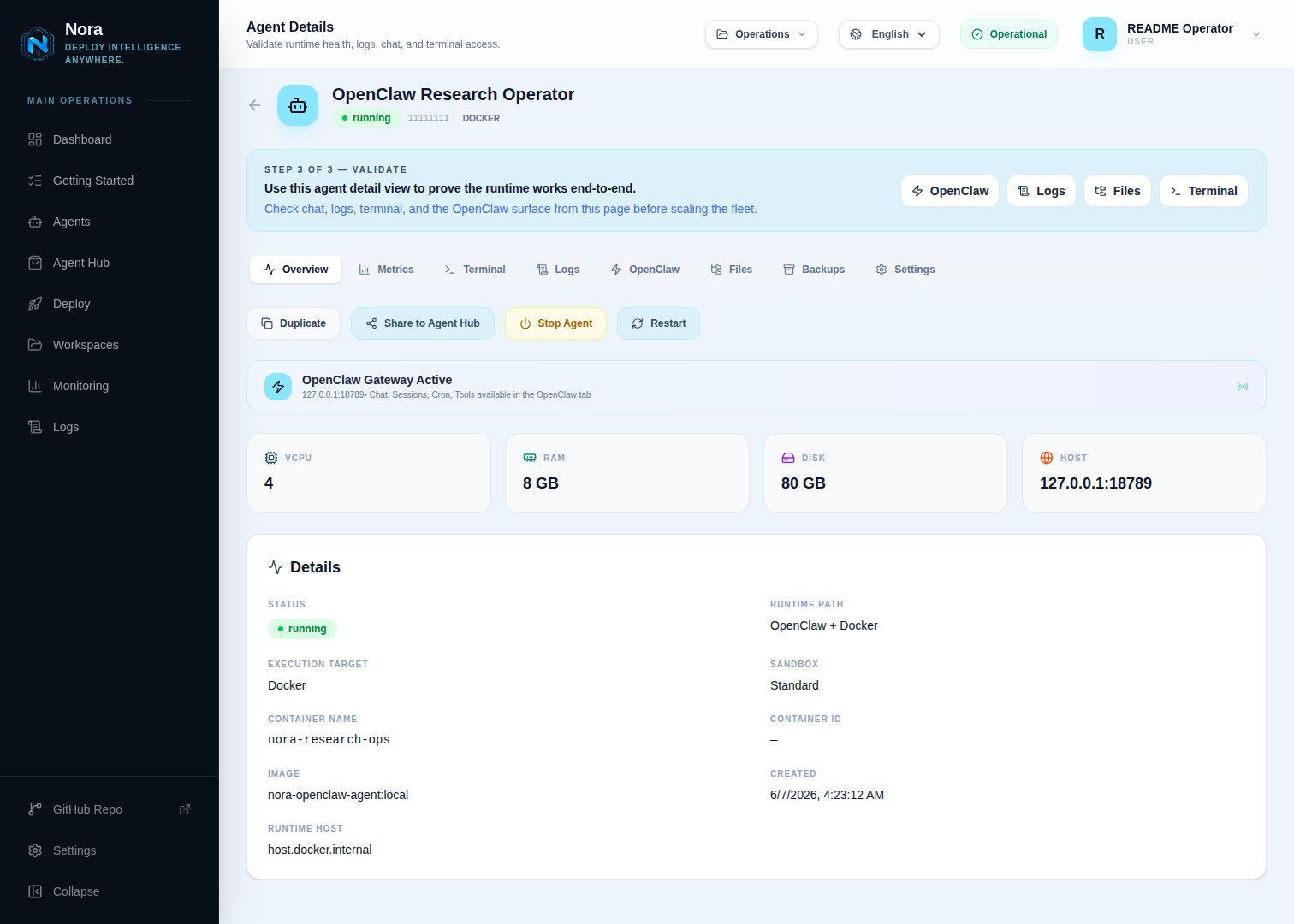
Deploy a real agent from the UI and confirm it reaches `running` and the GKE LoadBalancer assigns an external IP.
## See also
* [Kind](/configuration/provisioner-backends/kubernetes-kind) — local Kubernetes for development
* [K3s](/configuration/provisioner-backends/kubernetes-k3s) — self-hosted production K8s
* [AKS](/configuration/provisioner-backends/kubernetes-aks) — Azure Kubernetes Service
* [EKS](/configuration/provisioner-backends/kubernetes-eks) — Amazon EKS
## Automated smoke
Once your GKE kubeconfig is in place, run the shared lifecycle smoke:
```bash theme={null} theme={null}
cd e2e
KUBECONFIG_PATH=$PWD/../.secrets/gke-kubeconfig npm run smoke:k8s-gke
```
This script is operator-run only — it provisions real workloads against a live GKE cluster and is not part of CI. Set `KEEP_ENV=true` to leave the stack running after the script finishes.
## Promote to production
Once the smoke is green, switch from the dev-mode stack to the prod-mode stack. The only changes vs the testing setup are nginx (public config + TLS) and Compose mode (`infra/docker-compose.public-tls.yml` for prod Dockerfiles, TLS mounts, public ports, and restart policies).
### 1. Tighten the LoadBalancer source ranges
Replace the smoke-time `` placeholder with your production control plane's egress CIDR. Combine with `cloud.google.com/load-balancer-type: Internal` annotations if you're keeping agents on a private subnet.
### 2. Switch nginx to public + TLS
In `.env`:
```bash theme={null} theme={null}
NGINX_CONFIG_FILE=nginx.public.conf
NGINX_HTTP_PORT=80
```
Provision Let's Encrypt certs once:
```bash theme={null} theme={null}
sudo ./infra/setup-tls.sh
```
### 3. Stop the smoke-mode stack
```bash theme={null} theme={null}
docker compose -f docker-compose.yml -f docker-compose.kubernetes.yml down
```
### 4. Start the prod-mode stack
```bash theme={null} theme={null}
docker compose \
-f docker-compose.yml \
-f infra/docker-compose.public-tls.yml \
-f docker-compose.kubernetes.yml \
up -d --build
```
### 5. Confirm
```bash theme={null} theme={null}
docker compose ps
curl -fsS https:///api/health
docker compose logs worker-provisioner | tail -50
```
Deploy a real agent from the UI and confirm it reaches `running` and the GKE LoadBalancer assigns an external IP.
## See also
* [Kind](/configuration/provisioner-backends/kubernetes-kind) — local Kubernetes for development
* [K3s](/configuration/provisioner-backends/kubernetes-k3s) — self-hosted production K8s
* [AKS](/configuration/provisioner-backends/kubernetes-aks) — Azure Kubernetes Service
* [EKS](/configuration/provisioner-backends/kubernetes-eks) — Amazon EKS