> ## Documentation Index
> Fetch the complete documentation index at: https://noradocs.solomontsao.com/llms.txt
> Use this file to discover all available pages before exploring further.
# Kubernetes kind
# Kind provisioner backend
> Local-only Kubernetes provisioner for development and CI. Not for production.
Kind ("Kubernetes in Docker") is for **local testing only**. Do not run production agents on a
Kind cluster — it has no persistence guarantees, no load-balancer integration, and no high
availability. For a self-hosted production cluster use
[K3s](/configuration/provisioner-backends/kubernetes-k3s); for managed control planes use
[AKS](/configuration/provisioner-backends/kubernetes-aks),
[GKE](/configuration/provisioner-backends/kubernetes-gke), or
[EKS](/configuration/provisioner-backends/kubernetes-eks).
Kind uses the same generic `k8s` backend id as every Kubernetes provider. Nora ships a single Kubernetes adapter (`workers/provisioner/backends/k8s.ts`) that serves Kind, K3s, AKS, GKE, and EKS — only the kubeconfig and exposure mode change.
## When to use Kind
* Local development of Nora itself, or local exercise of the Kubernetes adapter on a laptop.
* CI smoke runs that need a real Kubernetes API without a cloud account.
* Quick regression checks before promoting changes to a K3s or cloud cluster.
Do **not** use Kind for:
* Hosting agents you depend on — Kind clusters live and die with the local Docker daemon.
* Modeling cloud `LoadBalancer` behavior — Kind only supports NodePort routing in this overlay.
* Multi-node or multi-host scheduling — the bundled Kind config is single control-plane.
## Step-by-step setup
### 1. Prerequisites
```bash theme={null} theme={null}
docker --version && docker compose version
kubectl version --client
```
`kind` itself is auto-installed by `e2e/scripts/ensure-kind-tools.sh` when the smoke script runs.
### 2. Run the smoke script
The recommended path is the bundled smoke. It creates or reuses a Kind cluster, exports kubeconfigs for both the host and the in-container view, starts the Nora API and provisioner with `docker-compose.kubernetes.yml` plus the Kind network helper, registers the cluster in Admin, deploys an agent, verifies Kubernetes objects, and exercises stop/start/restart lifecycle.
```bash theme={null} theme={null}
cd e2e
npm run smoke:k8s-kind
```
Set `KEEP_ENV=true` to leave the cluster and Compose stack running after the script finishes.
### 3. Inspect the deployed agent
With `KEEP_ENV=true`, the smoke run leaves only `postgres`, `redis`, `backend-api`, and `worker-provisioner` running — no nginx and no frontend dashboard. The URL the script prints (default `http://127.0.0.1:4110`) is the backend REST API base (the host port maps to the backend-api container's API port 4000), **not** a UI. Inspect the agent via the API or `kubectl`:
```bash theme={null} theme={null}
curl -fsS http://127.0.0.1:4110/health
kubectl -n openclaw-agents get deploy,svc,pods
```
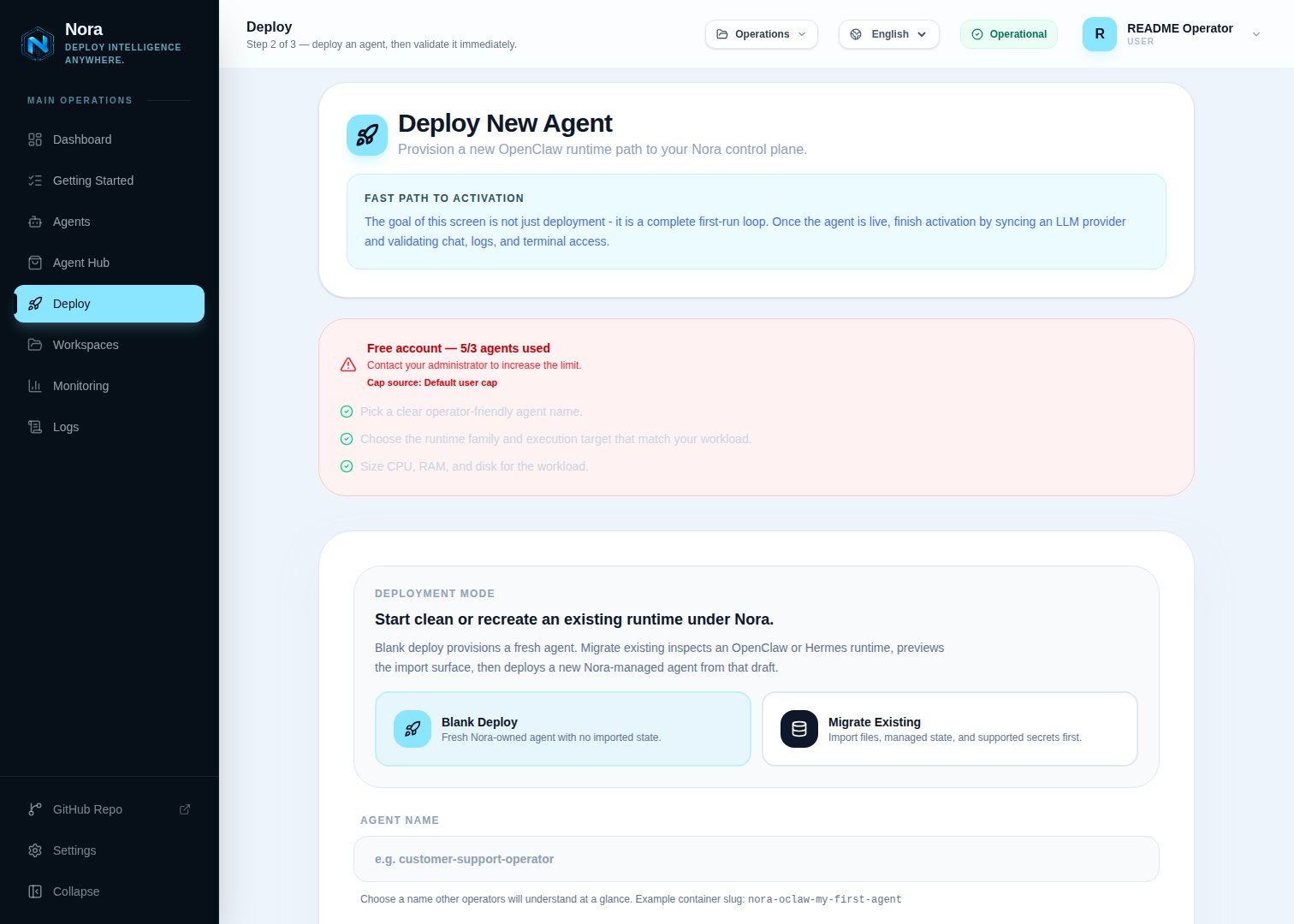
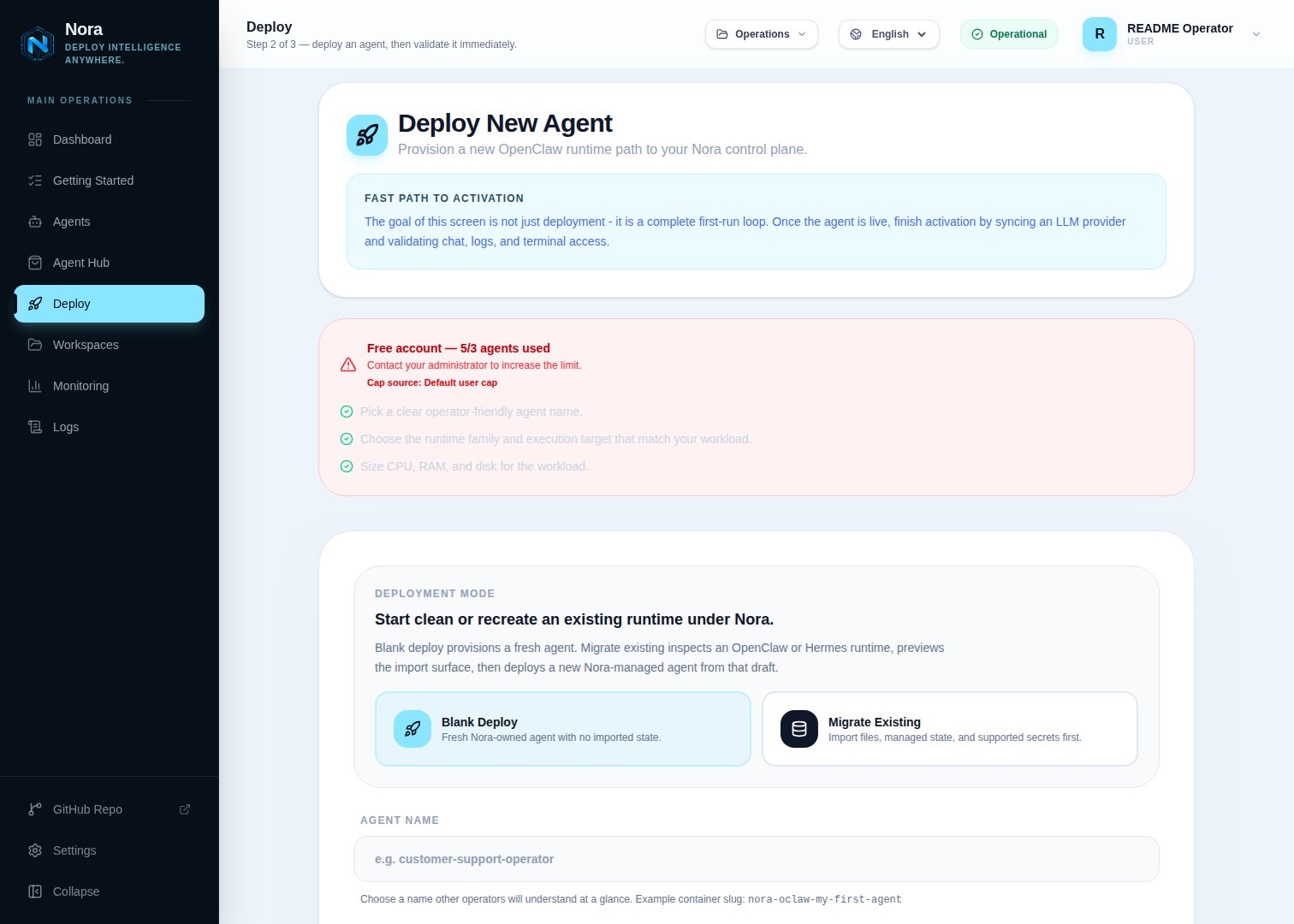
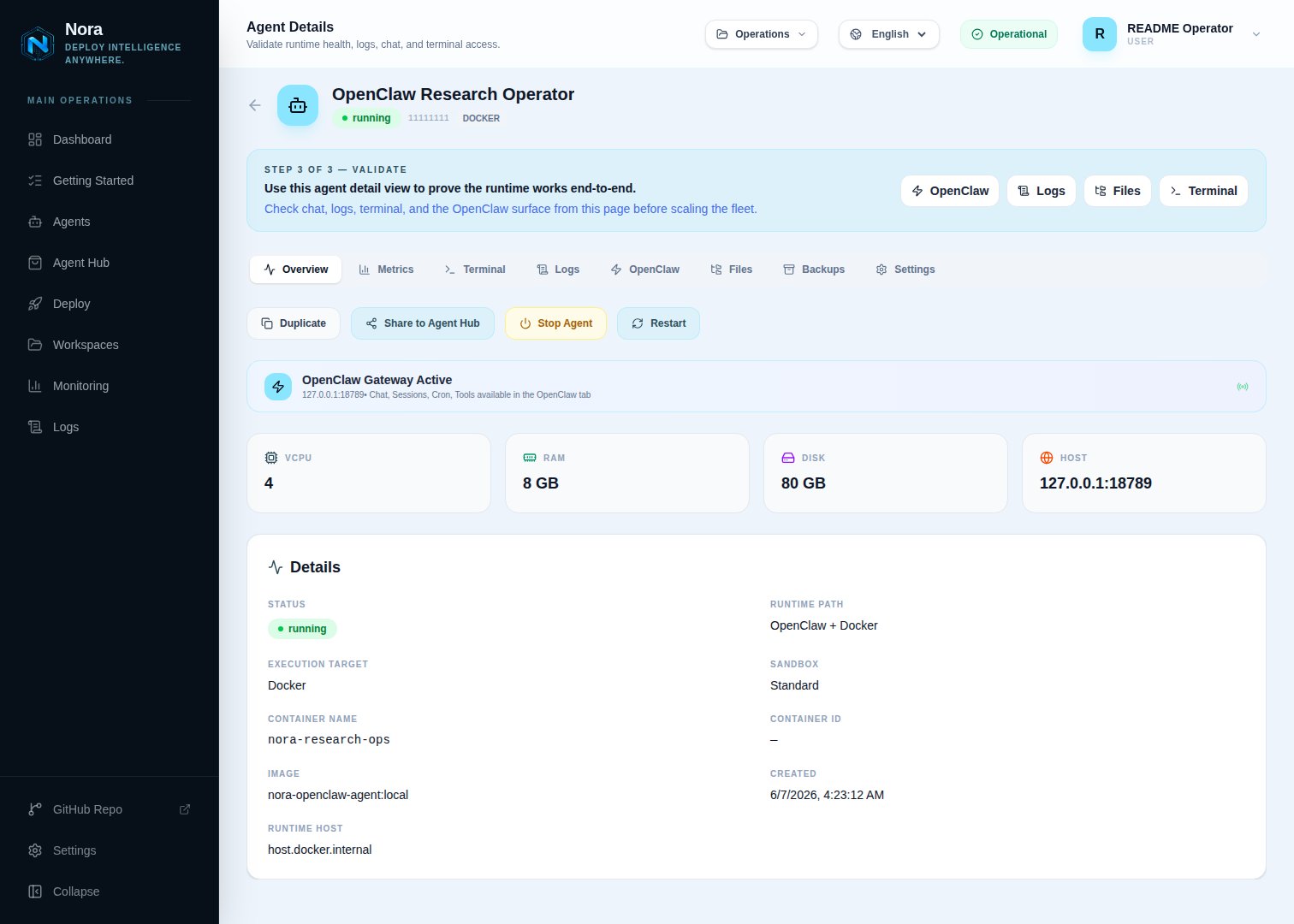
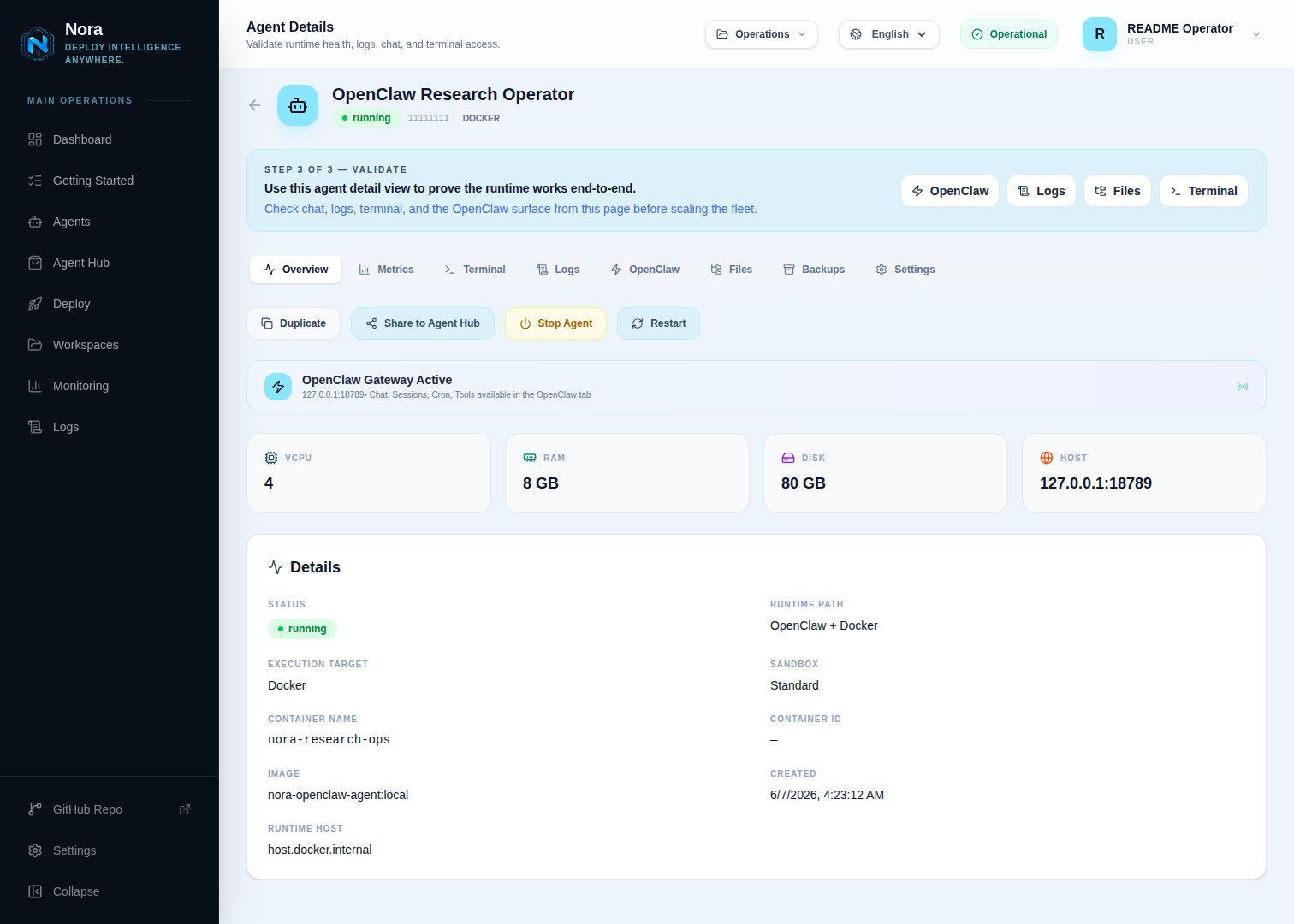
To view the agent in the operator dashboard fleet view, bring up the full stack with the command shown in [Manual stack (without the smoke script)](#manual-stack-without-the-smoke-script) below, then open the dashboard at `http://127.0.0.1:8080/app`.
 ## Manual stack (without the smoke script)
```bash theme={null} theme={null}
export NORA_KUBECONFIGS_DIR=/tmp
docker compose -f docker-compose.yml -f docker-compose.kubernetes.yml -f docker-compose.kind.yml up -d --build
```
Then register the Kind cluster in **Admin -> Kubernetes**:
| Field | Value |
| ----------------- | ------------------------------------------------------------------------- |
| Credential mode | `Mounted kubeconfig path` |
| Kubeconfig path | `/kubeconfigs/nora-kind.container.kubeconfig` |
| Exposure mode | `NodePort` |
| Runtime host | `host.docker.internal`, or the Kind control-plane container name on Linux |
| Runtime node port | `30909` |
| Gateway node port | `31879` |
The Admin **Runtime host** must be reachable from the Compose containers. On Linux without `host.docker.internal` support, set it to the Kind control-plane container name (`nora-kind-control-plane` by default) and join the `kind` Docker network.
### Register local Kind in Admin
Open **Admin -> Kubernetes**, click **Add cluster**, and use these values:
| Field | Value |
| ------------------- | ----------------------------------------------------------------------------------------------------------------- |
| Cluster id | `kind-local` |
| Label | `Kind Local` |
| Provider | `Generic Kubernetes` |
| Actual cluster name | The Kind cluster name, for example `nora-kind` |
| Credential mode | `Mounted kubeconfig path` |
| Kubeconfig path | `/kubeconfigs/nora-kind.container.kubeconfig` |
| Fallback namespace | `openclaw-agents` |
| OpenClaw namespace | `openclaw-agents` |
| Hermes namespace | `openclaw-agents` |
| Exposure mode | `NodePort` |
| Runtime host | `host.docker.internal`, or the Kind control-plane container name on Linux if you joined the `kind` Docker network |
| Runtime node port | `30909` for the bundled Kind overlay |
| Gateway node port | `31879` for the bundled Kind overlay |
Do not put `/tmp/nora-kind.container.kubeconfig` in the Admin Kubeconfig path when Nora runs in Docker Compose. That is the host-side `CONTAINER_KUBECONFIG_PATH`; the containers see it under `/kubeconfigs`.
## Verification
```bash theme={null} theme={null}
kubectl -n openclaw-agents get deploy,svc,pods
docker compose -f docker-compose.yml -f docker-compose.kubernetes.yml -f docker-compose.kind.yml logs worker-provisioner
```
The smoke script exits with `{"ok":true,...}` on success. Per-agent objects follow the generated naming convention `nora-oclaw--` in the `openclaw-agents` namespace.
To smoke NemoClaw on the same Kind adapter path, run the script with
`K8S_SMOKE_CELLS=openclaw:nemoclaw` and `NVIDIA_API_KEY` set in the shell that starts the stack.
If the agent reaches `running` but the gateway is unreachable, confirm the NodePort values match the port mappings in `infra/kind/nora-kind.yaml`.
## Manual stack (without the smoke script)
```bash theme={null} theme={null}
export NORA_KUBECONFIGS_DIR=/tmp
docker compose -f docker-compose.yml -f docker-compose.kubernetes.yml -f docker-compose.kind.yml up -d --build
```
Then register the Kind cluster in **Admin -> Kubernetes**:
| Field | Value |
| ----------------- | ------------------------------------------------------------------------- |
| Credential mode | `Mounted kubeconfig path` |
| Kubeconfig path | `/kubeconfigs/nora-kind.container.kubeconfig` |
| Exposure mode | `NodePort` |
| Runtime host | `host.docker.internal`, or the Kind control-plane container name on Linux |
| Runtime node port | `30909` |
| Gateway node port | `31879` |
The Admin **Runtime host** must be reachable from the Compose containers. On Linux without `host.docker.internal` support, set it to the Kind control-plane container name (`nora-kind-control-plane` by default) and join the `kind` Docker network.
### Register local Kind in Admin
Open **Admin -> Kubernetes**, click **Add cluster**, and use these values:
| Field | Value |
| ------------------- | ----------------------------------------------------------------------------------------------------------------- |
| Cluster id | `kind-local` |
| Label | `Kind Local` |
| Provider | `Generic Kubernetes` |
| Actual cluster name | The Kind cluster name, for example `nora-kind` |
| Credential mode | `Mounted kubeconfig path` |
| Kubeconfig path | `/kubeconfigs/nora-kind.container.kubeconfig` |
| Fallback namespace | `openclaw-agents` |
| OpenClaw namespace | `openclaw-agents` |
| Hermes namespace | `openclaw-agents` |
| Exposure mode | `NodePort` |
| Runtime host | `host.docker.internal`, or the Kind control-plane container name on Linux if you joined the `kind` Docker network |
| Runtime node port | `30909` for the bundled Kind overlay |
| Gateway node port | `31879` for the bundled Kind overlay |
Do not put `/tmp/nora-kind.container.kubeconfig` in the Admin Kubeconfig path when Nora runs in Docker Compose. That is the host-side `CONTAINER_KUBECONFIG_PATH`; the containers see it under `/kubeconfigs`.
## Verification
```bash theme={null} theme={null}
kubectl -n openclaw-agents get deploy,svc,pods
docker compose -f docker-compose.yml -f docker-compose.kubernetes.yml -f docker-compose.kind.yml logs worker-provisioner
```
The smoke script exits with `{"ok":true,...}` on success. Per-agent objects follow the generated naming convention `nora-oclaw--` in the `openclaw-agents` namespace.
To smoke NemoClaw on the same Kind adapter path, run the script with
`K8S_SMOKE_CELLS=openclaw:nemoclaw` and `NVIDIA_API_KEY` set in the shell that starts the stack.
If the agent reaches `running` but the gateway is unreachable, confirm the NodePort values match the port mappings in `infra/kind/nora-kind.yaml`.
 ## See also
* [K3s](/configuration/provisioner-backends/kubernetes-k3s) — self-hosted production K8s
* [AKS](/configuration/provisioner-backends/kubernetes-aks) — Azure Kubernetes Service
* [GKE](/configuration/provisioner-backends/kubernetes-gke) — Google Kubernetes Engine
* [EKS](/configuration/provisioner-backends/kubernetes-eks) — Amazon EKS
## See also
* [K3s](/configuration/provisioner-backends/kubernetes-k3s) — self-hosted production K8s
* [AKS](/configuration/provisioner-backends/kubernetes-aks) — Azure Kubernetes Service
* [GKE](/configuration/provisioner-backends/kubernetes-gke) — Google Kubernetes Engine
* [EKS](/configuration/provisioner-backends/kubernetes-eks) — Amazon EKS