> ## Documentation Index
> Fetch the complete documentation index at: https://noradocs.solomontsao.com/llms.txt
> Use this file to discover all available pages before exploring further.
# Nemoclaw
# Run secure agents with NemoClaw sandboxes
> Deploy agents with Nora's experimental NVIDIA NemoClaw sandbox profile for OpenShell policy controls, approval workflows, and Nemotron model support.
NemoClaw is an experimental sandbox profile that wraps the OpenClaw agent runtime with NVIDIA OpenShell policy controls. Instead of running your agent with the standard sandbox profile, NemoClaw adds a policy layer that can allow or deny specific actions the agent tries to take, and can require operator approval before certain operations proceed. This makes it well-suited for security-sensitive workflows, compliance environments, or any situation where you need auditability and control over what an agent is permitted to do.
NemoClaw must be enabled by your operator before you can use it. If `nemoclaw` is not included in
`ENABLED_SANDBOX_PROFILES` in the server environment, attempting to deploy a NemoClaw agent will
return an error. Contact your Nora operator to enable it.
## When to use NemoClaw
Use a NemoClaw sandbox when:
* You need to restrict or audit the actions your agent takes at runtime.
* Your organization requires approval workflows before the agent performs sensitive operations.
* You want to use NVIDIA Nemotron models, which are only available in the NemoClaw sandbox.
* You are operating in a compliance-sensitive environment where a standard Docker sandbox is insufficient.
For general-purpose agents that do not have strict policy requirements, the standard sandbox is simpler and faster to deploy.
## Supported Nemotron models
NemoClaw agents use NVIDIA's Nemotron family of models via the NVIDIA API. The following models are supported:
| Model ID | Description |
| ------------------------------------------ | ------------------------------------------------ |
| `nvidia/nemotron-3-super-120b-a12b` | Default model — 120B parameter Nemotron Super |
| `nvidia/llama-3.1-nemotron-ultra-253b-v1` | 253B parameter Nemotron Ultra based on Llama 3.1 |
| `nvidia/llama-3.3-nemotron-super-49b-v1.5` | 49B parameter Nemotron Super based on Llama 3.3 |
| `nvidia/nemotron-3-nano-30b-a3b` | Lightweight 30B Nemotron Nano |
To use these models, save an NVIDIA API key in **Settings** under the NVIDIA provider. If no user
key is saved, self-hosted operators may provide a platform fallback with `NVIDIA_API_KEY`, but
user keys are preferred because they keep usage attribution tied to the deploying account.
## Supported deploy targets
NemoClaw runs as an OpenClaw sandbox profile on these deploy targets:
| Target | Status | Notes |
| ---------------- | ------------ | --------------------------------------------------------------------------------------------------------------------------------- |
| Local Docker | Supported | Uses the local Docker socket and the NemoClaw sandbox image. |
| Remote Docker | Experimental | Requires a connected self-hosted remote target such as `remote:gpu-vps`; keep its published ports on a private encrypted network. |
| K3s / Kubernetes | Supported | Uses the Kubernetes adapter with `sandbox_profile=nemoclaw`; API keys are injected through per-agent Kubernetes Secrets. |
| AKS / GKE / EKS | Supported | Same Kubernetes adapter as K3s; use LoadBalancer exposure or the cluster exposure mode configured in Admin. |
The default sandbox image is `ghcr.io/solomon2773/nora-nemoclaw-agent:latest`. Nora refreshes that
mutable registry tag before Docker or Remote Docker creates a sandbox. Normal local setup and the
official single-host production deploy rebuild the exact `nora-nemoclaw-agent:local` tag when it is
selected. For Remote Docker hosts, air-gapped hosts, or private Kubernetes clusters, build and
preload the image on each target yourself. Custom local tags, versioned tags, and digest references
remain operator-owned and must be refreshed deliberately after a Nora OpenClaw pin changes.
If you override `OPENCLAW_DOCKER_PACKAGE`, build or preload a NemoClaw image containing that exact
OpenClaw version and point `NEMOCLAW_SANDBOX_IMAGE` at the matching pinned reference. NemoClaw runs
non-root and deliberately fails closed rather than replacing a mismatched global OpenClaw install
inside the sandbox.
## Deploy a NemoClaw agent
Deploying a NemoClaw agent follows the same steps as a standard agent, with one difference in the sandbox selection.
Navigate to **Deploy** in the sidebar.
Enter an agent name and configure vCPU, RAM, and disk as you would for any agent.
In the **Sandbox type** field, choose **NemoClaw**. If this option is greyed out or returns an
error, NemoClaw is not enabled on your instance.
Click **Confirm & Deploy Agent**. Nora queues the deployment with `sandbox: nemoclaw`. The deployment type is logged as `NemoClaw + OpenClaw`.
## Check NemoClaw status
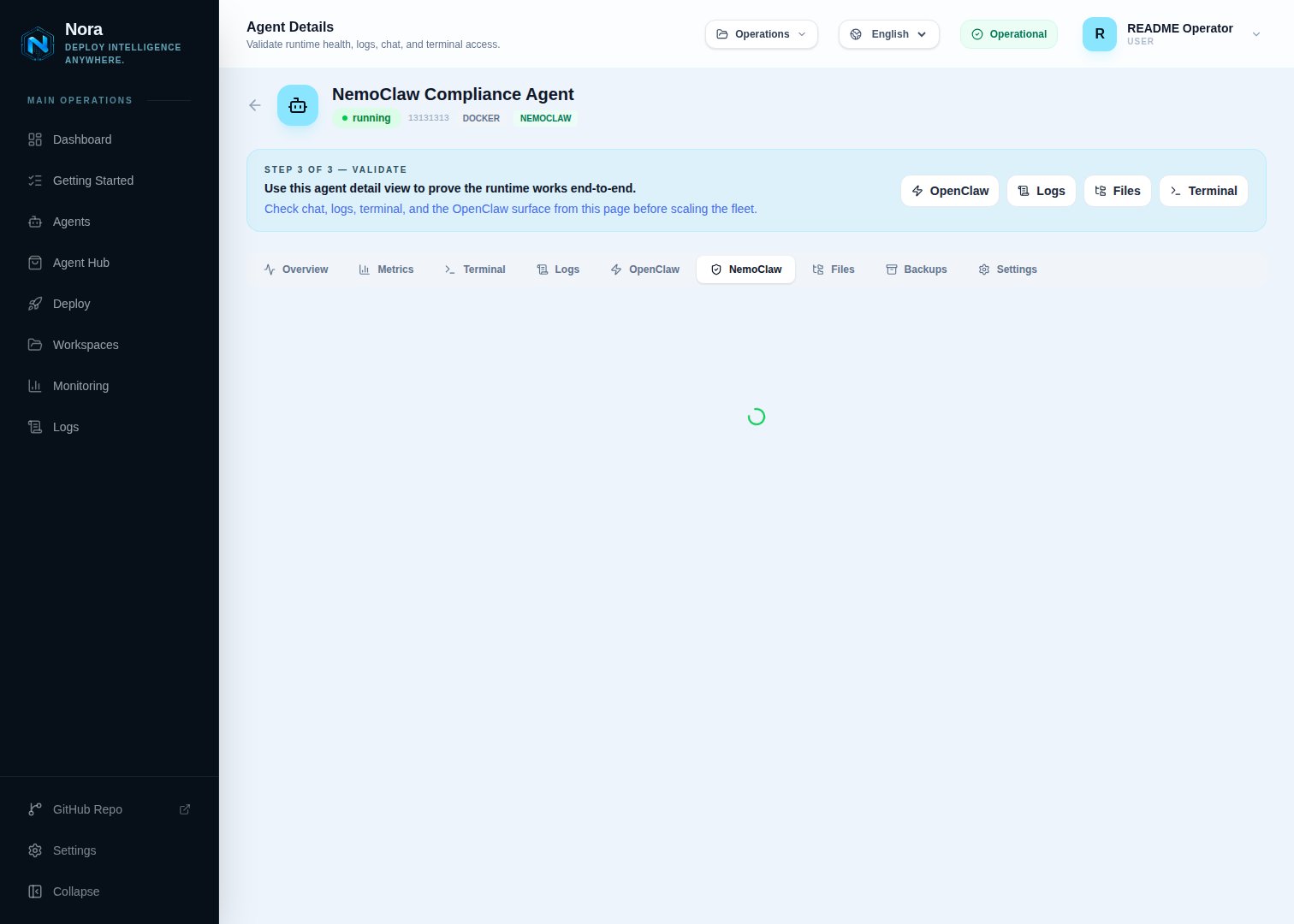 To verify that a NemoClaw agent is running and that the sandbox is healthy:
1. Open the agent's detail page.
2. Look for the **NemoClaw** section or tab.
The status endpoint returns the current sandbox state and policy summary. If the agent is not in a `running` state, the status will reflect the agent's current lifecycle state instead.
You can also call the status API directly:
```http theme={null} theme={null}
GET /api/agents/:id/nemoclaw/status
```
## Manage policies
NemoClaw agents enforce OpenShell policies that control what the agent is allowed to do. You can read and update these policies from the agent's detail page.
**View the current policy:**
1. Open the agent's **NemoClaw** tab.
2. Click **View Policy** or inspect the policy panel.
**Update the policy:**
1. Open the **NemoClaw** tab on the agent's detail page.
2. Edit the allow and deny rules in the policy editor.
3. Click **Save Policy**.
Policies are applied immediately to the running sandbox. You can set rules that allow certain operations unconditionally, deny others outright, or require approval before they proceed.
You can also manage policies through the API:
```http theme={null} theme={null}
GET /api/agents/:id/nemoclaw/policy
POST /api/agents/:id/nemoclaw/policy
```
## Review approvals
To verify that a NemoClaw agent is running and that the sandbox is healthy:
1. Open the agent's detail page.
2. Look for the **NemoClaw** section or tab.
The status endpoint returns the current sandbox state and policy summary. If the agent is not in a `running` state, the status will reflect the agent's current lifecycle state instead.
You can also call the status API directly:
```http theme={null} theme={null}
GET /api/agents/:id/nemoclaw/status
```
## Manage policies
NemoClaw agents enforce OpenShell policies that control what the agent is allowed to do. You can read and update these policies from the agent's detail page.
**View the current policy:**
1. Open the agent's **NemoClaw** tab.
2. Click **View Policy** or inspect the policy panel.
**Update the policy:**
1. Open the **NemoClaw** tab on the agent's detail page.
2. Edit the allow and deny rules in the policy editor.
3. Click **Save Policy**.
Policies are applied immediately to the running sandbox. You can set rules that allow certain operations unconditionally, deny others outright, or require approval before they proceed.
You can also manage policies through the API:
```http theme={null} theme={null}
GET /api/agents/:id/nemoclaw/policy
POST /api/agents/:id/nemoclaw/policy
```
## Review approvals
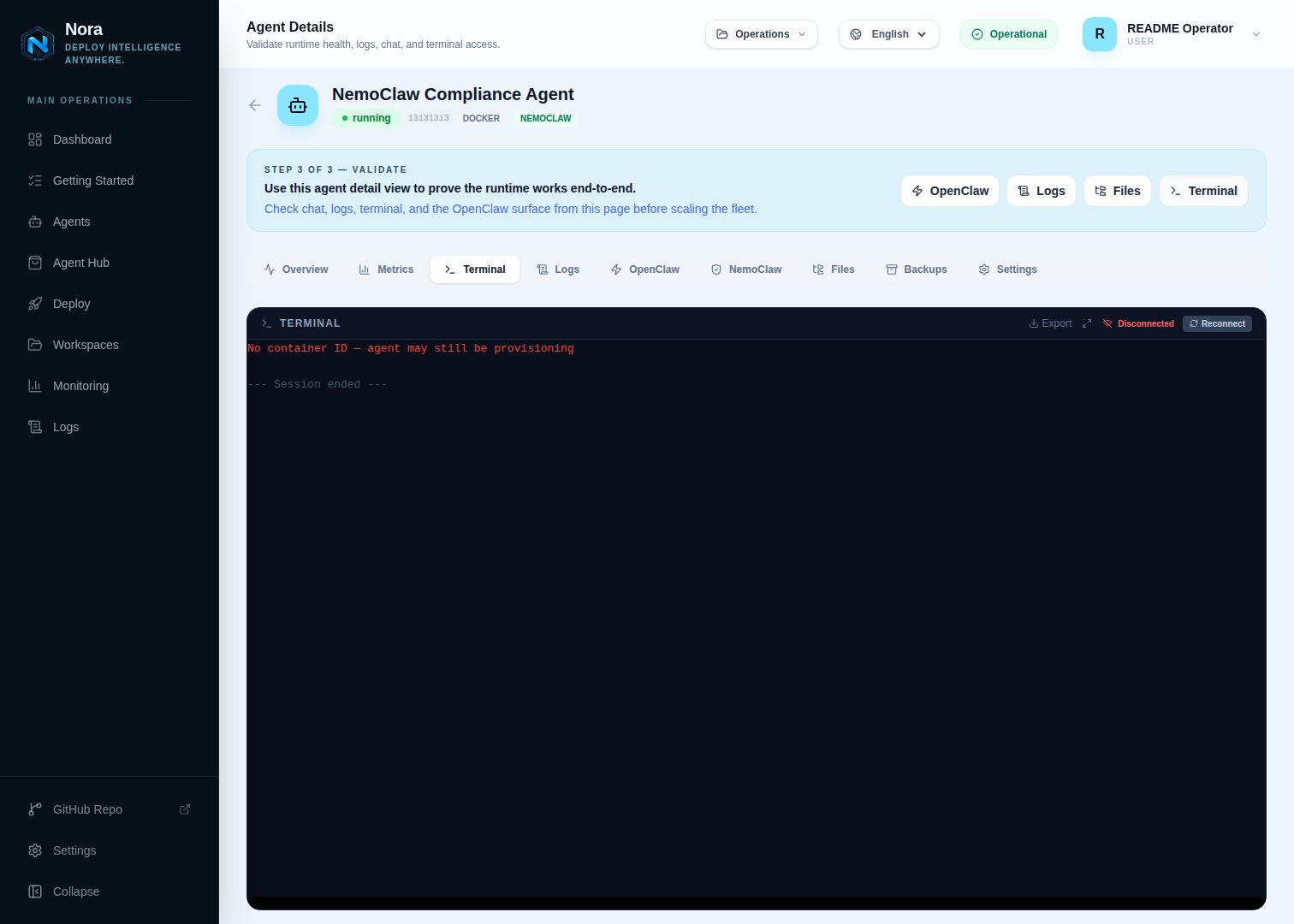 When the agent attempts an action that your policy flags for review, an approval request is created. You can inspect and act on pending approvals from the dashboard or the API.
**From the dashboard:**
1. Open the agent's **NemoClaw** tab.
2. Open the **Approvals** section to see any pending requests.
3. Approve or deny each request.
**From the API:**
```http theme={null} theme={null}
GET /api/agents/:id/nemoclaw/approvals
POST /api/agents/:id/nemoclaw/approvals/:requestId
```
When approving or denying via the API, include a JSON body with the decision:
```json theme={null} theme={null}
{
"decision": "approve"
}
```
or
```json theme={null} theme={null}
{
"decision": "deny"
}
```
If there are no pending approvals, the endpoint returns an empty list rather than an error.
When the agent attempts an action that your policy flags for review, an approval request is created. You can inspect and act on pending approvals from the dashboard or the API.
**From the dashboard:**
1. Open the agent's **NemoClaw** tab.
2. Open the **Approvals** section to see any pending requests.
3. Approve or deny each request.
**From the API:**
```http theme={null} theme={null}
GET /api/agents/:id/nemoclaw/approvals
POST /api/agents/:id/nemoclaw/approvals/:requestId
```
When approving or denying via the API, include a JSON body with the decision:
```json theme={null} theme={null}
{
"decision": "approve"
}
```
or
```json theme={null} theme={null}
{
"decision": "deny"
}
```
If there are no pending approvals, the endpoint returns an empty list rather than an error.