

What are agents in Nora?
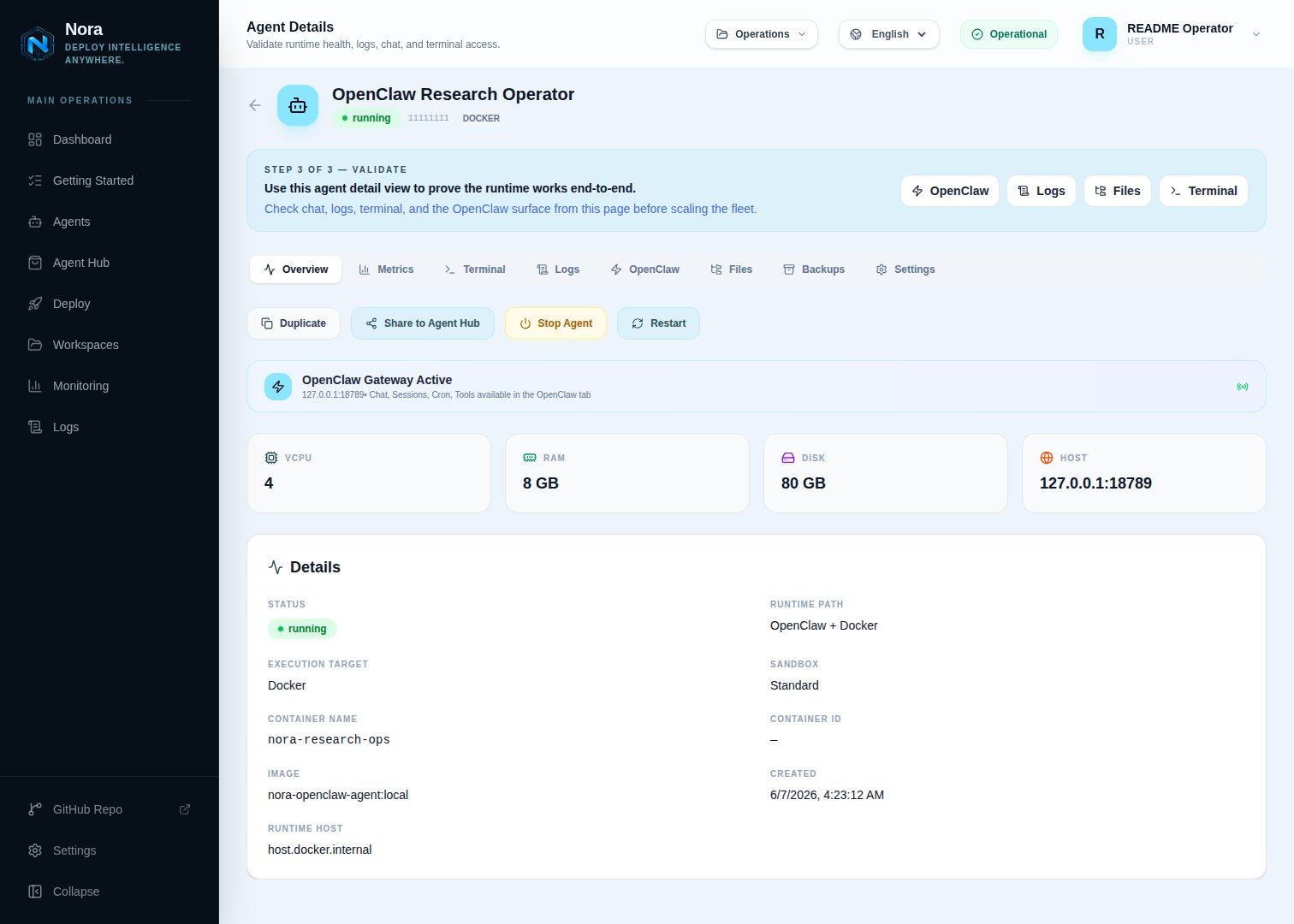
Learn what an agent is in Nora — a deployed runtime inside an isolated container — and understand its lifecycle statuses, resources, and available actions.An agent in Nora is a deployed runtime instance running inside an isolated container. When you deploy an agent, Nora provisions a sandboxed environment with the resources you specify — vCPU, RAM, and disk — and manages that container through its full lifecycle from the dashboard. You interact with a running agent through its gateway (a browser-accessible control UI), a terminal session, chat, and logs, all from a single surface.
Agent lifecycle
Every agent moves through a defined set of states from the moment you deploy it until it is stopped or removed. Understanding these states helps you know what Nora is doing at any point and how to respond when something needs attention.Agent statuses
Nora reconciles agent status in real time when you open an agent detail page. If the actual
container state has changed since the last recorded status, Nora updates the status automatically.
Agent resources
Gateway
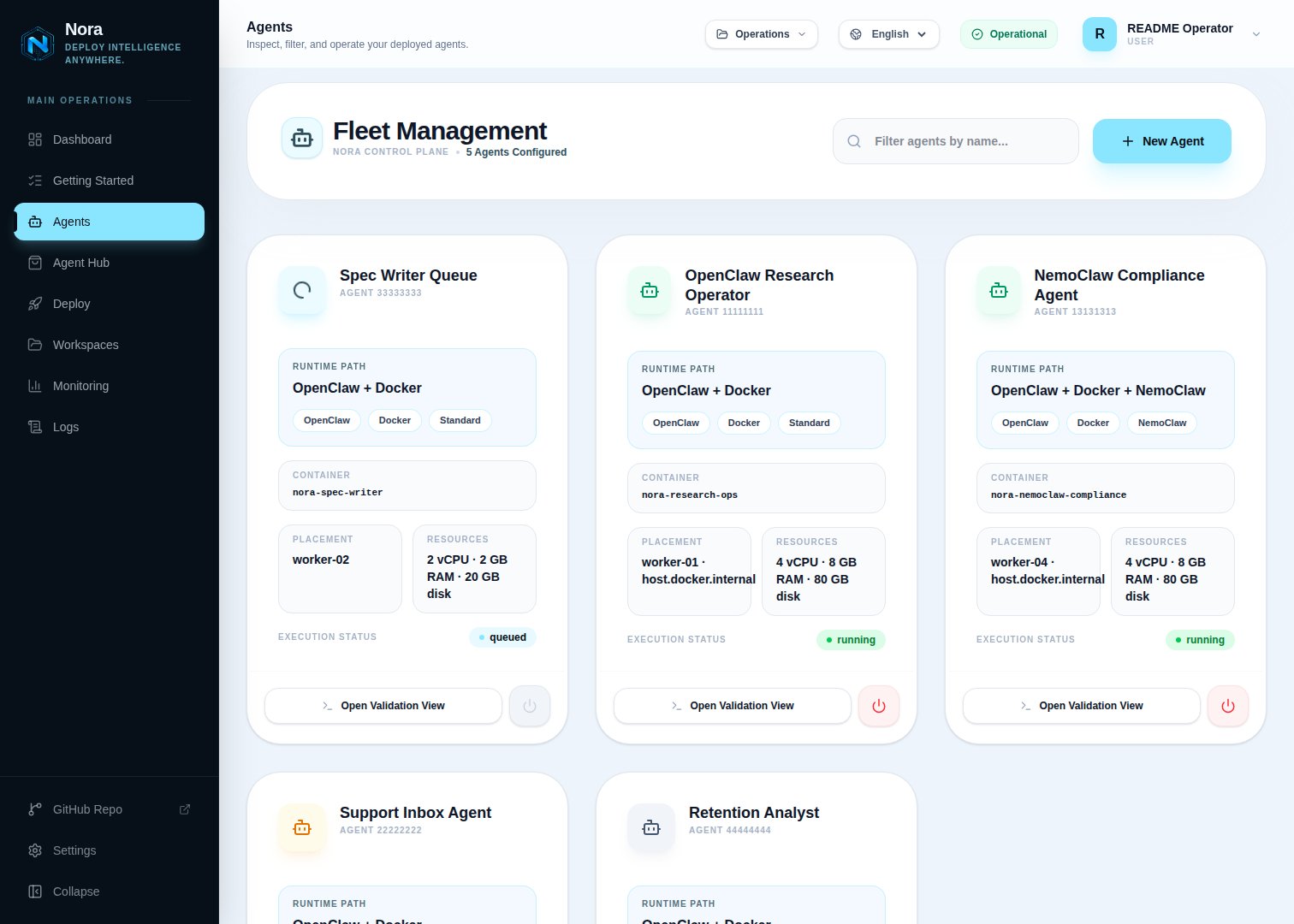
The gateway is the control UI for your running agent runtime. Once an agent reachesrunning status, Nora exposes a gateway URL that opens the agent’s interface directly in your browser. The gateway is only available while the agent is running — attempting to access it in any other state returns an error.
Terminal
Every running agent provides an interactive terminal session connected directly to the agent container. You can open the terminal from the agent detail page to inspect the runtime environment, run commands, or debug issues without leaving the Nora dashboard.Agent lifecycle actions
Start
Start
Starts a stopped agent container. The agent must have an existing container — if it was never deployed or the container was destroyed, you need to deploy it again.
Stop
Stop
Gracefully stops the running container and sets the agent status to
stopped. The agent record
and its configuration are preserved.Restart
Restart
Stops and immediately restarts the agent container. The agent returns to
running status when the
container comes back up.Redeploy
Redeploy
Available when an agent is in
warning, error, or stopped state. Re-queues the agent for a
fresh deployment using the same name, sandbox type, and resource specs. Use this to recover from
failed deployments.Delete
Delete
Permanently removes the agent and destroys its container. This action cannot be undone.
Related concepts
Agent runtimes
Learn about OpenClaw and NemoClaw sandbox types.
Workspaces
Group and organize agents with workspaces.