Self-host Nora on your own infrastructure
Run Nora on your own infrastructure with the one-line installer or Docker Compose. Covers system requirements, install paths, and opening the dashboard.Nora is self-hosted by design. You run the full stack — Nginx, Next.js frontends, Express API, PostgreSQL, and Redis — on infrastructure you control. This page covers system requirements, the two install paths, and how to reach the dashboard once the stack is running.
System requirements
Before you install, make sure your host meets the following requirements.The setup script checks for Docker, Docker Compose 2.24.4 or newer, Git, and OpenSSL and installs
missing prerequisites before proceeding. Standalone
docker-compose v1 is not supported because
Nora’s hardened overlays use modern Compose merge tags.Recommended install
The installer script is the fastest path to a running Nora instance. It handles dependency checks, secret generation, access mode configuration, optional admin account creation, local port selection, and stack startup in one interactive pass.1
Run the installer
Open a terminal and run the command for your platform.
2
Follow the interactive prompts
The installer walks you through each configuration decision in order:
- Verify or install Docker, Docker Compose, Git, and OpenSSL
- Clone the repository (if running via the curl pipe)
- Generate or preserve secrets for JWTs, AES encryption, managed backups, Agent Hub keys, and the database
- Choose platform mode: self-hosted (operator-defined resource limits) or PaaS (Stripe billing)
- Choose whether to keep the GA Docker backend enabled and whether to opt into the experimental Proxmox LXC target. Kubernetes clusters are registered after setup in Admin -> Kubernetes. Proxmox stays disabled by default and requires secure API/SSH configuration plus the real-host smoke test.
- Choose access mode: local only (
http://localhost:8080), public domain behind a proxy, or public domain with TLS at Nginx - Optionally create a bootstrap admin account
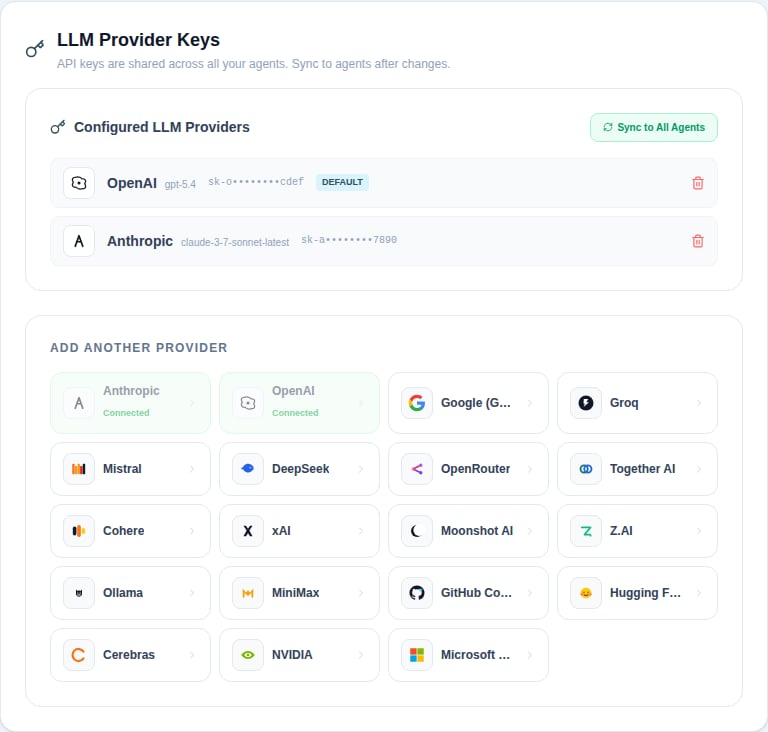
- Start the stack; after login, add your LLM provider key in Settings
.env and starts the stack with docker compose up -d.
On macOS, Linux, and WSL the file is restricted to mode 0600. On Windows, setup removes
inherited access and grants access only to the current user, SYSTEM, and local Administrators;
setup stops if it cannot secure the file.In local mode, setup checks host ports before startup. If
8080 is busy, it offers a free web port such as 8081 and updates NEXTAUTH_URL. If 127.0.0.1:4100 is busy, it offers a free backend API port and writes BACKEND_API_PORT.3
Open the dashboard
The installer prints the base URL it configured. For local mode, the default is:If setup selected a different port, use the printed URL instead. If you skipped the bootstrap admin account, go to
/signup on that origin. On a fresh self-hosted instance the signup page runs in “claim this server” mode and the first account you create becomes the platform admin (see Security architecture). Hosted PaaS cannot skip bootstrap-admin creation.Reconfigure vs clean reinstall
If you run setup again from an existing checkout, it asks which maintenance mode you want:Manual setup
Use manual setup when you want full control over every configuration value before the stack starts.1
Clone the repository
2
Run the setup script from inside the repo
Running If you prefer to configure everything by hand, copy the example environment file instead and edit it directly:
bash setup.sh from inside a cloned repo skips the clone step and takes you through the same interactive configuration flow as the one-line installer.3
Start the stack
Once On Windows, use
.env is configured, run the non-interactive update path once. It materializes the
gitignored Compose secret files, refreshes the hardened overlay, and starts all services:pwsh -File .\setup.ps1 -Update. After this first materialization, ordinary
docker compose up -d commands reuse the protected files.Advanced Linux/macOS operators who intentionally bypass setup can run
bash scripts/materialize-compose-secrets.sh .env before docker compose up -d. Re-run the
helper whenever any of the six core values changes.The production overlay materializes the core JWT, encryption, Agent Hub, backup, and database
credentials as read-only files under /run/secrets for backend and worker containers. Marketing
receives an explicit allowlist of only its runtime/OAuth values, not the complete deploy env.4
Open the dashboard
Once the stack is up, open your browser to
http://localhost:8080. On self-hosted Nora, open /signup to create your operator account if you did not pre-seed a bootstrap admin. On a fresh database this runs as first-run claim, and the first account created becomes the platform admin. Hosted PaaS requires a pre-seeded administrator.Kubernetes (Helm)
Run Nora itself on a Kubernetes cluster with the public OCI chart atoci://ghcr.io/solomon2773/nora. Its source lives in infra/helm/nora. The chart deploys the full control plane (nginx edge, the three frontends, backend API, provisioner and backup workers) with in-chart PostgreSQL and Redis by default, or external data stores via values.
helm show chart oci://ghcr.io/solomon2773/nora, record its version, and pass that value with --version.
The chart refuses to install without real secrets — there are no insecure defaults. New installs
also require distinct workspace/API and Agent Hub hash secrets; older upgrades retain their shared
hash-key fallback until you provide the dedicated Agent Hub value. The selected
Secret is mounted at /run/secrets only in control-plane and PostgreSQL pods; frontend pods do not
inherit it. For a public deployment set publicUrl, enable ingress.*, and terminate TLS at your
Ingress controller.
See the chart README for all values, design notes, and the local Kind smoke test.
Accessing the dashboard
After installation, the following URLs are available in local mode. Public-domain mode uses the same paths on your configured origin.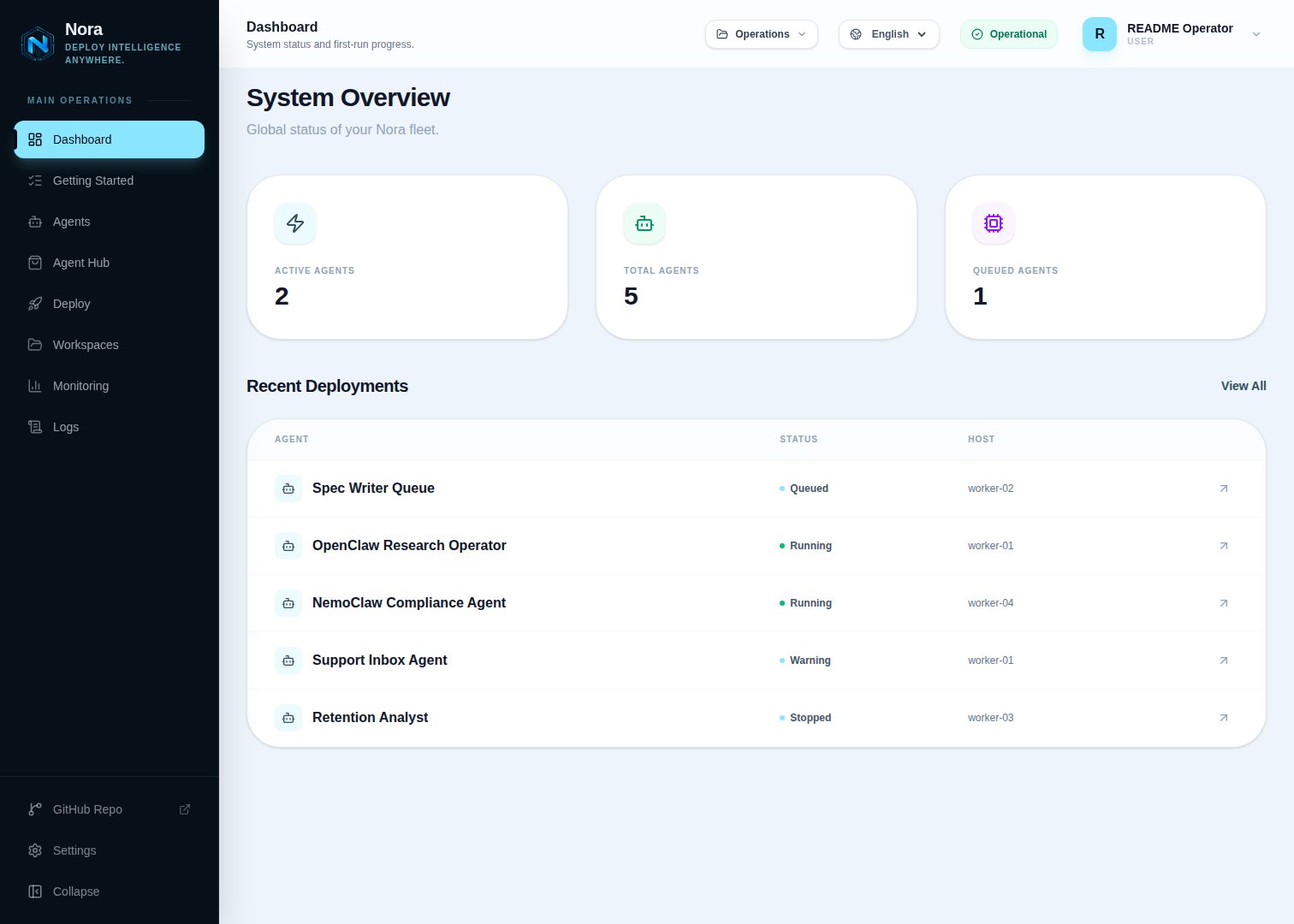
What happens next
Once you can reach the dashboard, the next steps are:- Go to Settings and add an LLM provider key (Anthropic, OpenAI, Google, or another supported provider).
- Go to Deploy, name your agent, choose a runtime mode, set resource limits, and click Confirm & Deploy Agent.
- Open the agent detail page to verify it is running, test Chat, inspect Logs, and open Terminal.