

Agent runtimes and sandbox types
Understand the runtimes Nora supports, including OpenClaw, and how to choose between the GA standard sandbox and the experimental NemoClaw secure sandbox.When you deploy an agent in Nora, you choose both a runtime and a sandbox type. The runtime is the agent framework that runs inside the container — OpenClaw is the primary supported runtime today. The sandbox type controls how that container is provisioned and what security policies are applied to it. Understanding the difference helps you pick the right deployment option for your workload.
What is a runtime?
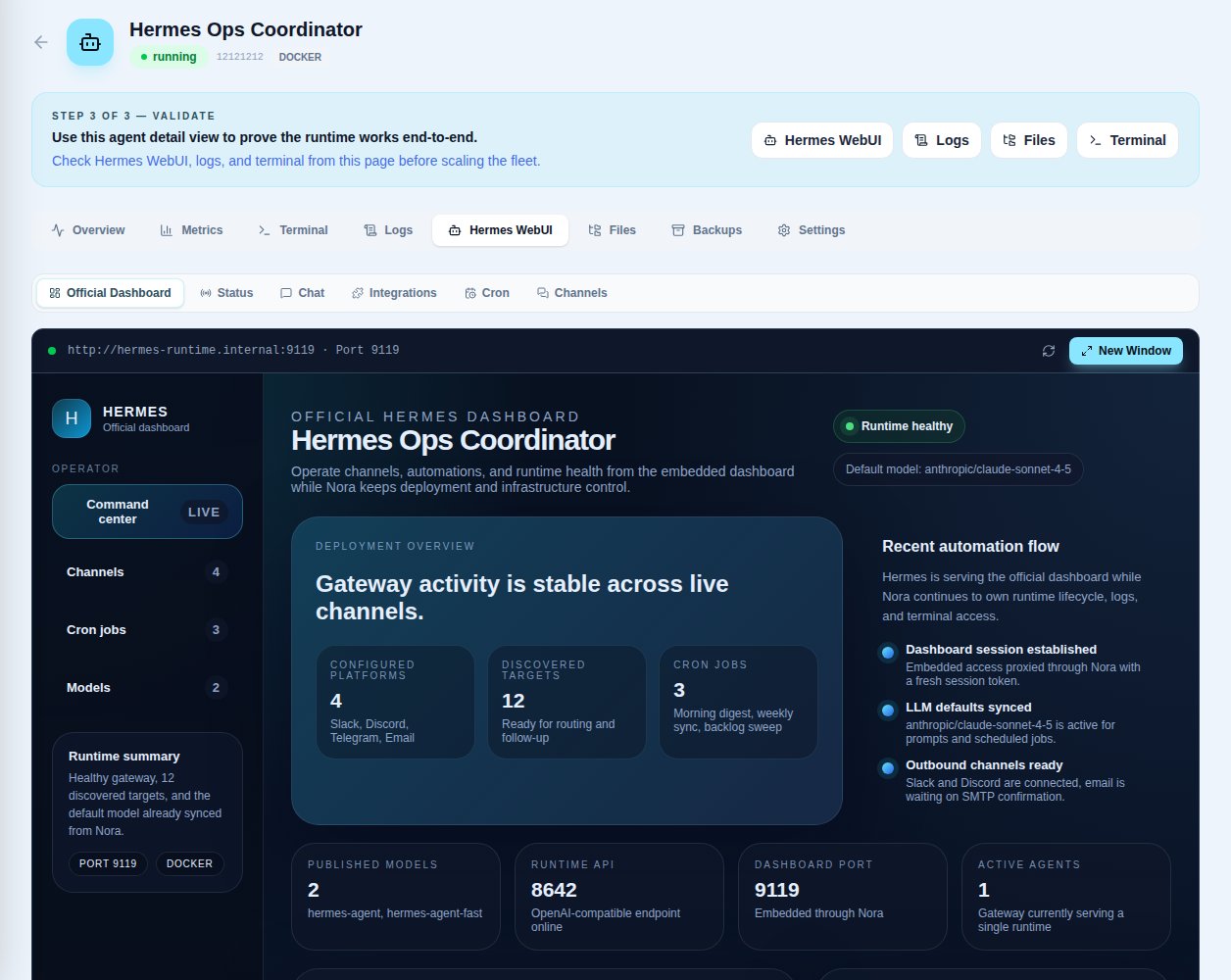
A runtime is the agent framework Nora deploys and manages on your behalf. Nora acts as a control plane: it provisions the container, manages the lifecycle, syncs your provider keys, and gives you access to chat, logs, terminal, and monitoring — regardless of which runtime is running inside.OpenClaw is the most mature and best-supported runtime in Nora today. Nora is designed to support
additional runtimes over time, but OpenClaw is the recommended path for first deployments.
OpenClaw
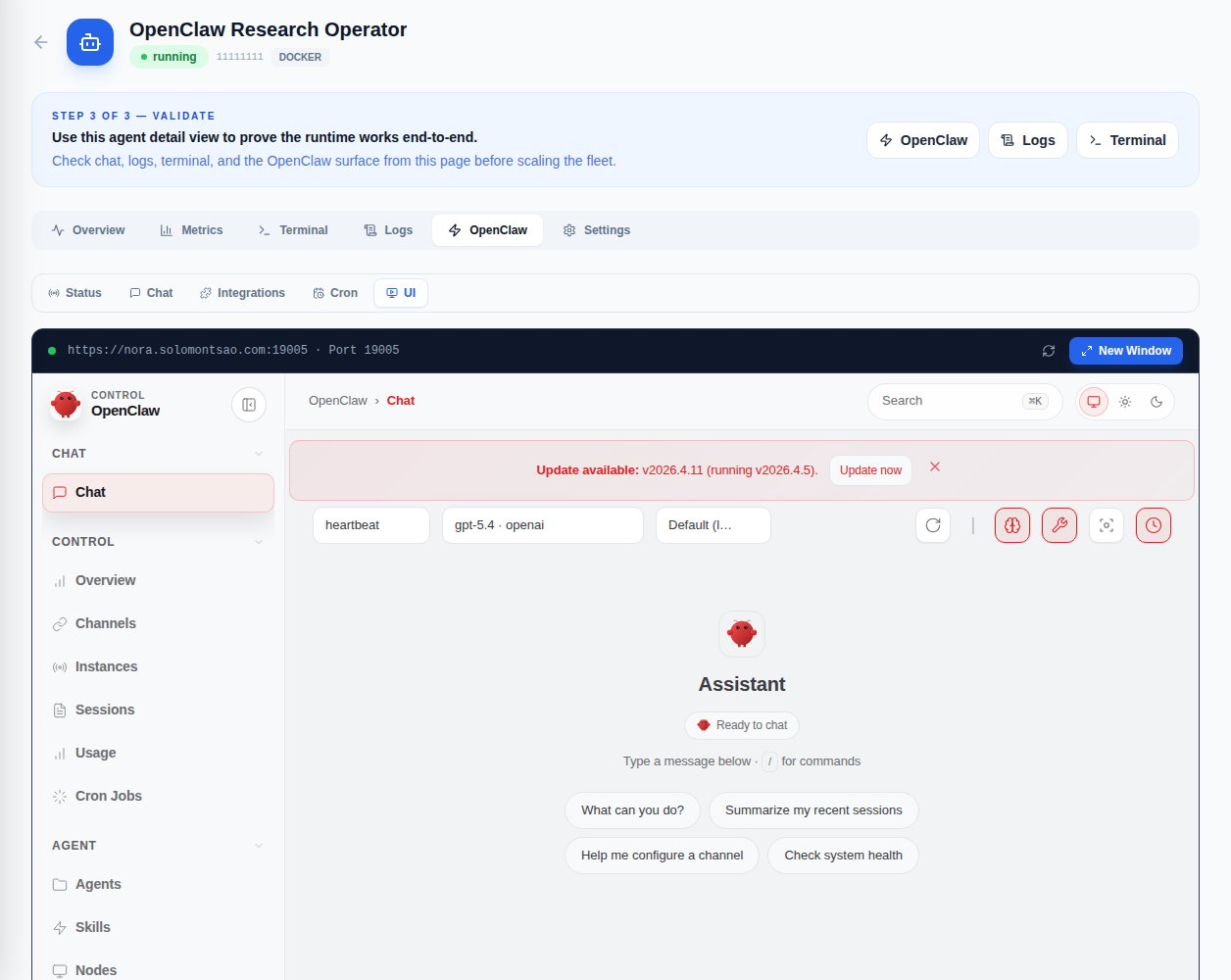
OpenClaw is an open-source agent runtime and the default deployment target in Nora. When you deploy an agent without specifying a sandbox, Nora provisions an OpenClaw instance inside a standard container and exposes it through the gateway.Chat
Use OpenClaw’s chat workflow directly from the Nora dashboard with streaming responses.
Terminal
Open an interactive shell into the running OpenClaw container from the agent detail page.
Logs
Inspect runtime output and activity logs without leaving the dashboard.
Gateway
Access the full OpenClaw control UI through the published gateway URL.
Sandbox types
The sandbox type determines how OpenClaw’s container is provisioned. You choose the sandbox type at deploy time; it cannot be changed without redeploying the agent.Standard sandbox
The standard sandbox (standard) runs OpenClaw inside a Docker container with the resource limits you specify. This is the default option and the right choice for most workloads.
- No additional configuration required
- Supports all agent lifecycle actions (start, stop, restart, redeploy)
- Available in all Nora deployments
NemoClaw sandbox
The NemoClaw sandbox (nemoclaw) is experimental. It runs OpenClaw inside a policy-controlled OpenShell sandbox and routes model inference to configured NVIDIA Nemotron APIs. Nora does not allocate a local GPU device to the container.
Use NemoClaw when you need:
- Stronger runtime isolation for sensitive workloads
- Policy-controlled execution environments
- NVIDIA Nemotron model access through configured API credentials
Choosing a sandbox
Related concepts
Agents
Understand agent lifecycle, statuses, and resources.
LLM providers
Configure provider keys and sync them to your agents.