

Choose a provisioner backend for agents
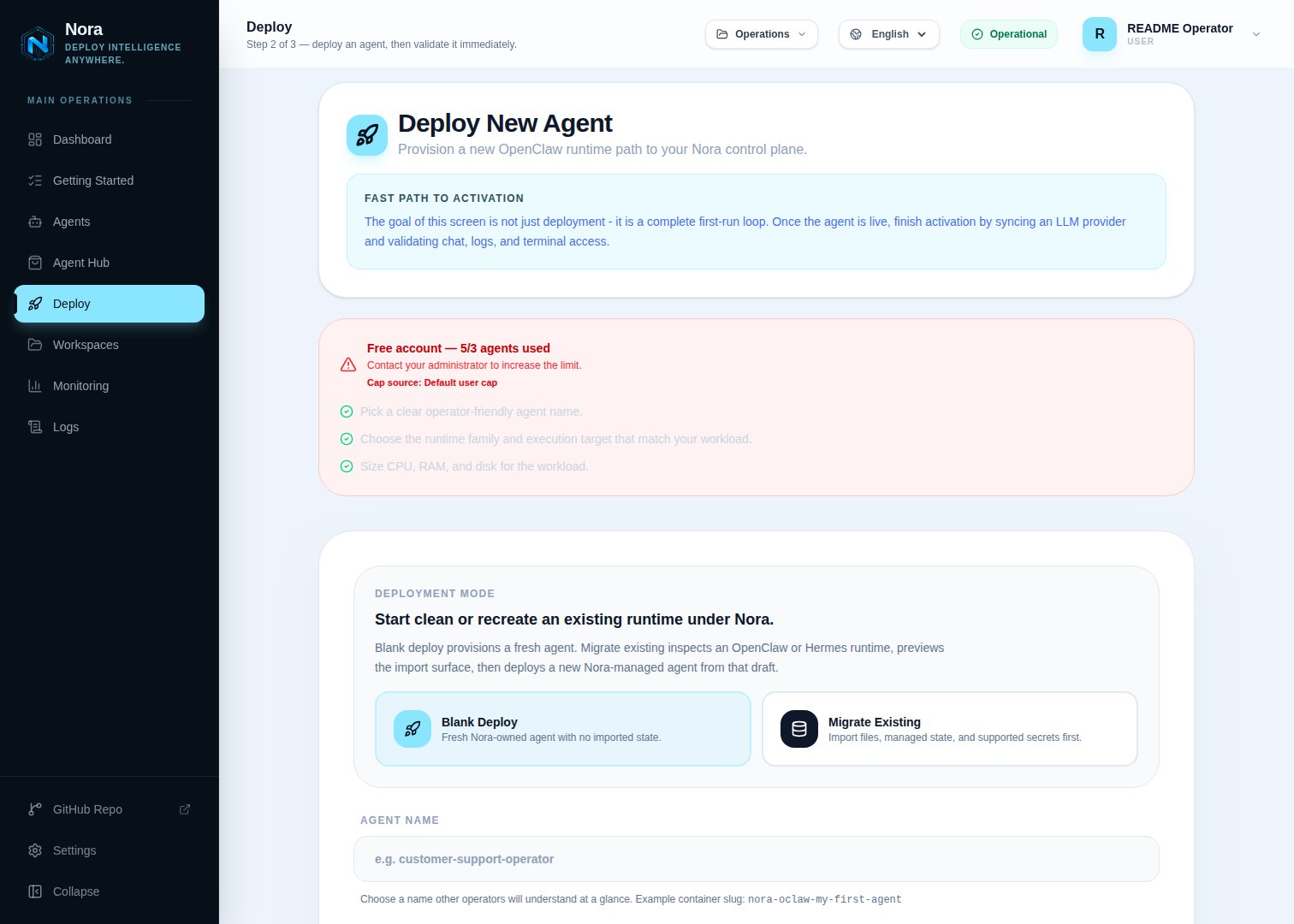
Compare Docker, Remote Docker, Kubernetes, experimental Proxmox LXC placement, and the experimental NemoClaw sandbox profile to pick the right agent isolation and scaling strategy for your Nora deployment.Nora provisions agent runtimes onto execution targets selected in the Deploy flow. Docker and Kubernetes are GA paths. Docker is the default. Remote Docker is a self-hosted-only, experimental bring-your-own-compute path for personal or platform Docker machines reached over SSH. Personal hosts are registered in App -> Remote Hosts; platform admins register shared platform hosts in Admin -> Remote Hosts. Kubernetes clusters are registered in Admin -> Kubernetes so one Nora control plane can manage several clusters at once. Proxmox is an opt-in experimental LXC target for OpenClaw and prepared Hermes images. NemoClaw is an experimental OpenClaw sandbox profile layered onto supported targets, but NemoClaw on Proxmox remains blocked.
Docker
Single-host deployments, local development, and quick evaluation.
Remote Docker (experimental)
Connect and validate a personal or platform Docker host through encrypted credentials and pinned
SSH.
Proxmox (experimental)
Opt-in unprivileged LXC placement through the Proxmox API and pinned SSH.
Kubernetes
K3s, AKS, GKE, EKS, or another conformant Kubernetes cluster.
Comparing backends
Runtime selection
Runtime selection is three-dimensional:ENABLED_BACKENDS=docker for normal onboarding, or docker,proxmox to opt into the experimental LXC path after secure API/SSH configuration. Cluster-only control planes such as the official Helm install use ENABLED_BACKENDS=k8s as a sentinel that disables the local Docker target; it does not create a generic selectable cluster. Concrete Kubernetes deploy targets still come only from the Admin cluster registry. Run the live Proxmox smoke before production use.
Do not add remote-docker to ENABLED_BACKENDS. On a self-hosted Nora control plane, register a personal host in App -> Remote Hosts or a platform host in Admin -> Remote Hosts, then run Test. Each enabled, configured host with a successful Docker-over-SSH test is injected dynamically as remote:<id> for users who can deploy to it. Personal hosts are private unless shared to a workspace; platform hosts default to restricted and support all-account, direct-user, user-group, and workspace grants. The current Deploy picker exposes registered targets only for OpenClaw. Hermes support exists in the backend and worker as an advanced API path, but the current Hermes picker does not list remote hosts. Start with Connect a Remote Docker host, then use the backend reference for the complete SSH host-key, firewall, capacity, access, and recovery contract.
Register Kubernetes clusters in Admin -> Kubernetes. Each enabled registry row with a passing Test result becomes a separate deploy target with an id like k8s:aks-eastus2, while persisted agents still use the base k8s adapter internally. Failed, untested, or disabled clusters stay visible in Admin but are hidden from the Deploy page for both OpenClaw and Hermes. The Deploy page shows the cluster label, provider, actual cluster name, namespace, and exposure mode so operators can tell AKS, GKE, EKS, K3s, Kind, or generic clusters apart.
Each Kubernetes provider guide includes the Admin registry values for that backend. Put kubeconfig files under NORA_KUBECONFIGS_DIR; docker-compose.kubernetes.yml mounts that directory at /kubeconfigs, so Admin rows can point to paths such as /kubeconfigs/aks-eastus2 and /kubeconfigs/aks-westus2.
Kubernetes providers
The Kubernetes adapter is provider-neutral. Nora talks to the Kubernetes API through the kubeconfig stored on each Admin-registered cluster, then creates Deployments and Services for each OpenClaw or Hermes agent. Compose overlays only mount kubeconfig files into the containers; provider, namespace, exposure, Service annotation, and load-balancer options are saved on the Admin cluster row.Generic Kubernetes
Adapter contract, exposure modes, namespace, service annotations, and RBAC expectations.
K3s
Lightweight self-hosted Kubernetes setup through the generic Kubernetes overlay.
AKS
Azure Kubernetes Service setup through the generic Kubernetes overlay.
GKE
Google Kubernetes Engine setup through the generic Kubernetes overlay.
EKS
Amazon EKS setup through the generic Kubernetes overlay.