

Deploy and manage AI agents in Nora
Learn how to deploy, configure, start, stop, and delete AI agents from the Nora dashboard, including sandbox types and lifecycle states.Nora gives you a single place to deploy and operate AI agent runtimes. From the Deploy page you choose the runtime family, one exact execution target, resource allocation, and sandbox profile, then Nora queues the deployment, provisions the runtime, and brings the agent online. Once an agent is running, you can chat with it, inspect its logs, and open an interactive terminal — all from the same dashboard.
Before you start
Make sure you have at least one LLM provider key saved in Settings before deploying. Agents need a provider key to run chat workflows. See Add and sync LLM provider keys to set one up.Deploy an agent
1
Open the Deploy page
Navigate to Deploy in the sidebar. This is the starting point for every new agent.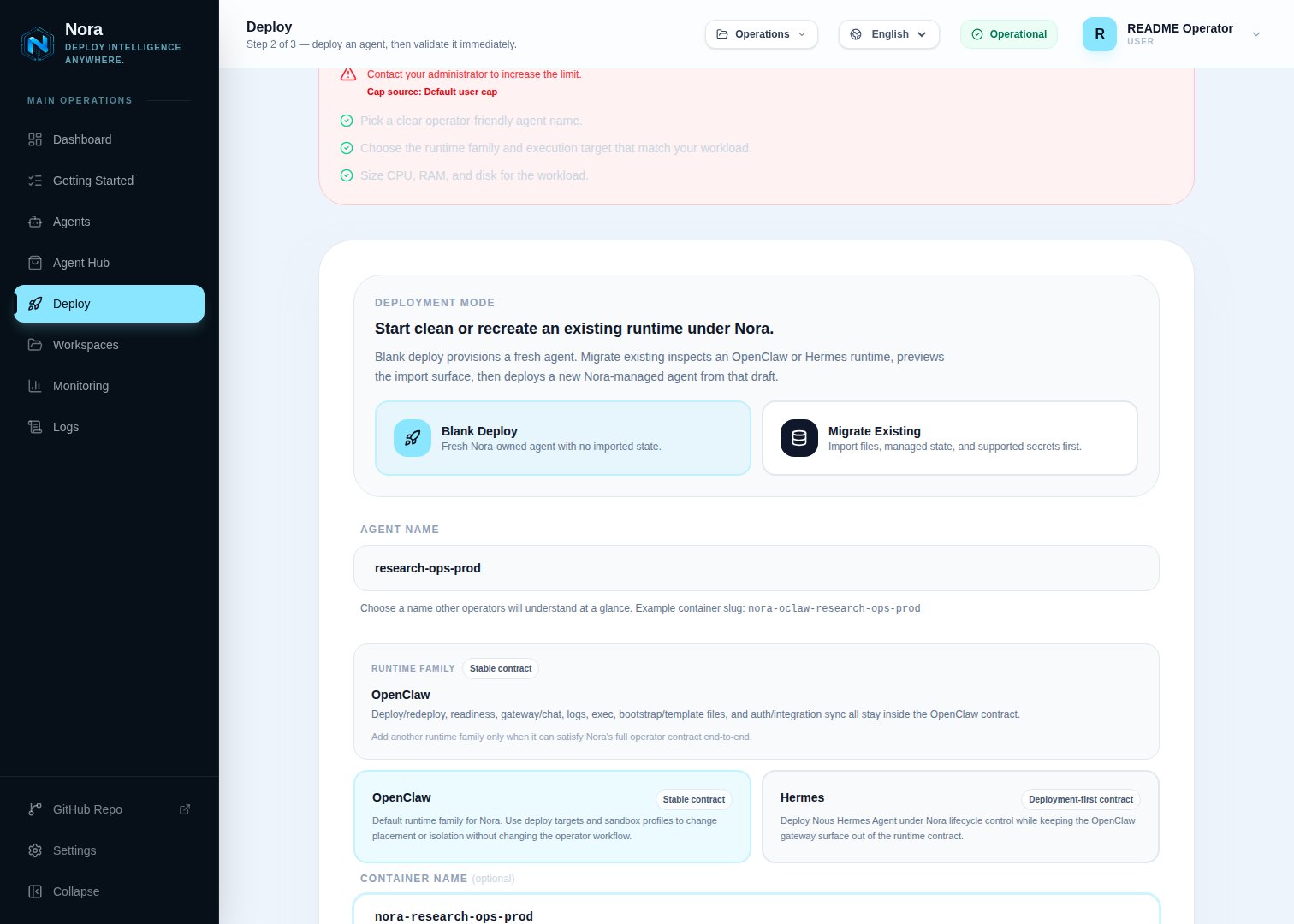
2
Enter a name
Type a name for your agent. Names are limited to 100 characters. If you leave the field blank,
Nora generates a default name such as
OpenClaw-Agent-472.3
Choose the runtime family
Select OpenClaw or Hermes when more than one family is enabled. The runtime family controls
the agent contract; it does not decide where the workload runs.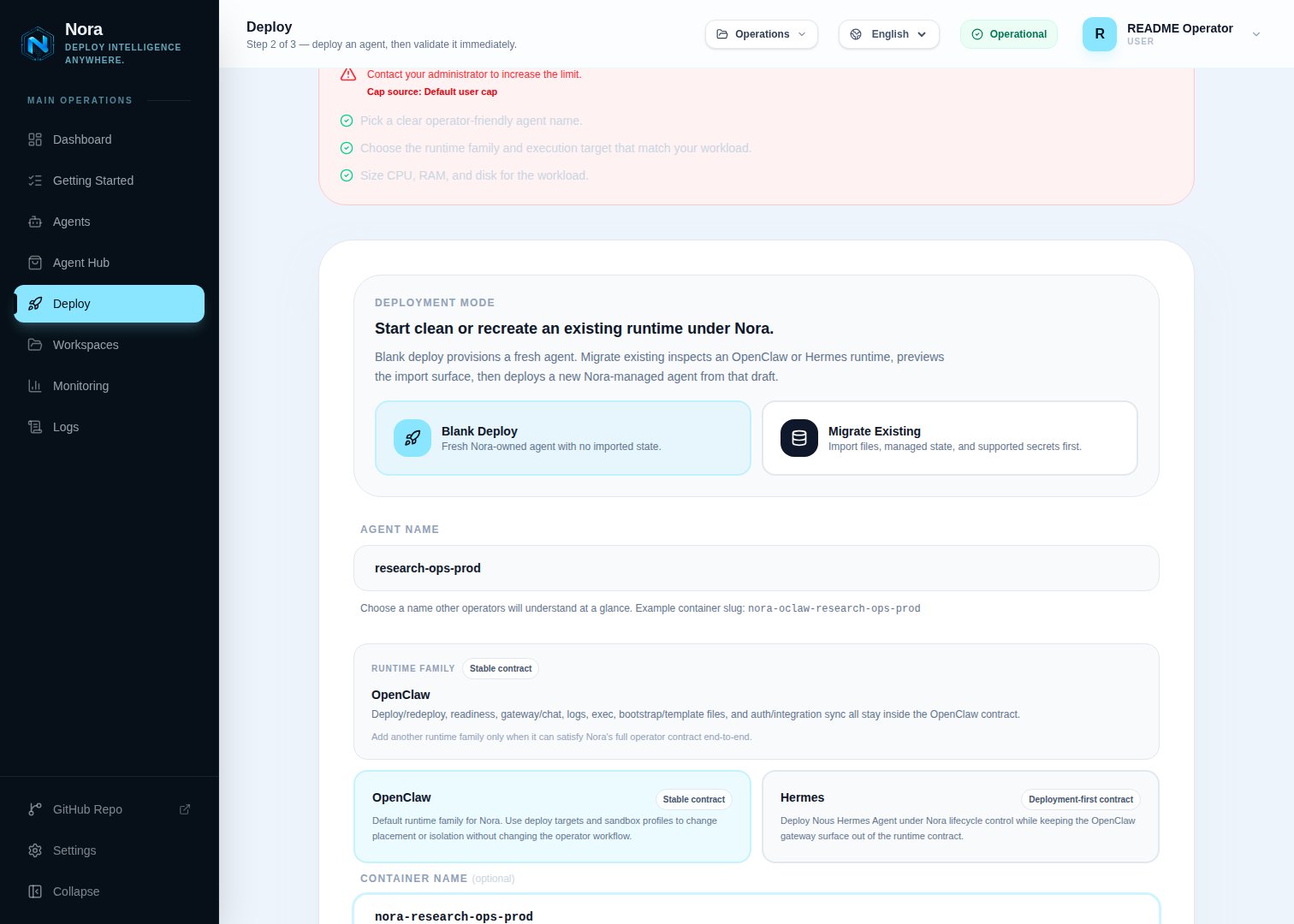
4
Choose the execution target
Select the exact destination: local Docker, a registered
k8s:<id> cluster, a registered
remote:<id> Docker host, or another enabled experimental target. Nora records that concrete
target on the agent and does not automatically place, fail over, or rebalance it onto a different
target.A Remote Docker host appears only when its latest manual connection test succeeded and you can
deploy to it. Personal hosts allow their owner plus editor, admin, or owner members of a
granted workspace. Platform hosts allow platform admins, all accounts when enabled, directly
granted users, matching user groups, and editor+ members of a granted workspace. Workspace
viewers can see the host but cannot select it. The current picker exposes Remote Docker only for
OpenClaw; see the
Remote Docker backend reference
for the experimental Hermes API path.5
Choose a sandbox profile
Select the sandbox that will run your agent. See the sandbox comparison table
below for details on each option. Hermes supports only the standard profile.
6
Set resource limits
Specify the vCPU count, RAM (MB), and requested disk size (GB). In self-hosted mode these values
are clamped to the operator-configured limits. In PaaS mode Nora uses the platform-wide deployment
defaults configured by the operator; plan tiers currently control deployment count rather than
per-agent resource sizes. Docker and Remote Docker enforce the CPU and memory settings, but
disk_gb is deployment metadata, not a Docker storage quota. Monitor the host filesystem, images,
volumes, writable layers, and logs, and verify the selected host has enough aggregate headroom
before deploying.7
Choose deploy-time skills
Blank deploys include a per-family skills step: the primary button reads Next: Choose
Skills and opens the skills picker for the selected runtime family. OpenClaw agents pick
from ClawHub. Hermes agents pick from the Hermes Skills Hub, with your instance’s
curated Skills Library shown first for one-click selection — any operator can pin a skill
to the shared library from the picker’s detail panel or from a running Hermes agent’s Skills
tab. Selected skills are saved on the agent record and installed automatically once the
runtime is ready. Adopting an external runtime skips this step, and you can always continue
without selecting any skills.
8
Confirm and deploy
Click Deploy Agent & Open Validation on the skills page. Nora creates the agent record with a 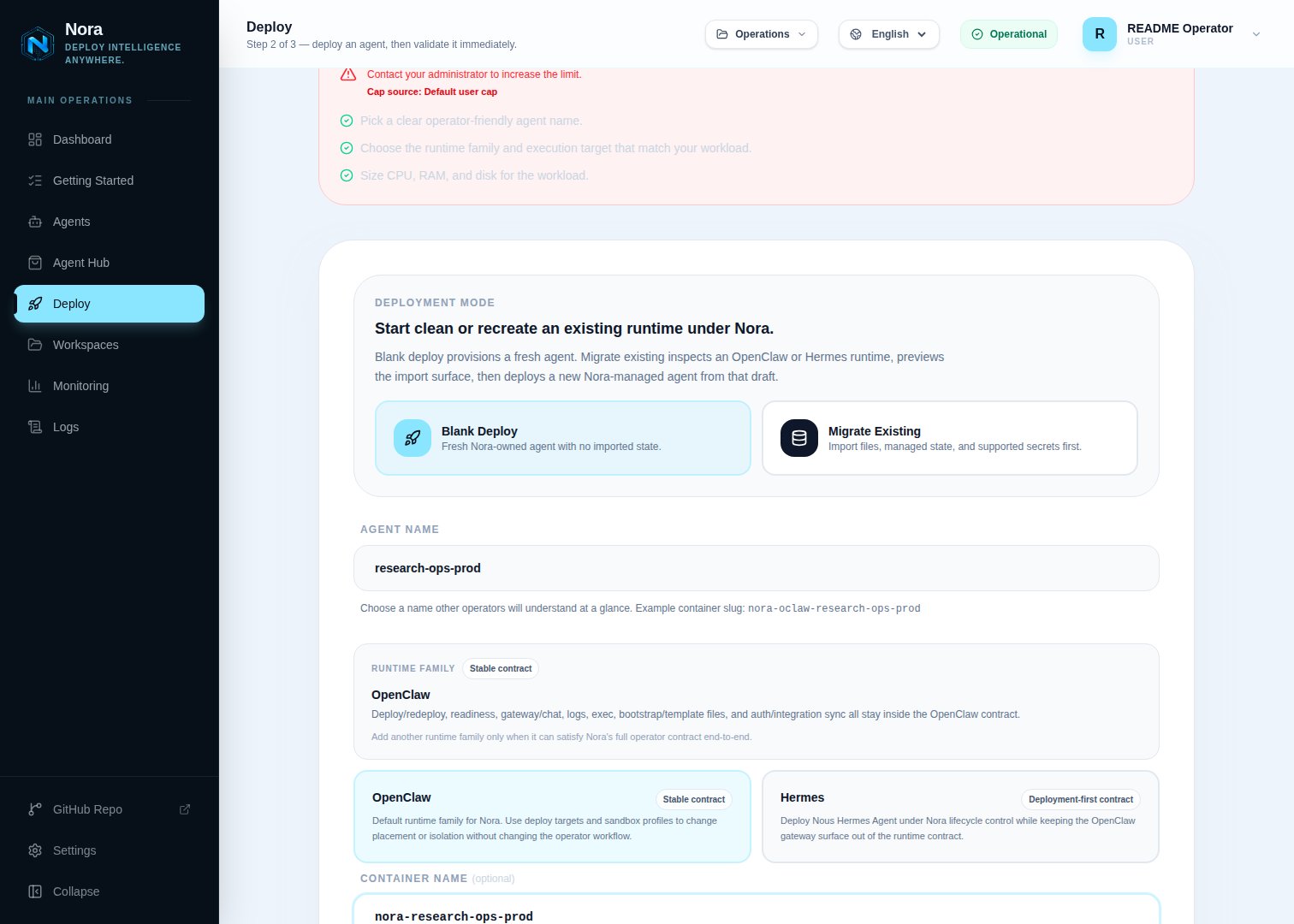
queued status and adds a deployment job to the queue.Migrate an existing agent
Choose Migrate on the Deploy page when you want Nora to recreate an existing OpenClaw or Hermes agent under control-plane management.- Upload a bundle is the supported path for ordinary operators and cross-host migration. Export a Nora migration bundle or supported legacy template from the source, upload it, review the draft, then deploy a fresh Nora-managed runtime.
- Live Pull reads through the backend Docker socket and is therefore available only to a platform admin on a self-hosted control plane. It can inspect a local Docker container; hosted users, non-admin users, and workspace API keys cannot invoke it.
- Live SSH pull is disabled. Nora will not send migration credentials to a host until that path can require independently verified host-key trust. Export and upload a bundle from remote machines instead.
What happens during deployment
After you submit the deploy, the deployment moves through three stages:- Queued — The agent record is created and a deployment job is queued. The status is set to
queuedimmediately so you can track progress. - Deploying — A provisioner worker is creating the workload on the execution target and waiting for readiness.
- Running — Nora has completed provisioning and the runtime passed its readiness path.
If the container cannot start, the status transitions to
error or warning. From either of
those states you can redeploy the agent (see below).Lifecycle actions
Once an agent exists you can manage it from its detail page. The following actions are available:Access chat, logs, and terminal
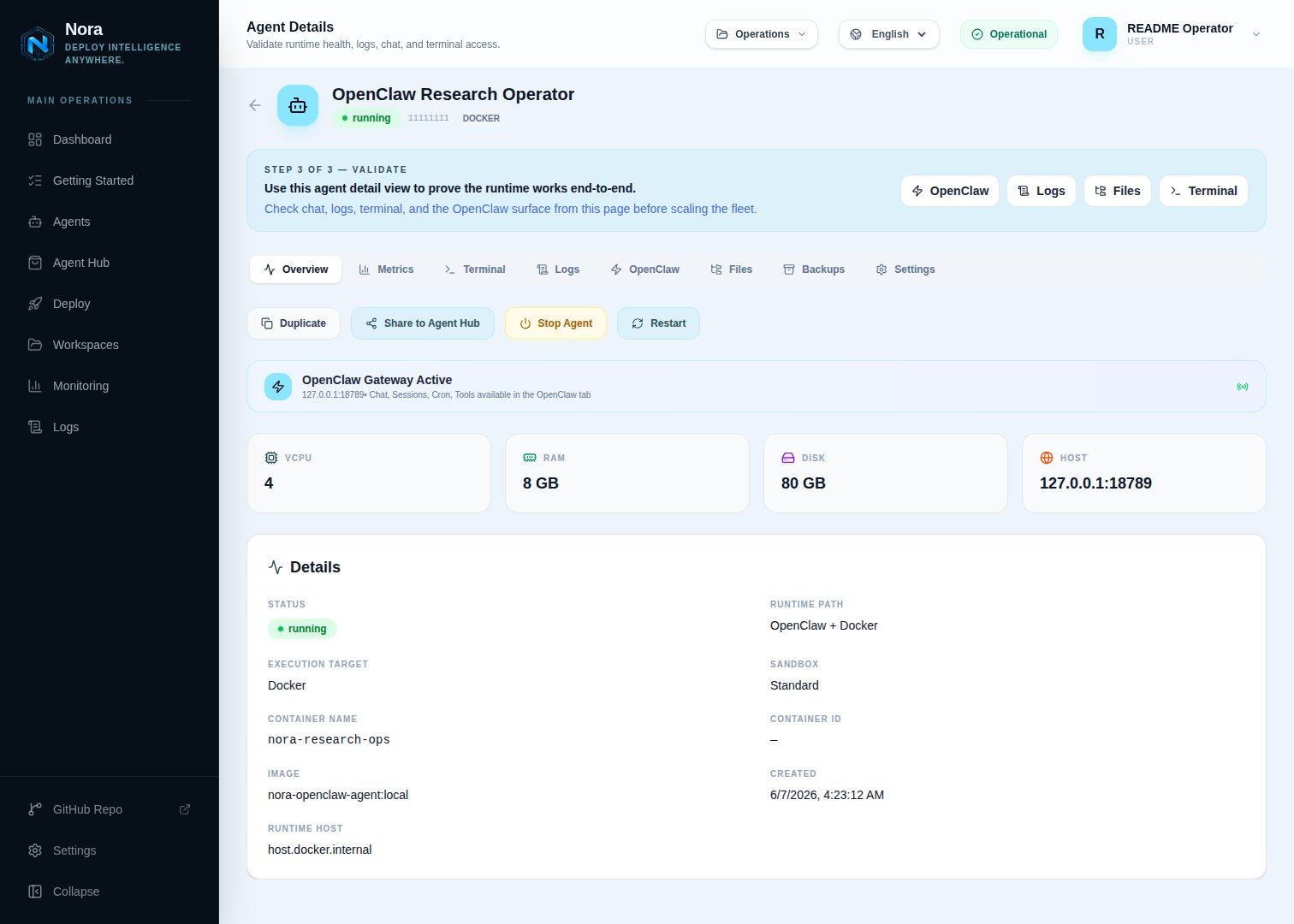
- Chat — Send messages to the agent runtime using the OpenClaw chat interface with streaming responses.
- Logs — View live and historical log output from the agent container.
- Terminal — Open an interactive terminal session connected to the running agent.
running. Logs are accessible regardless of status.
Sandbox types
Nora supports the GA standard sandbox and the experimental NemoClaw sandbox profile. Choose the one that fits your security and model requirements.
For a full guide to NemoClaw agents, see Run secure agents with NemoClaw sandboxes.