

Run secure agents with NemoClaw sandboxes
Deploy agents with Nora’s experimental NVIDIA NemoClaw sandbox profile for OpenShell policy controls, approval workflows, and Nemotron model support.NemoClaw is an experimental sandbox profile that wraps the OpenClaw agent runtime with NVIDIA OpenShell policy controls. Instead of running your agent with the standard sandbox profile, NemoClaw adds a policy layer that can allow or deny specific actions the agent tries to take, and can require operator approval before certain operations proceed. This makes it well-suited for security-sensitive workflows, compliance environments, or any situation where you need auditability and control over what an agent is permitted to do.
When to use NemoClaw
Use a NemoClaw sandbox when:- You need to restrict or audit the actions your agent takes at runtime.
- Your organization requires approval workflows before the agent performs sensitive operations.
- You want to use NVIDIA Nemotron models, which are only available in the NemoClaw sandbox.
- You are operating in a compliance-sensitive environment where a standard Docker sandbox is insufficient.
Supported Nemotron models
NemoClaw agents use NVIDIA’s Nemotron family of models via the NVIDIA API. The following models are supported:To use these models, save an NVIDIA API key in Settings under the NVIDIA provider. If no user
key is saved, self-hosted operators may provide a platform fallback with
NVIDIA_API_KEY, but
user keys are preferred because they keep usage attribution tied to the deploying account.Supported deploy targets
NemoClaw runs as an OpenClaw sandbox profile on these deploy targets:
The default sandbox image is
ghcr.io/solomon2773/nora-nemoclaw-agent:latest. Nora refreshes that
mutable registry tag before Docker or Remote Docker creates a sandbox. Normal local setup and the
official single-host production deploy rebuild the exact nora-nemoclaw-agent:local tag when it is
selected. For Remote Docker hosts, air-gapped hosts, or private Kubernetes clusters, build and
preload the image on each target yourself. Custom local tags, versioned tags, and digest references
remain operator-owned and must be refreshed deliberately after a Nora OpenClaw pin changes.
If you override OPENCLAW_DOCKER_PACKAGE, build or preload a NemoClaw image containing that exact
OpenClaw version and point NEMOCLAW_SANDBOX_IMAGE at the matching pinned reference. NemoClaw runs
non-root and deliberately fails closed rather than replacing a mismatched global OpenClaw install
inside the sandbox.
Deploy a NemoClaw agent
Deploying a NemoClaw agent follows the same steps as a standard agent, with one difference in the sandbox selection.1
Open the Deploy page
Navigate to Deploy in the sidebar.
2
Enter a name and set resources
Enter an agent name and configure vCPU, RAM, and disk as you would for any agent.
3
Select the NemoClaw sandbox
In the Sandbox type field, choose NemoClaw. If this option is greyed out or returns an
error, NemoClaw is not enabled on your instance.
4
Confirm and deploy
Click Confirm & Deploy Agent. Nora queues the deployment with
sandbox: nemoclaw. The deployment type is logged as NemoClaw + OpenClaw.Check NemoClaw status
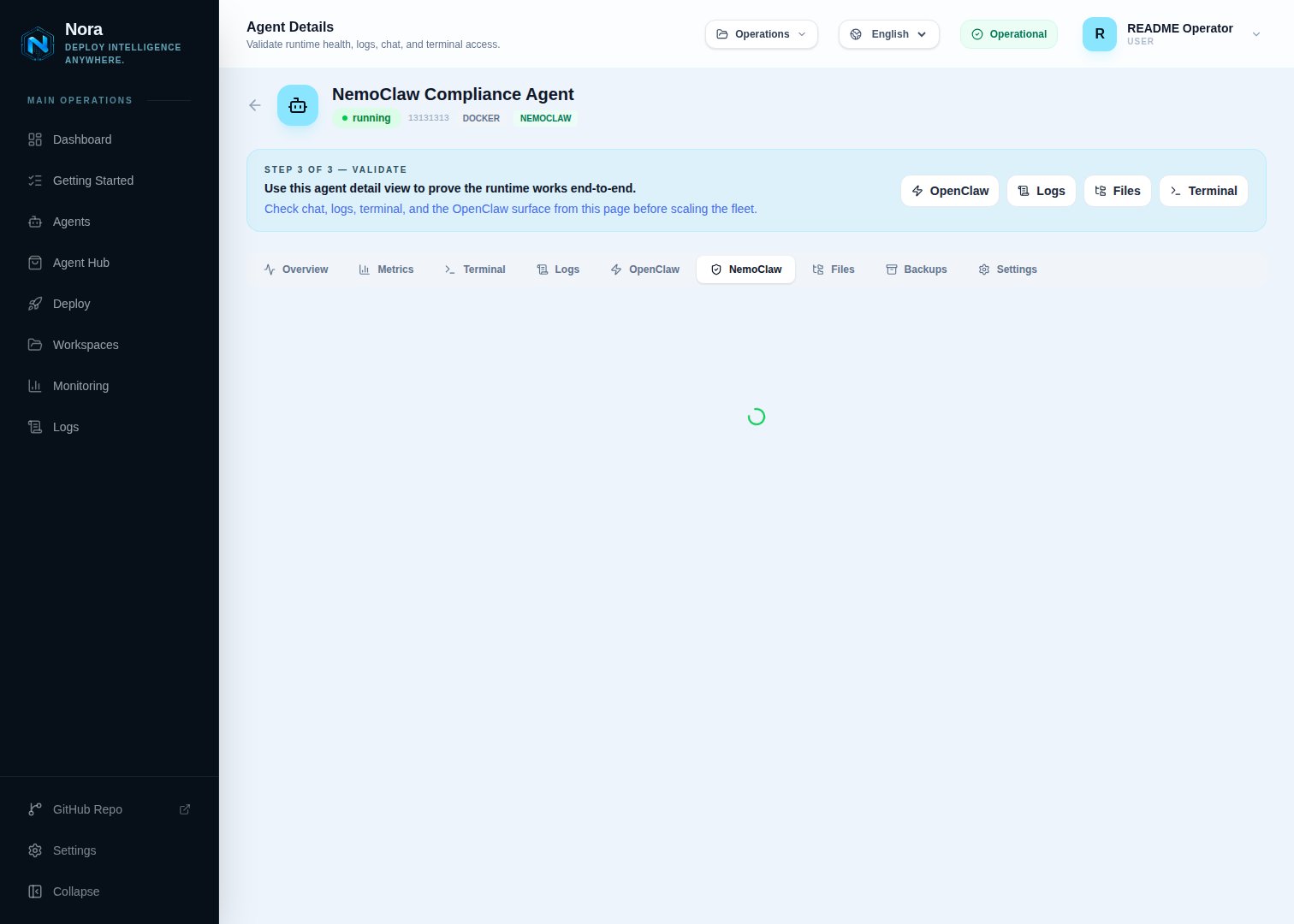
- Open the agent’s detail page.
- Look for the NemoClaw section or tab.
running state, the status will reflect the agent’s current lifecycle state instead.
You can also call the status API directly:
Manage policies
NemoClaw agents enforce OpenShell policies that control what the agent is allowed to do. You can read and update these policies from the agent’s detail page. View the current policy:- Open the agent’s NemoClaw tab.
- Click View Policy or inspect the policy panel.
- Open the NemoClaw tab on the agent’s detail page.
- Edit the allow and deny rules in the policy editor.
- Click Save Policy.
Review approvals
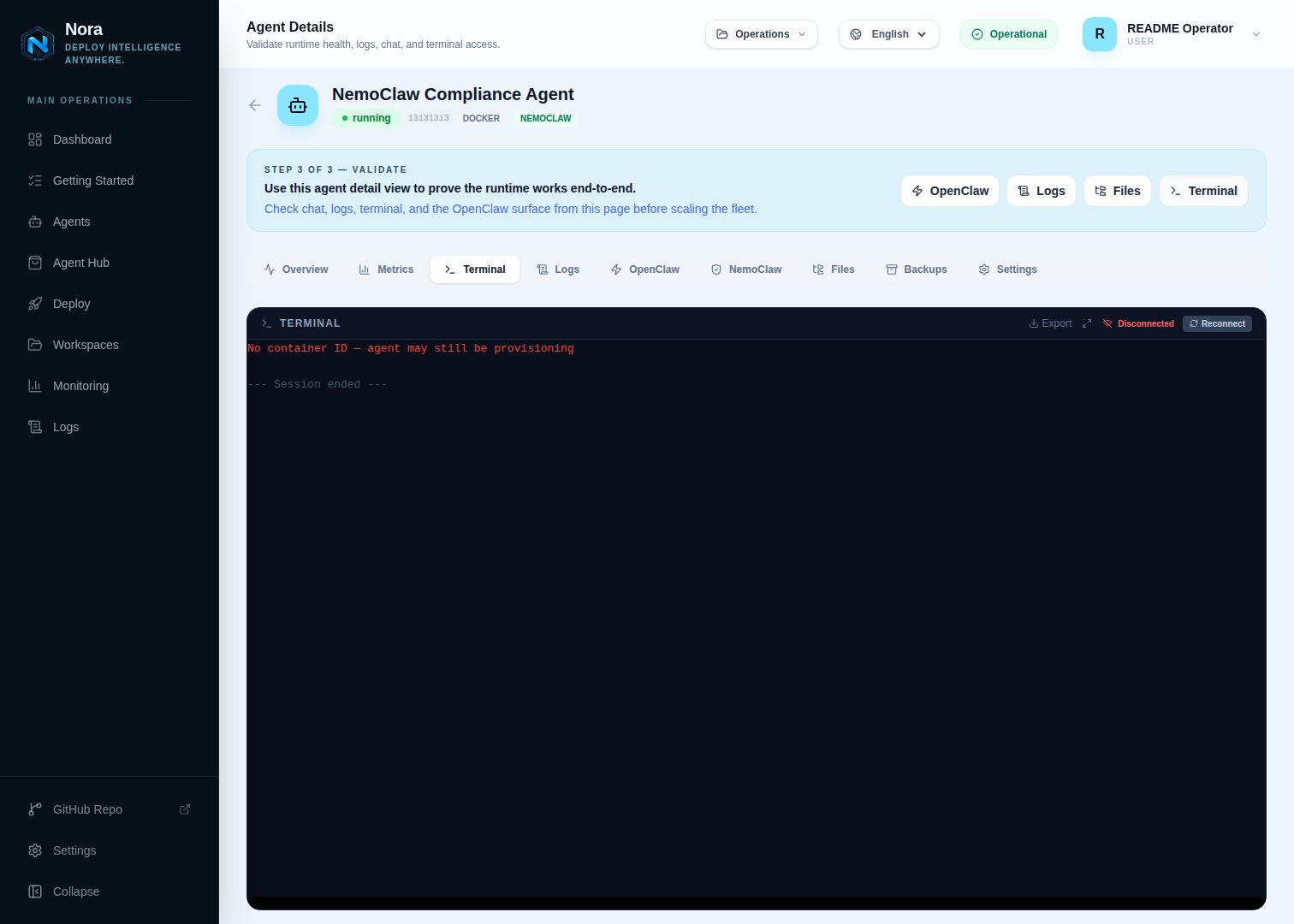
- Open the agent’s NemoClaw tab.
- Open the Approvals section to see any pending requests.
- Approve or deny each request.