

Docker provisioner backend
Run Nora agents as containers on the same Docker host as the Nora control plane.Docker is the default execution target. It is the fastest path for local development, evaluation, and lean self-hosted installs.
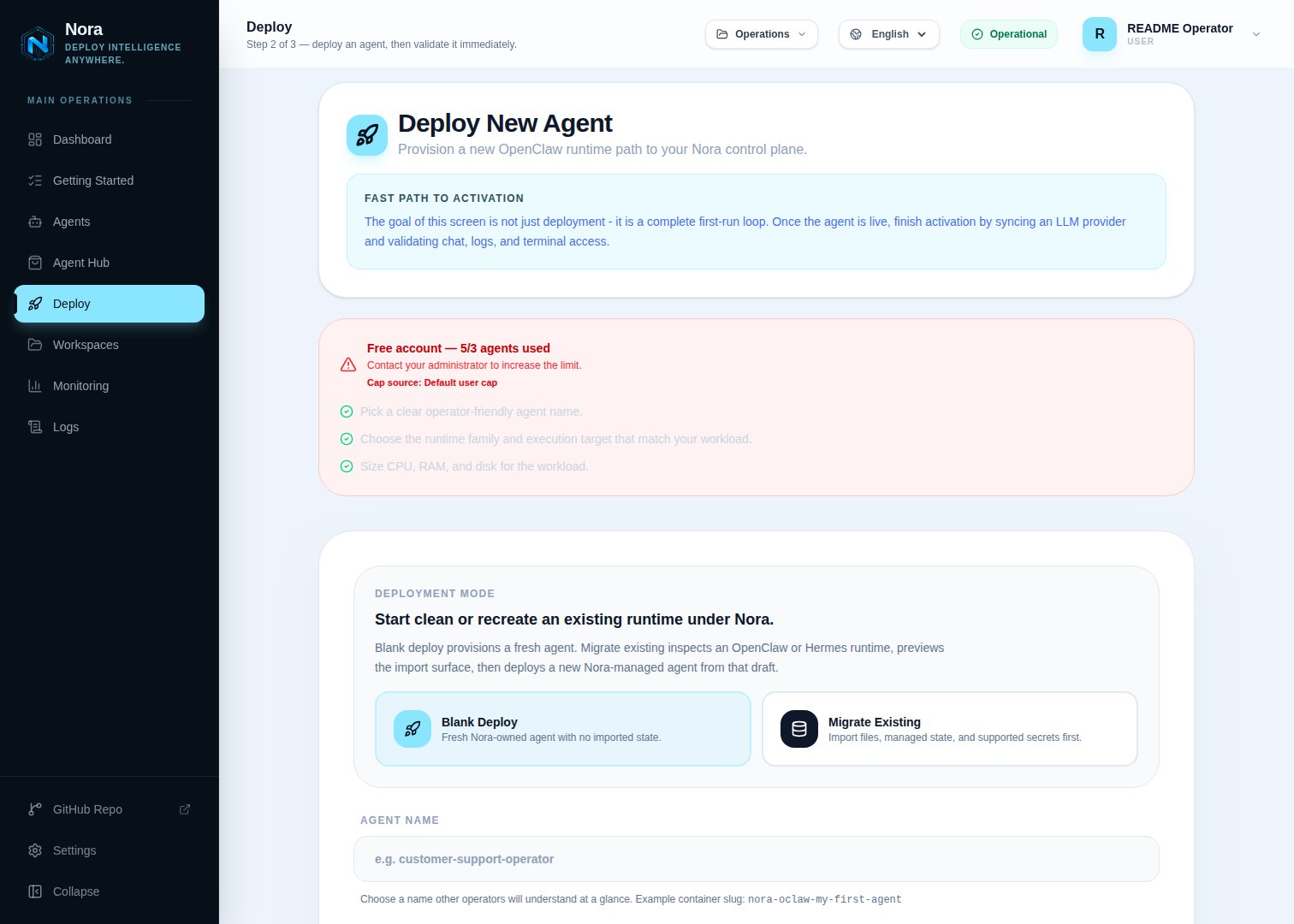
Configuration
docker-compose.yml mounts the host Docker socket into backend-api, worker-provisioner, and worker-backup so lifecycle operations can create, stop, restart, inspect, and delete agent containers.
Docker-published agent gateway and runtime ports bind to 127.0.0.1 by default. This keeps the unauthenticated host-port surface off the LAN while Nora’s control-plane proxy remains available through the normal application origin. If a trusted remote client must connect directly, set DOCKER_AGENT_BIND_IP to a specific host interface and protect that interface with a firewall or authenticated reverse proxy. Avoid 0.0.0.0 on internet-reachable hosts.
Nora reserves each agent’s published gateway port in PostgreSQL. Local deployments also inspect ports published by running Docker containers and retry bounded bind conflicts, so an unrelated workload already using the first port in the configured 19000-19999 range does not leave an agent stuck on every queue retry. See Environment variables to narrow the allocation range.
Resource limits
Self-hosted resource ceilings apply to Docker-backed deployments:Verification
Start the default stack:docker in enabledDeployTargets. The one-click zero-key path additionally requires capabilities.localDockerDemo.enabled to be true, which confirms the exact openclaw + docker + standard tuple is enabled; the activation endpoint still performs a live Docker-daemon check before queueing work.
When to use Docker
Use Docker when:- Nora and the agents can run on one host.
- You want the simplest operational model.
- You are evaluating Nora before moving agents to Kubernetes or Proxmox.