

Kubernetes provisioner backend
Run Nora agents as Kubernetes Deployments and Services through the generic k8s execution target.
The Kubernetes backend is provider-neutral. Nora reads a kubeconfig, creates a namespace if needed, schedules one Deployment per agent, and creates one Service per agent. OpenClaw Services expose the runtime and gateway ports; Hermes Services expose the runtime and dashboard ports.
During stop/start/restart, Nora patches the existing Kubernetes Deployment for the selected cluster and uses stored namespace hints from the agent host when needed. During delete or redeploy, Nora deletes the previous Deployment, Service, and bootstrap ConfigMap before removing or replacing the control-plane runtime reference. These lifecycle paths run through the same shared adapter for K3s, AKS, GKE, EKS, and generic Kubernetes clusters.
Stopping an agent scales its Deployment to 0 replicas. Cloud consoles such as AKS can still show the zero-replica Deployment itself as OK because the object is healthy and matching its desired state; verify stop by checking that desired/ready replicas are 0 and that no pods remain for the agent. Use delete or redeploy when the Deployment and Service objects should be removed.
The agent Overview tab shows the live Kubernetes pod replica snapshot in the Details block: desired, current, ready, available, and updated counts from the Deployment.
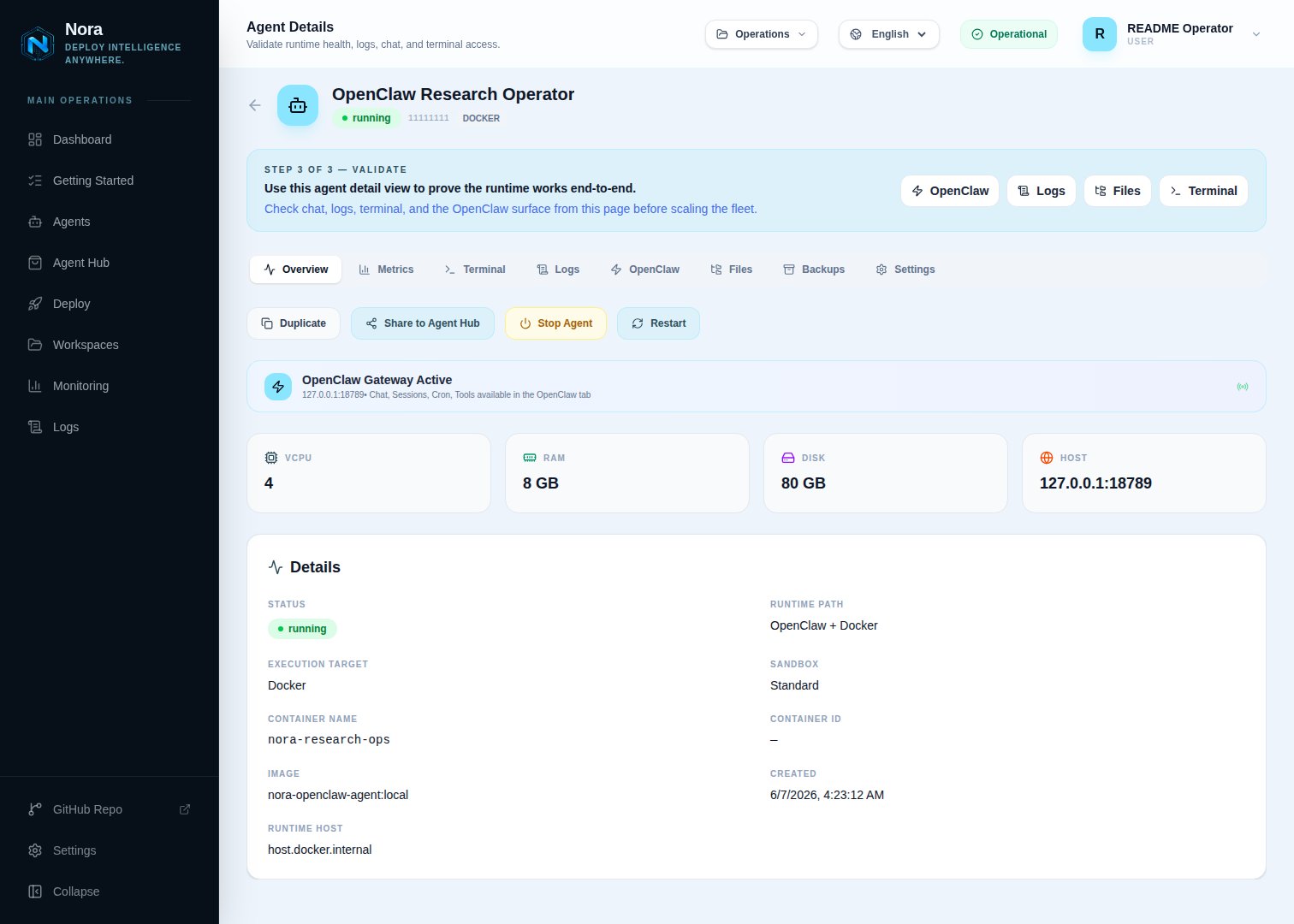
Agent detail — Kubernetes runtime status, replica counts, and Service address
Configuration
Two Kubernetes install models are supported. (1) Nora runs in Docker Compose and provisions agents
into one or more registered clusters via mounted kubeconfigs (this page). (2) Run the Nora control
plane itself inside Kubernetes with the official Helm chart at
infra/helm/nora — see the
Kubernetes (Helm) section of Self-hosting. Under Helm the chart sets
ENABLED_BACKENDS=k8s and mounts agent kubeconfigs via kubeconfigs.existingSecret..env; each enabled Admin row with a passing connection test becomes a concrete execution target such as k8s:aks-eastus2.
For production, prefer a scoped identity or service account with the permissions below instead of a broad cluster-admin kubeconfig.
Cluster registry
Open Admin -> Kubernetes and register one row per cluster. Enabled rows appear in the operator Deploy page as separate execution targets only after the latest Admin Test result isok:
Agents deployed to a registry entry keep
deploy_target=k8s and store the selected cluster in execution_target_id.
Admin registry setup
Use clear labels so the Deploy page can show a named cluster such as AKS East US 2 instead of a generic Kubernetes target.1
Make sure the kubeconfig is mounted into Nora
With
docker-compose.kubernetes.yml, NORA_KUBECONFIGS_DIR is mounted into both
backend-api and worker-provisioner as /kubeconfigs. Put one kubeconfig file in that
directory for each cluster Nora should control.The value used in the Admin form is the container path, not the host path.
2
Open the Admin Kubernetes page
Sign in as an admin and open Admin -> Kubernetes. Click Add cluster.
3
Fill the cluster identity fields
Use stable values that make the Deploy page obvious to operators:
4
Select the credential mode
For an AKS kubeconfig copied to
./.secrets/kubeconfigs/aks-eastus2, use:Do not enter
./.secrets/aks-kubeconfig in this field unless Nora is running directly on the
host without Docker. In Compose, always use the path under /kubeconfigs.5
Set namespaces and exposure
For AKS LoadBalancer deployments:
6
Save, test, then deploy
Save the cluster, click Test, then open the operator Deploy page. Nora hides failed,
untested, and disabled Kubernetes clusters from Deploy for both OpenClaw and Hermes. Once the
latest test is
ok, the execution target appears as k8s:aks-eastus2 internally and as the
label you configured in the UI.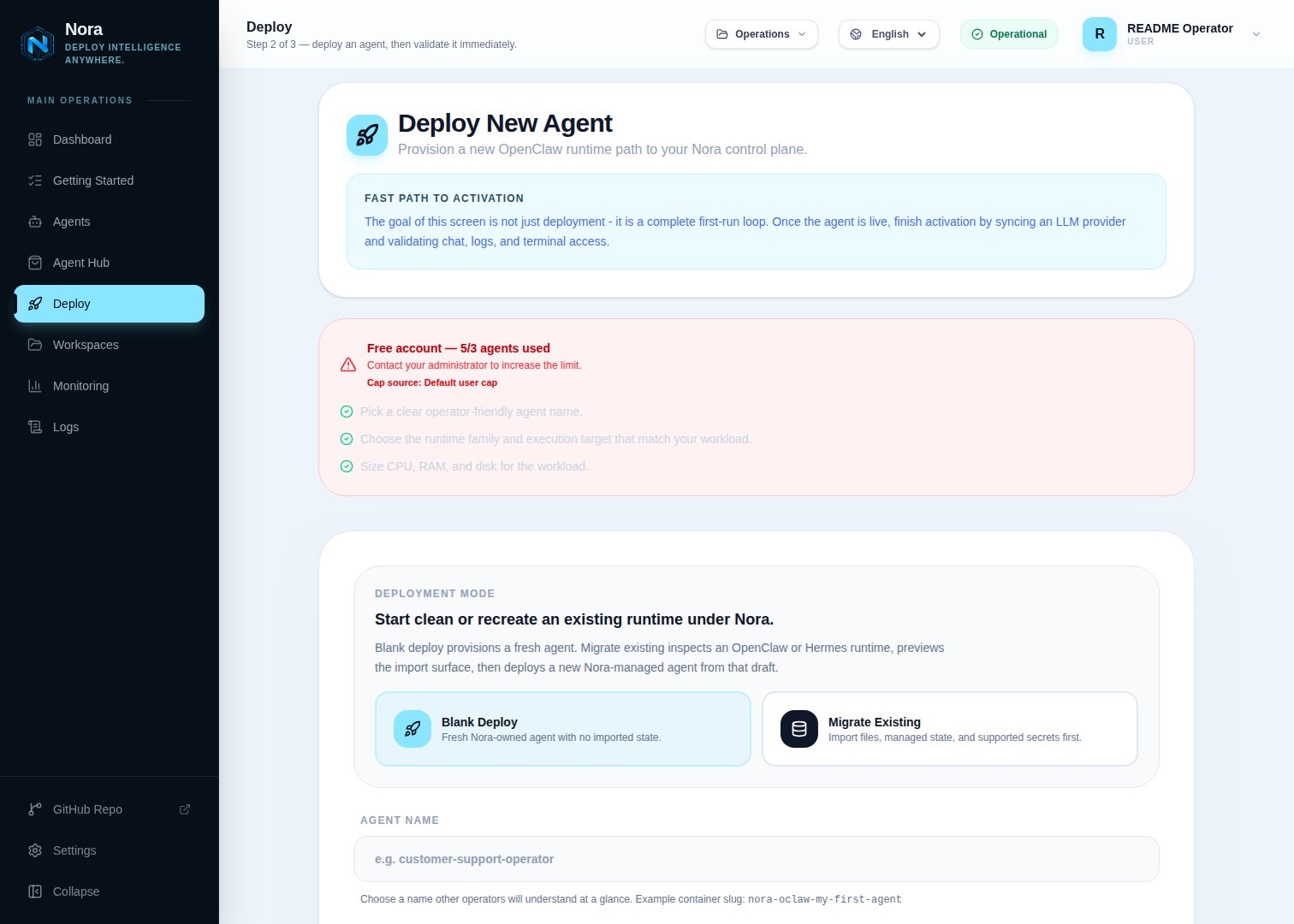
Nora deploy wizard — Kubernetes execution target selected from the Admin registry
For several Kubernetes clusters at once, use one Admin registry row per cluster. Mounted-path mode
uses files under
NORA_KUBECONFIGS_DIR, which is mounted at /kubeconfigs in both containers.
For simpler multi-cluster setup, use Encrypted kubeconfig mode and paste each kubeconfig into
its registry row; that requires a valid ENCRYPTION_KEY.Provider quick values
Use these starting values when adding named clusters in Admin -> Kubernetes. Adjust labels, actual cluster names, CIDRs, and provider-specific Service options to match the real cluster.
If you paste kubeconfig content instead of mounting a file, select Encrypted kubeconfig and leave the path field empty. That mode is often simpler when Nora controls several cloud clusters from the same Compose stack.
Exposure modes
Set these fields on the Admin cluster row:
NodePort example:
LoadBalancer example:
Service customization
Provider-specific Service annotations are saved in the Admin Service annotations JSON field:loadBalancerClass field in load-balancer mode.
RBAC expectations
The kubeconfig identity needs permissions in the Admin fallback namespace and in any runtime-specific OpenClaw or Hermes namespaces to:- Create and read Namespaces.
- Create, read, patch, and delete Deployments.
- Create, read, and delete Services.
- Create, read, update, and delete ConfigMaps.
- List Pods for logs and terminal attachment.
- Read Pod logs.
- Create Pod exec sessions for runtime env sync and Hermes dashboard recovery.