

K3s provisioner backend
Run Nora agents on a lightweight self-hosted K3s cluster using Nora’s Kubernetes adapter.K3s is the recommended self-hosted Kubernetes path when you want cluster scheduling without using a managed cloud provider. Nora still uses the same Kubernetes adapter underneath; the Admin cluster registry stores the provider label so operators can distinguish lightweight self-hosted clusters from cloud deployments in the deploy flow.
When to use K3s
Use K3s when Nora runs on your own server, homelab, edge node, or private VM fleet and you want agent workloads scheduled as Kubernetes Deployments instead of local Docker containers. Use AKS, GKE, EKS, or another cloudk8s target when you want managed control-plane operations, cloud load balancers, cloud identity, and multi-zone cluster management.
Step-by-step setup
1. Install K3s on the cluster host
2. Mint a kubeconfig Nora can mount
backend-api and worker-provisioner containers. Replace the default loopback address with the K3s node address:
3. Verify access from the host
4. Configure Nora
Set the generic Kubernetes mount variable in.env:
host.docker.internal when K3s and Nora’s Docker Compose stack run on the same host. Use the K3s node IP or DNS name when Nora runs on a different host.
For multiple K3s or mixed Kubernetes clusters, put the kubeconfig under NORA_KUBECONFIGS_DIR instead and use an Admin path such as /kubeconfigs/k3s-local.
5. Start the stack
6. Register this cluster in Admin
Open Admin -> Kubernetes, click Add cluster, and use these values:
Do not put
./.secrets/k3s-kubeconfig in the Admin Kubeconfig path when Nora runs in Docker Compose. That is the host-side path; the containers see files from NORA_KUBECONFIGS_DIR under /kubeconfigs.
7. Deploy a test agent
Open the dashboard athttp://127.0.0.1:8080, sign in, and create an agent with the K3s cluster label you registered.
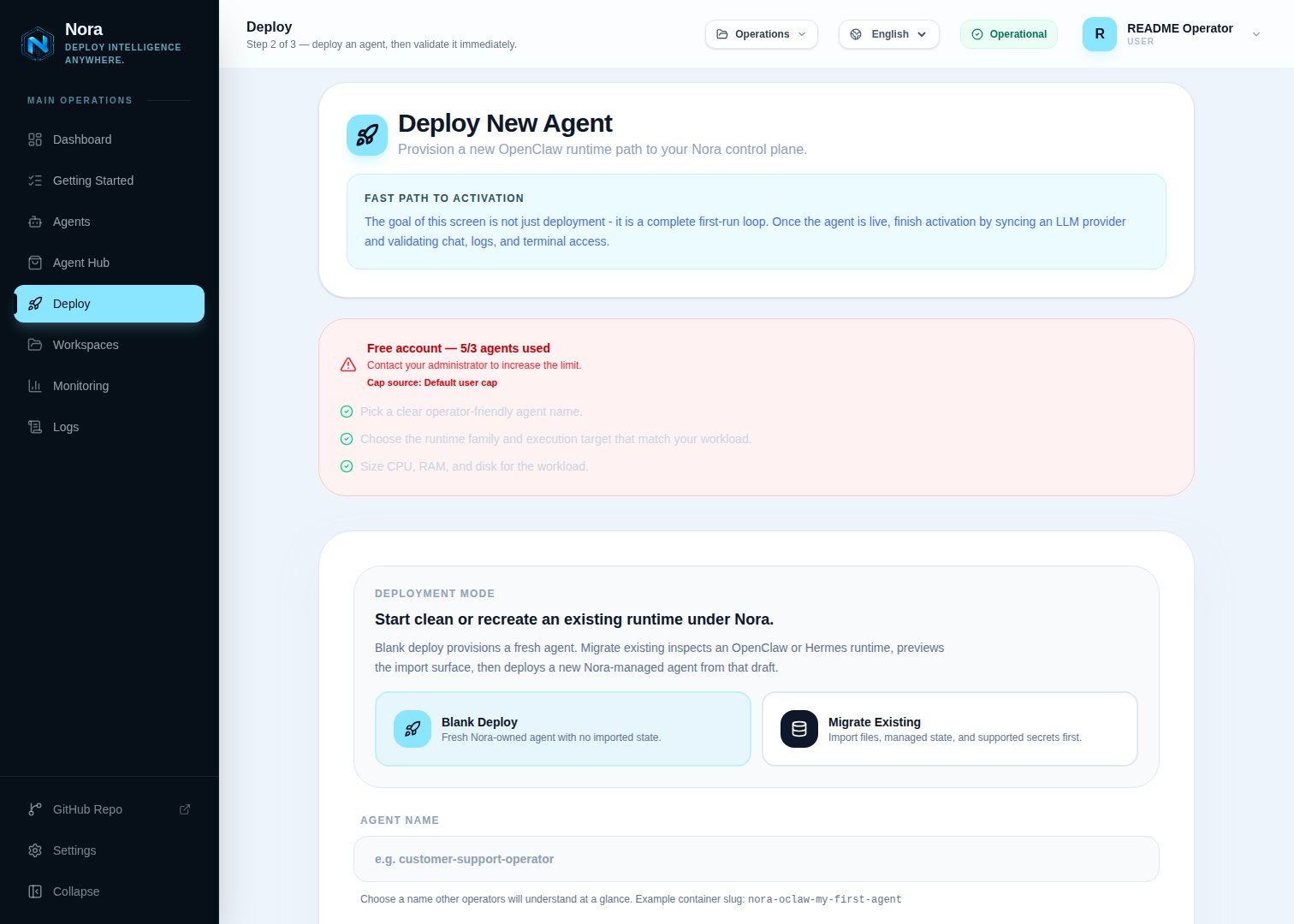
Nora deploy wizard — Backend dropdown showing Kubernetes on K3s
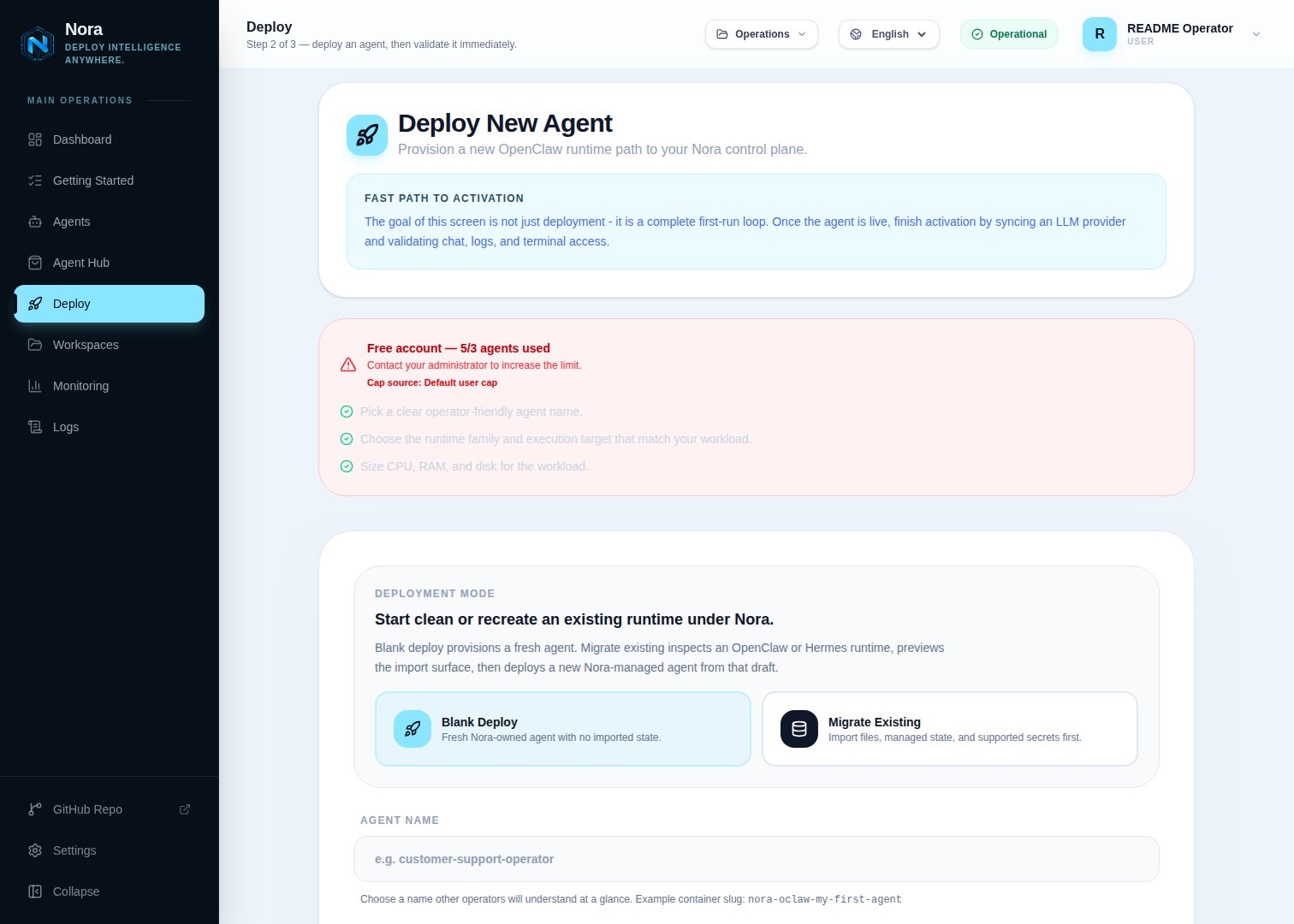
Nora deploy wizard — Kubernetes on K3s selected
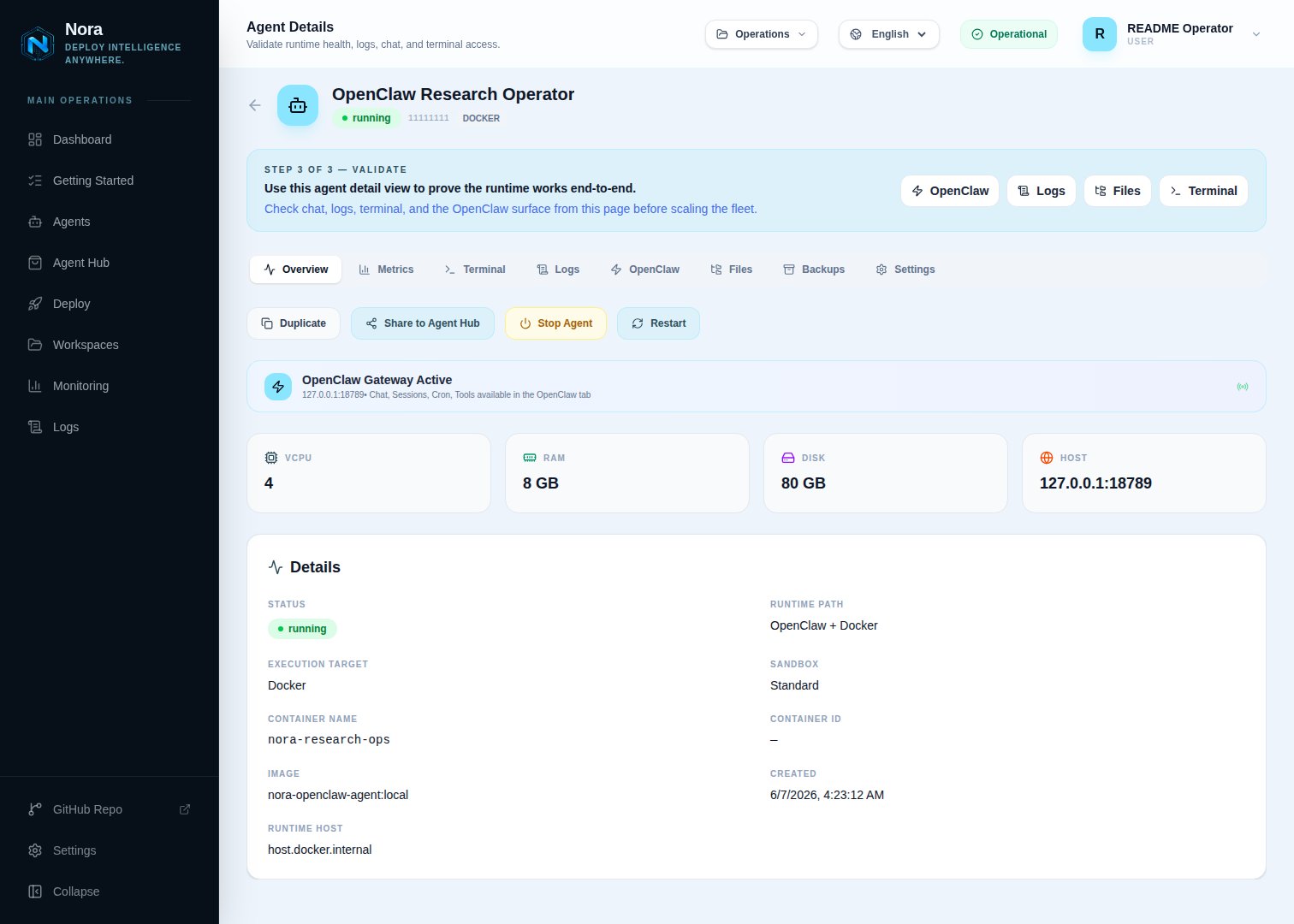
Agent detail page — status running, K3s NodePort address shown
Exposure modes
For the standard Compose-hosted control plane, set the Admin exposure mode tonode-port. Nora stores the allocated NodePorts for each agent and reaches them through the Admin Runtime host value.
Use cluster-ip only when the Nora control plane itself runs inside the same K3s cluster or otherwise has an in-cluster route to Service DNS names.
Use load-balancer only when your K3s installation has a load balancer implementation that can assign a reachable address per agent Service.
Verification
Check the Kubernetes workload:running but the gateway is unreachable, confirm that the Admin Runtime host points to an address the Compose containers can reach and that your firewall allows the allocated NodePort range.
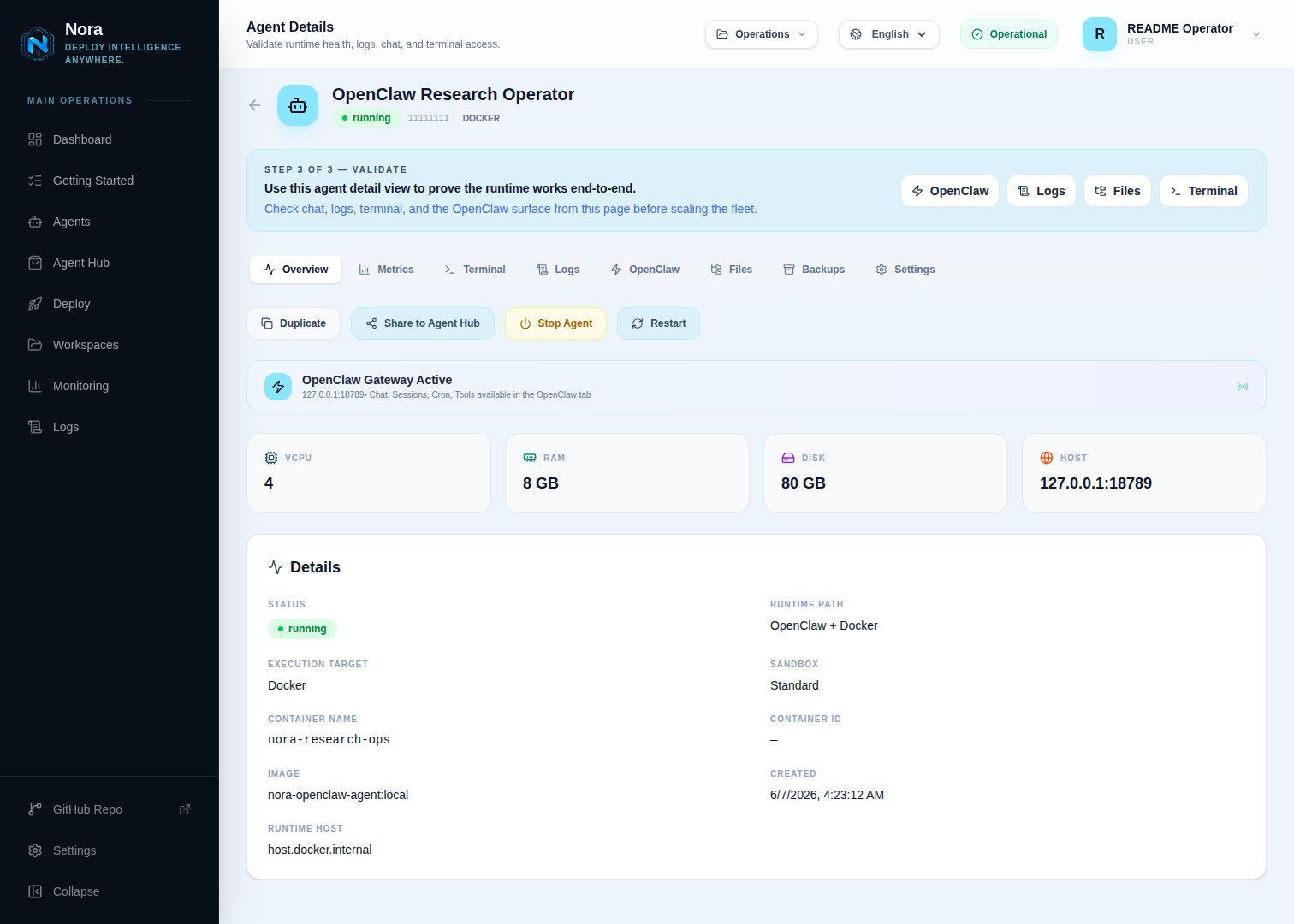
Logs tab — worker-provisioner output during a successful K3s deploy
Automated smoke
Once your K3s cluster and kubeconfig are in place, run the shared lifecycle smoke:NVIDIA_API_KEY, and run:
docker-compose.kubernetes.yml, registers the K3s cluster in Admin, deploys an agent, verifies Kubernetes objects, and exercises stop/start/restart. It exits non-zero on any failure. Set KEEP_ENV=true to leave the stack running for inspection.
Promote to production
Once the smoke is green and you trust the cluster, switch from the dev-mode stack to the prod-mode stack. The only changes vs the testing setup are nginx (public config + TLS) and Compose mode (infra/docker-compose.public-tls.yml for prod Dockerfiles, TLS mounts, public ports, and restart policies).
1. Switch nginx to public + TLS
In.env:
/etc/letsencrypt into the nginx container):
2. Stop the smoke-mode stack
3. Start the prod-mode stack
Use the tracked TLS compose layer, then layer the K3s backend overlay on top:4. Confirm
running and the NodePort gateway is reachable from your network.