

Kind provisioner backend
Local-only Kubernetes provisioner for development and CI. Not for production.Kind uses the same generic
k8s backend id as every Kubernetes provider. Nora ships a single Kubernetes adapter (workers/provisioner/backends/k8s.ts) that serves Kind, K3s, AKS, GKE, and EKS — only the kubeconfig and exposure mode change.
When to use Kind
- Local development of Nora itself, or local exercise of the Kubernetes adapter on a laptop.
- CI smoke runs that need a real Kubernetes API without a cloud account.
- Quick regression checks before promoting changes to a K3s or cloud cluster.
- Hosting agents you depend on — Kind clusters live and die with the local Docker daemon.
- Modeling cloud
LoadBalancerbehavior — Kind only supports NodePort routing in this overlay. - Multi-node or multi-host scheduling — the bundled Kind config is single control-plane.
Step-by-step setup
1. Prerequisites
kind itself is auto-installed by e2e/scripts/ensure-kind-tools.sh when the smoke script runs.
2. Run the smoke script
The recommended path is the bundled smoke. It creates or reuses a Kind cluster, exports kubeconfigs for both the host and the in-container view, starts the Nora API and provisioner withdocker-compose.kubernetes.yml plus the Kind network helper, registers the cluster in Admin, deploys an agent, verifies Kubernetes objects, and exercises stop/start/restart lifecycle.
KEEP_ENV=true to leave the cluster and Compose stack running after the script finishes.
3. Inspect the deployed agent
WithKEEP_ENV=true, the smoke run leaves only postgres, redis, backend-api, and worker-provisioner running — no nginx and no frontend dashboard. The URL the script prints (default http://127.0.0.1:4110) is the backend REST API base (the host port maps to the backend-api container’s API port 4000), not a UI. Inspect the agent via the API or kubectl:
http://127.0.0.1:8080/app.
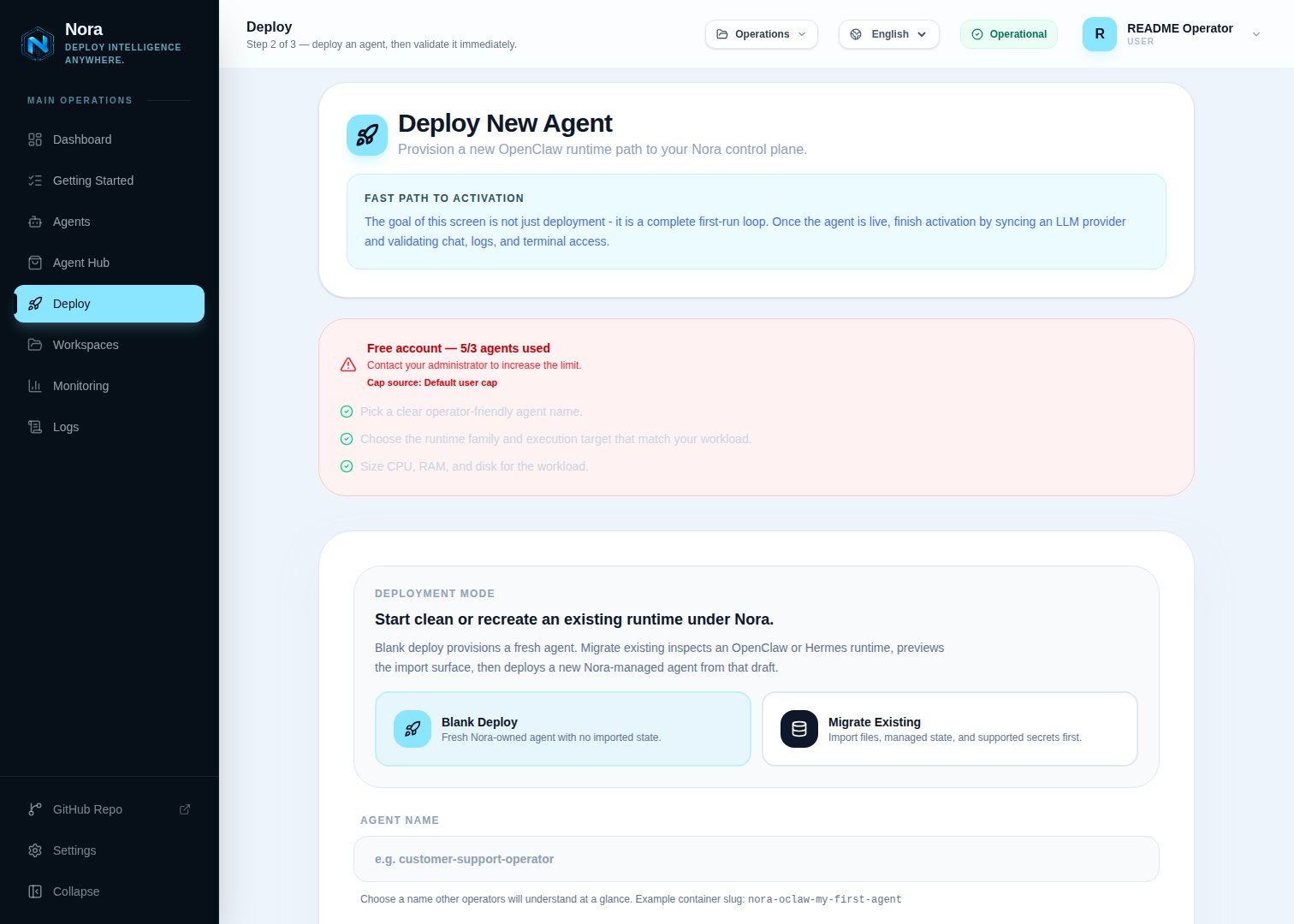
Nora deploy wizard — Backend dropdown with Kubernetes available
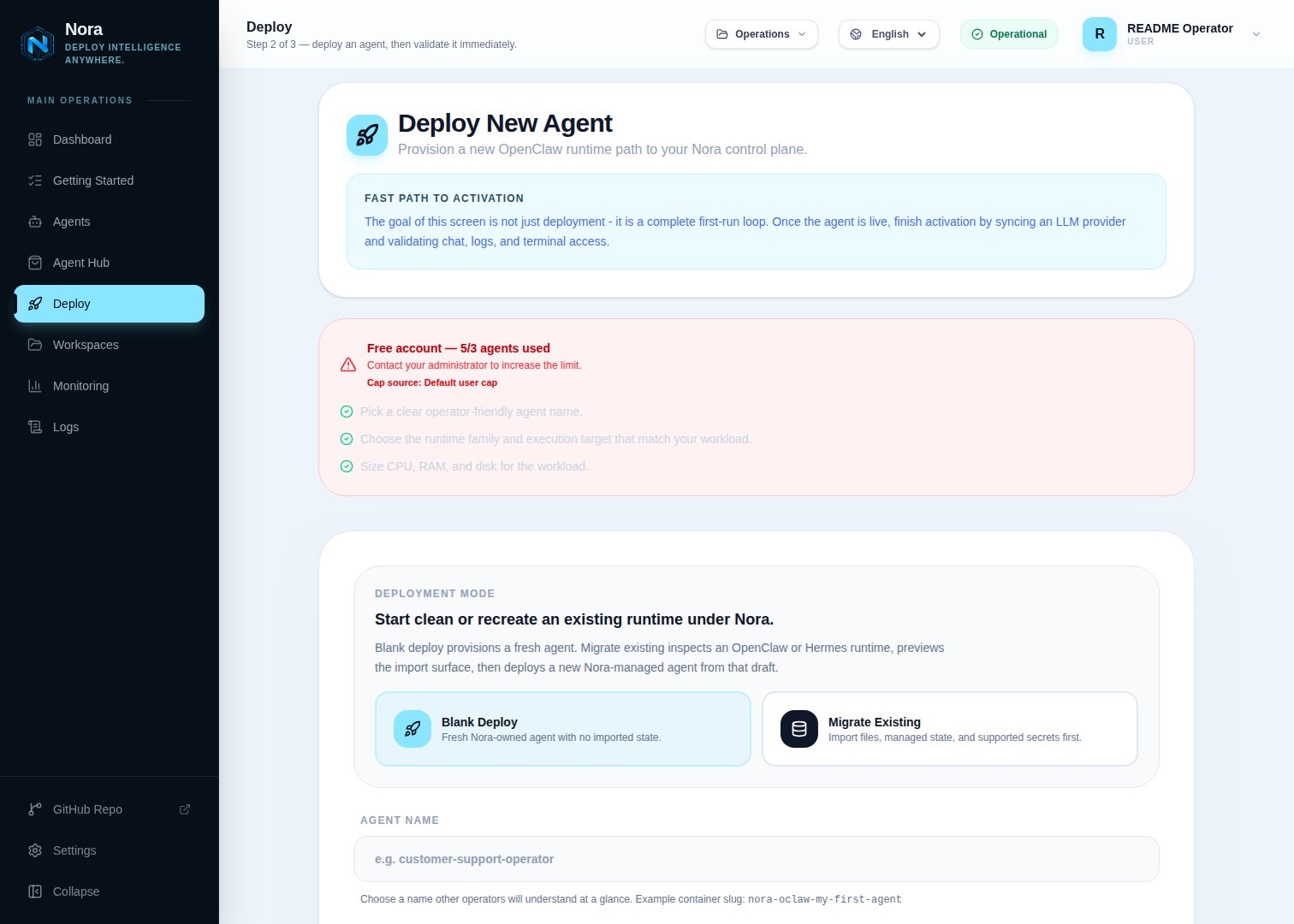
Nora deploy wizard — Kubernetes selected, namespace + exposure fields visible
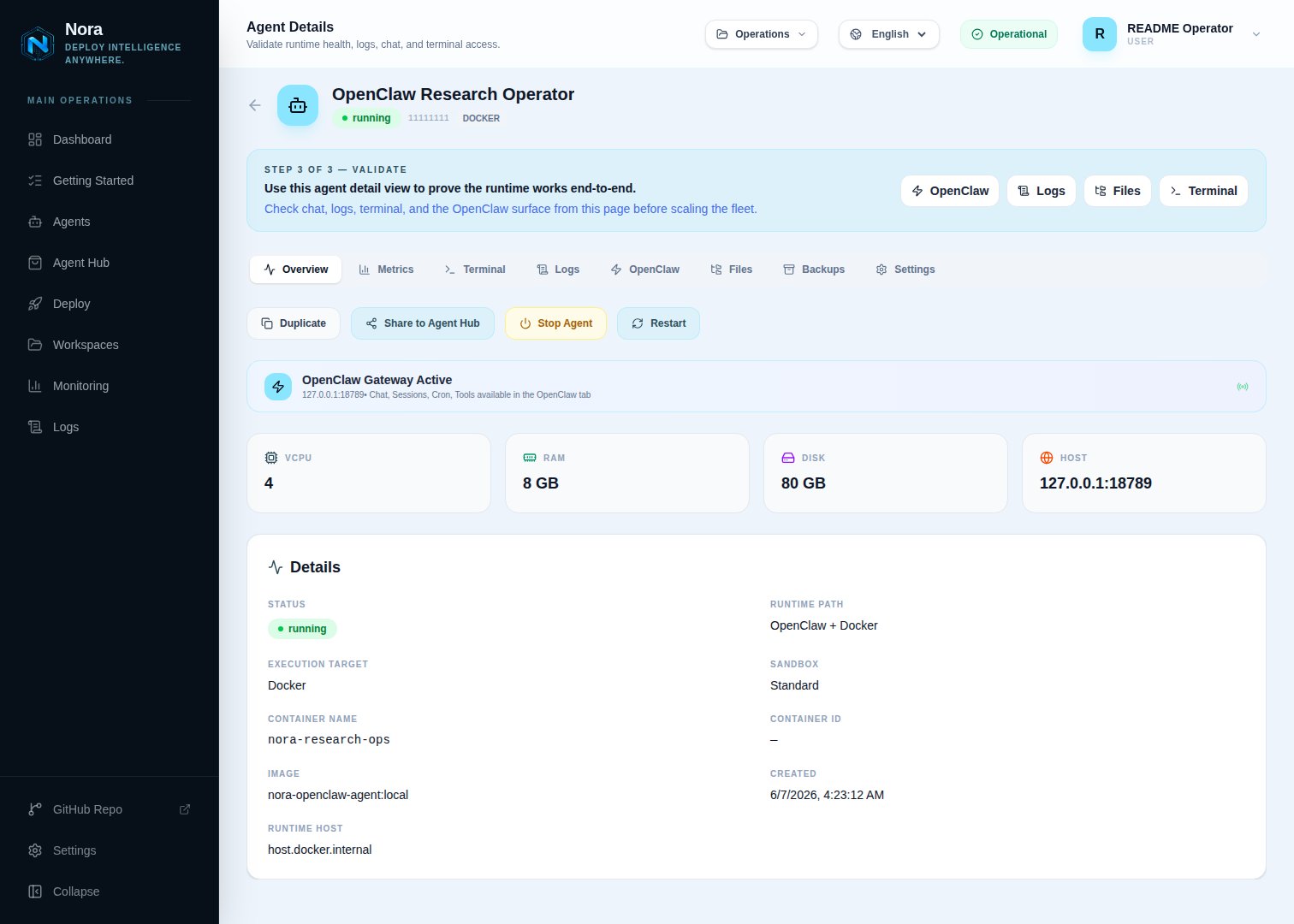
Agent detail page — status running, K8s namespace + service shown
Manual stack (without the smoke script)
The Admin Runtime host must be reachable from the Compose containers. On Linux without
host.docker.internal support, set it to the Kind control-plane container name (nora-kind-control-plane by default) and join the kind Docker network.
Register local Kind in Admin
Open Admin -> Kubernetes, click Add cluster, and use these values:
Do not put
/tmp/nora-kind.container.kubeconfig in the Admin Kubeconfig path when Nora runs in Docker Compose. That is the host-side CONTAINER_KUBECONFIG_PATH; the containers see it under /kubeconfigs.
Verification
{"ok":true,...} on success. Per-agent objects follow the generated naming convention nora-oclaw-<agent-name>-<suffix> in the openclaw-agents namespace.
To smoke NemoClaw on the same Kind adapter path, run the script with
K8S_SMOKE_CELLS=openclaw:nemoclaw and NVIDIA_API_KEY set in the shell that starts the stack.
If the agent reaches running but the gateway is unreachable, confirm the NodePort values match the port mappings in infra/kind/nora-kind.yaml.
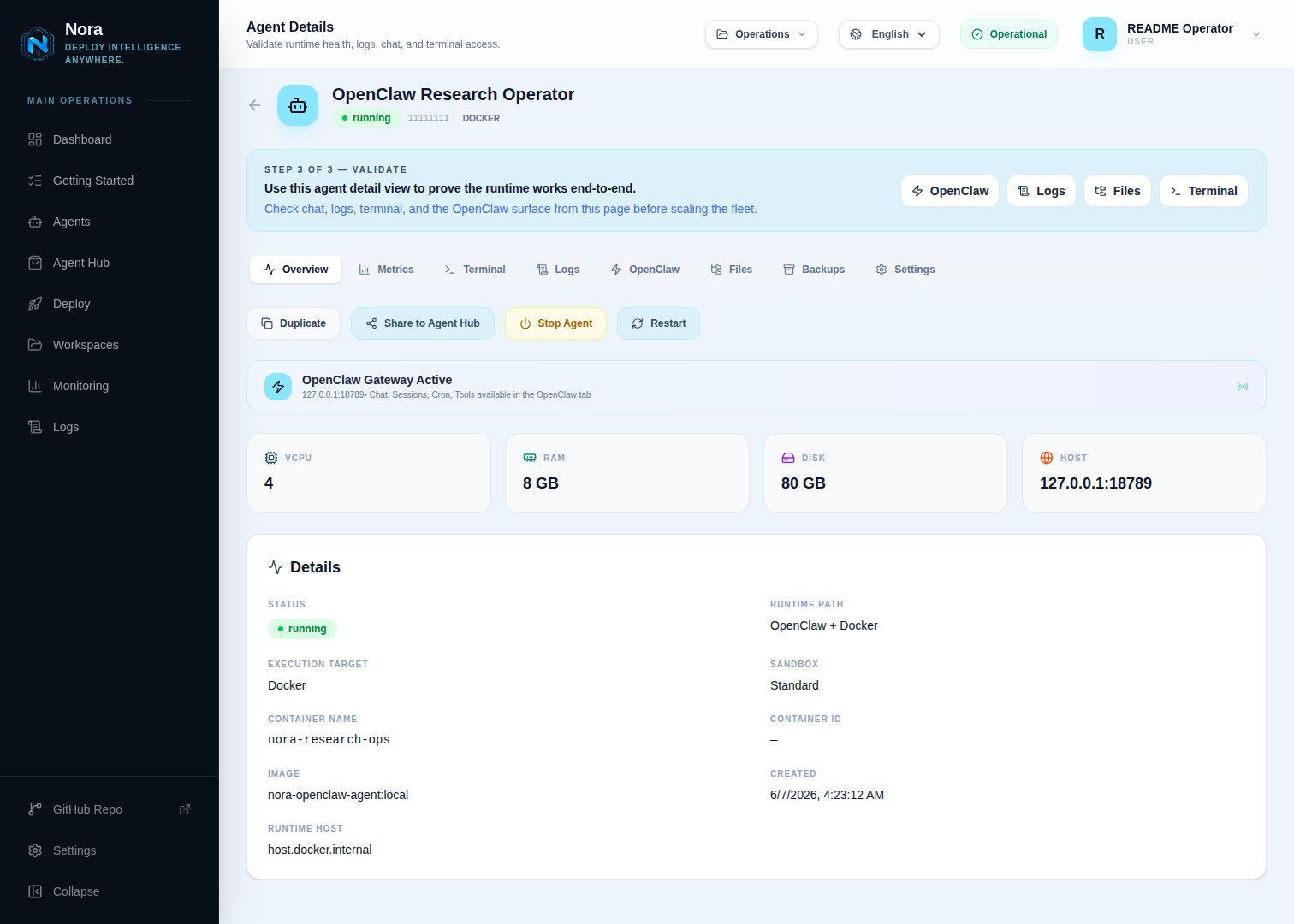
Logs tab — worker-provisioner output during a successful K8s deploy