

GKE Kubernetes provisioner backend
Provision Nora agents into Google Kubernetes Engine using Nora’s generic Kubernetes adapter and Admin cluster registry.GKE uses the same Kubernetes adapter as every Kubernetes provider. Nora stores provider, namespace, exposure, and load-balancer settings on the Admin cluster row;
docker-compose.kubernetes.yml only mounts kubeconfig files into the control-plane containers.
Step-by-step setup
1. Prerequisites
- GCP project with the Kubernetes Engine API enabled.
gcloudCLI installed andgcloud auth logincompleted.- An existing GKE cluster (or create one — GCP Console → Kubernetes Engine → Clusters → Create).
kubectlinstalled on the host that runs Nora.
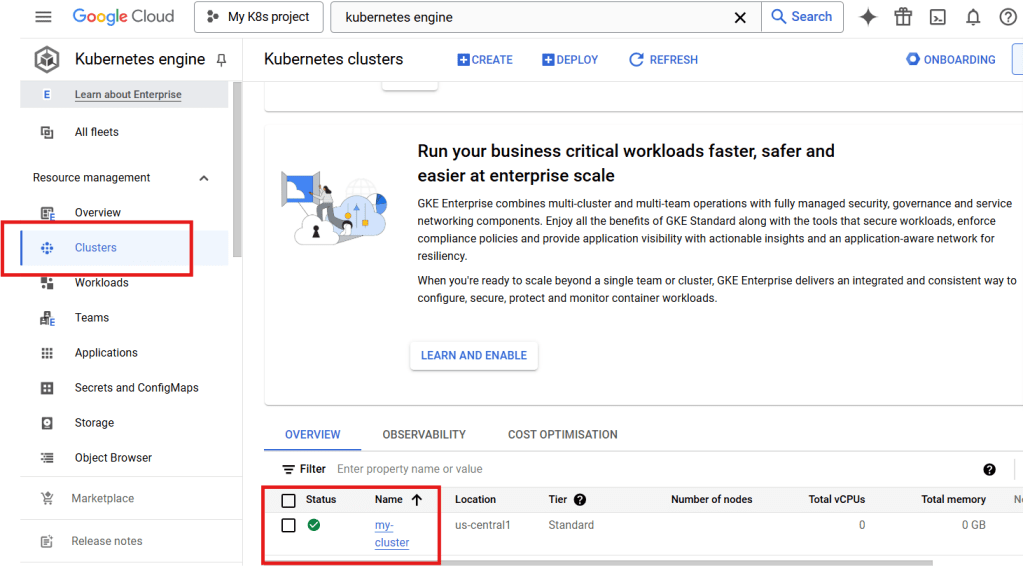
Google Cloud Console — Kubernetes Engine cluster details
2. Create the kubeconfig
--zone <zone> instead of --region <region> for zonal clusters. You can copy the exact command from the cluster’s Connect dialog.
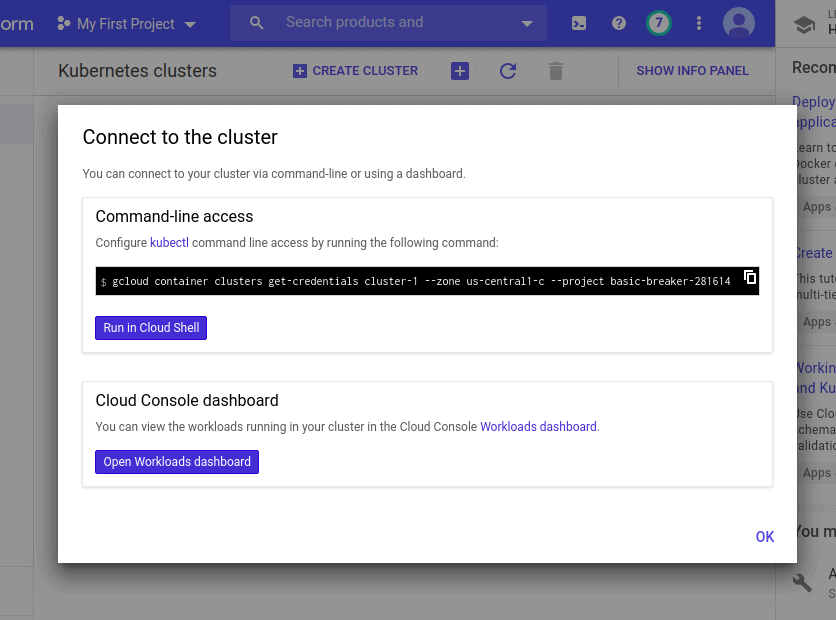
Google Cloud Console — Cluster → Connect dialog (get-credentials command)
3. Verify access from the host
4. Configure Nora
Set the generic Kubernetes mount variable in.env:
NORA_KUBECONFIGS_DIR and use Admin paths such as /kubeconfigs/gke-us-central1 and /kubeconfigs/gke-us-east1.
Confirm region / VPC alignment in the Console’s Networking tab before exposing services to the public internet.
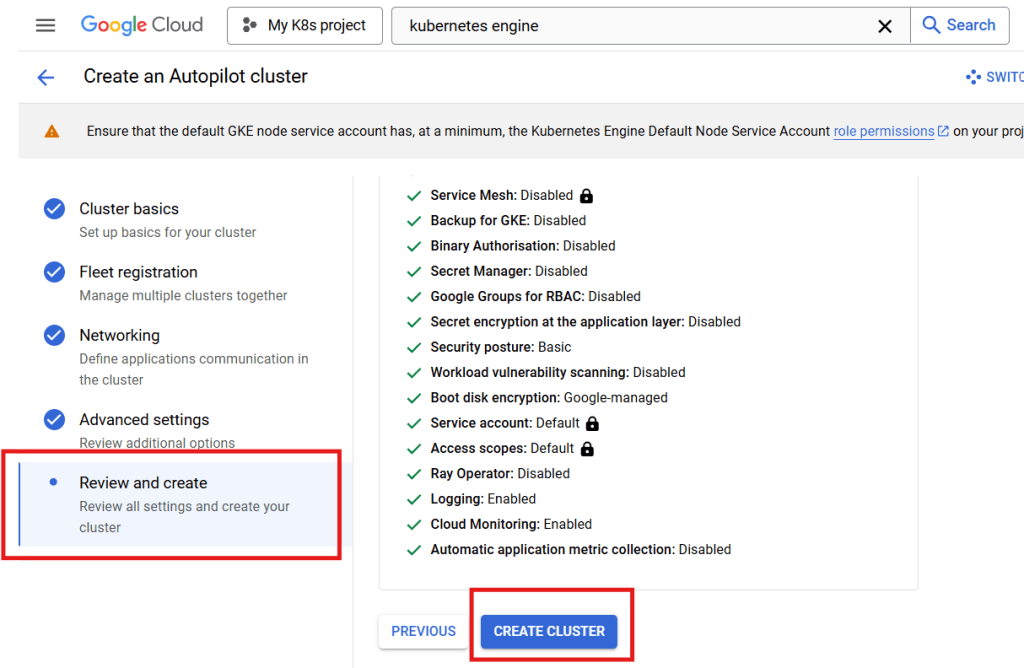
Google Cloud Console — create cluster review with Networking complete
5. Start the stack
6. Register this cluster in Admin
Open Admin -> Kubernetes, click Add cluster, and use these values:
Do not put
./.secrets/gke-kubeconfig in the Admin Kubeconfig path when Nora runs in Docker Compose. That is the host-side path; the containers see files from NORA_KUBECONFIGS_DIR under /kubeconfigs.
7. Deploy a test agent
Open the dashboard athttp://127.0.0.1:8080, sign in, and create an agent with the GKE cluster label you registered.
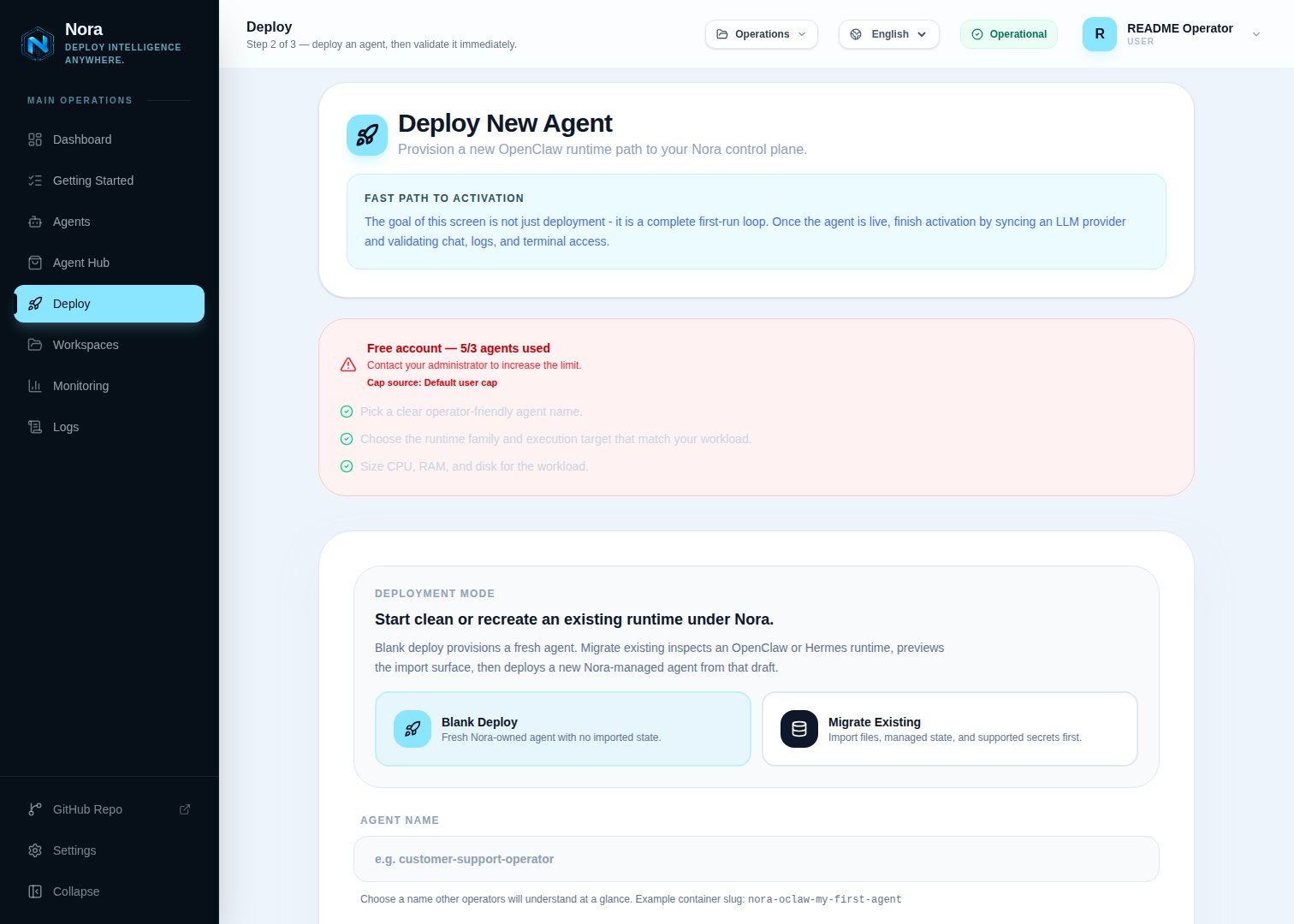
Nora deploy wizard — Backend dropdown showing Kubernetes on GKE
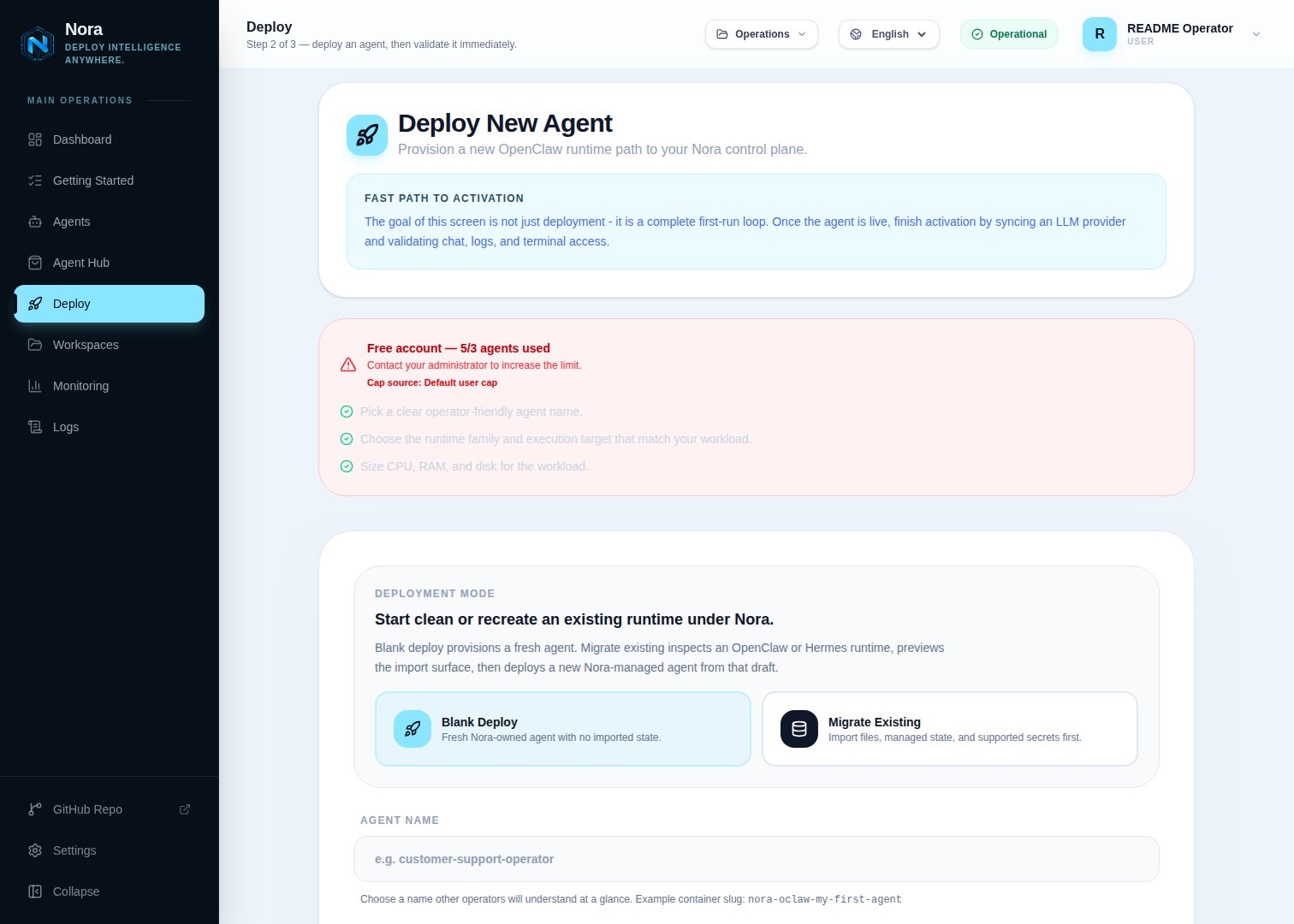
Nora deploy wizard — Kubernetes on GKE selected
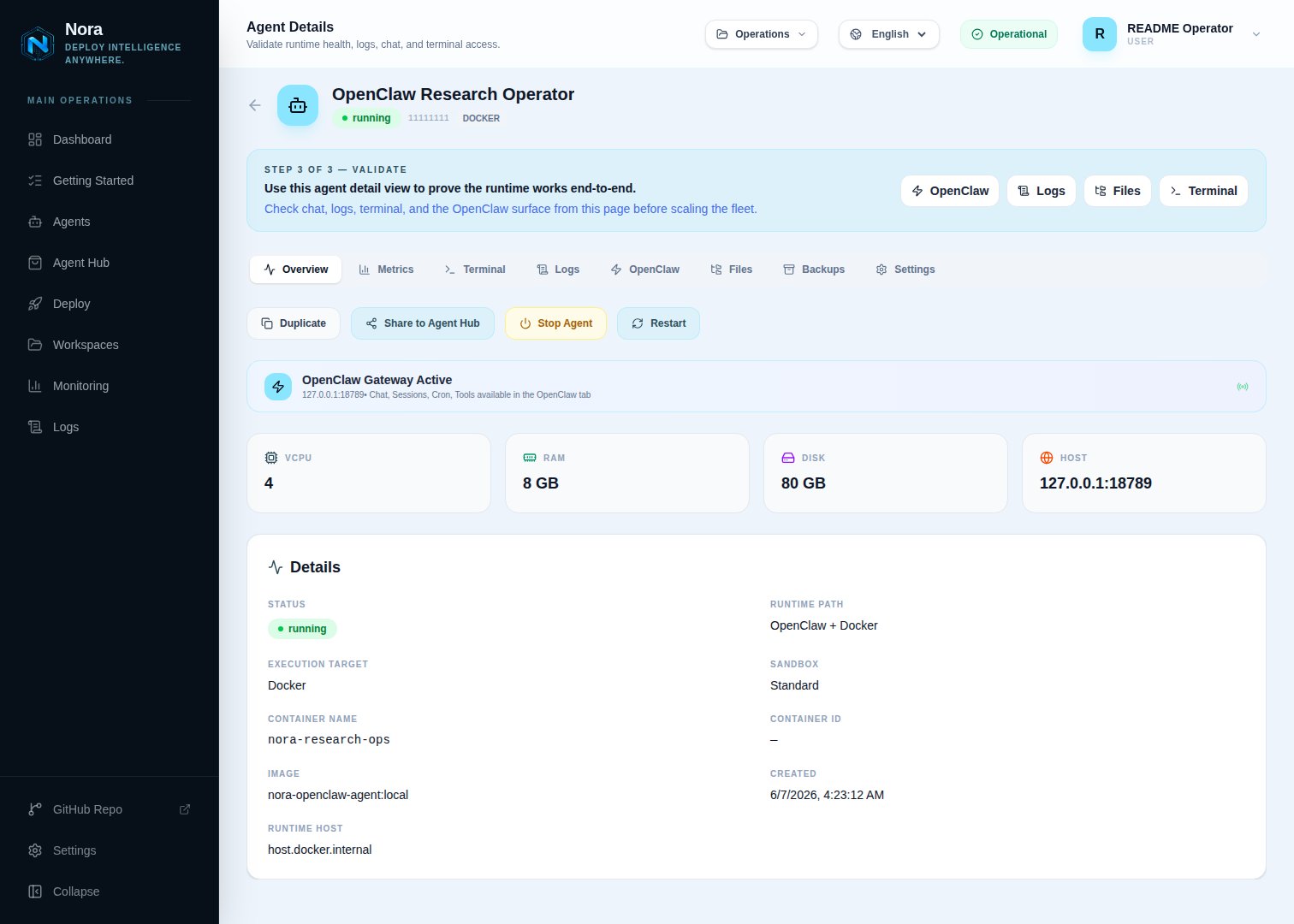
Agent detail — status running with the GKE LoadBalancer address
GKE Service options
The default GKELoadBalancer Service path works without annotations. To request GKE’s external passthrough Network Load Balancer with RBS on supported cluster versions, set:
Set the Admin Load balancer class field to networking.gke.io/l4-regional-external.
For clusters that use the annotation path instead of loadBalancerClass:
Verification
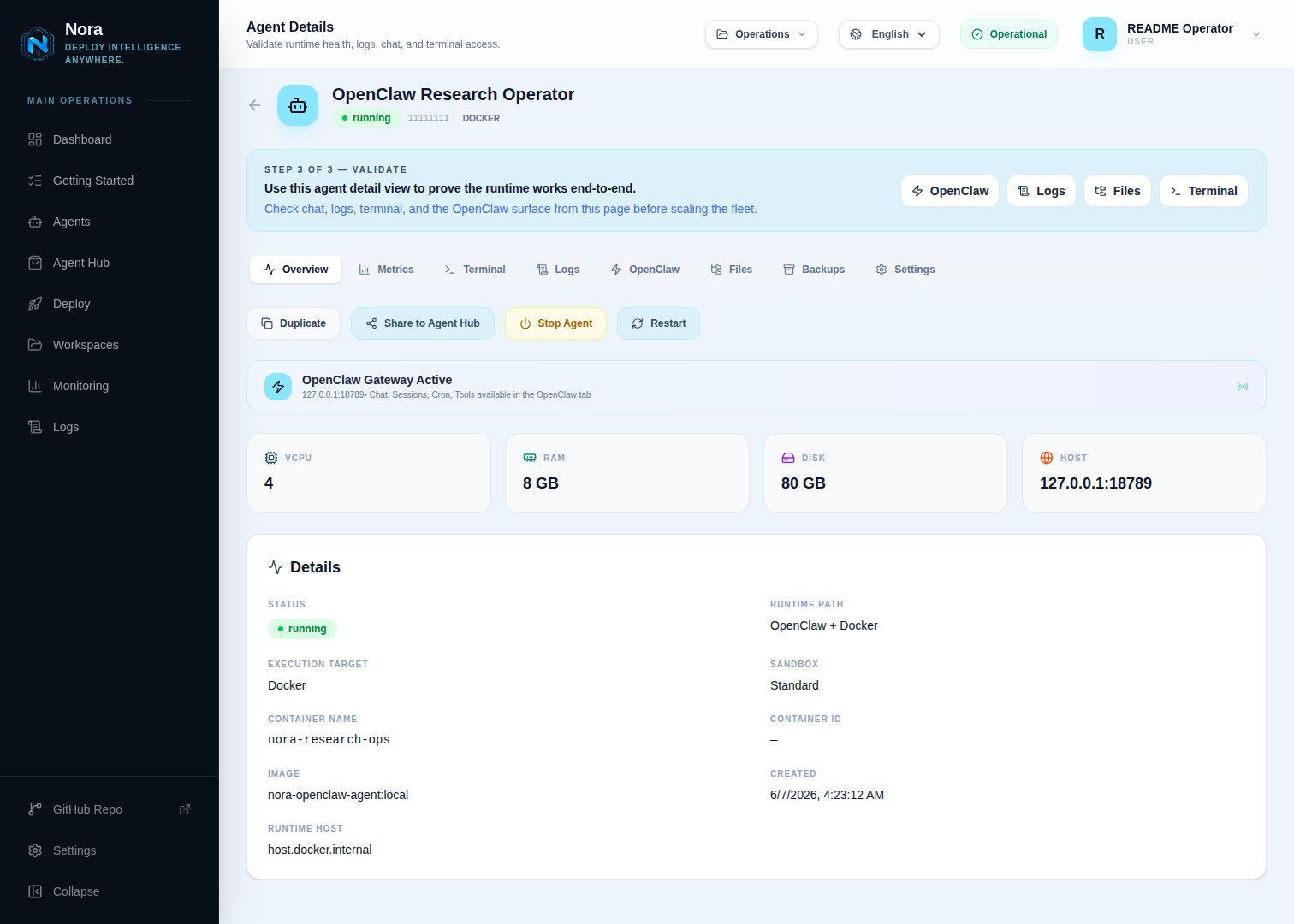
Logs tab — worker-provisioner output during a successful GKE deploy
Automated smoke
Once your GKE kubeconfig is in place, run the shared lifecycle smoke:KEEP_ENV=true to leave the stack running after the script finishes.
Promote to production
Once the smoke is green, switch from the dev-mode stack to the prod-mode stack. The only changes vs the testing setup are nginx (public config + TLS) and Compose mode (infra/docker-compose.public-tls.yml for prod Dockerfiles, TLS mounts, public ports, and restart policies).
1. Tighten the LoadBalancer source ranges
Replace the smoke-time<nora-control-plane-egress-cidr> placeholder with your production control plane’s egress CIDR. Combine with cloud.google.com/load-balancer-type: Internal annotations if you’re keeping agents on a private subnet.
2. Switch nginx to public + TLS
In.env:
3. Stop the smoke-mode stack
4. Start the prod-mode stack
5. Confirm
running and the GKE LoadBalancer assigns an external IP.