EKS Kubernetes provisioner backend

Provision Nora agents into Amazon EKS using Nora’s generic Kubernetes adapter and Admin cluster registry.
EKS uses the same Kubernetes adapter as every Kubernetes provider. Nora stores provider, namespace, exposure, and load-balancer settings on the Admin cluster row; docker-compose.kubernetes.yml only mounts kubeconfig files into the control-plane containers.

Step-by-step setup

1. Prerequisites

  • AWS account with permission to call the EKS API and create LoadBalancer services in your VPC.
  • aws CLI installed and configured (aws configure or env vars / SSO profile).
  • An existing EKS cluster (or create one — AWS Console → EKS → Add cluster).
  • AWS Load Balancer Controller installed in the cluster, OR EKS Auto Mode enabled — without one, Service provisioning hangs at EXTERNAL-IP: <pending>.
  • kubectl installed on the host that runs Nora.
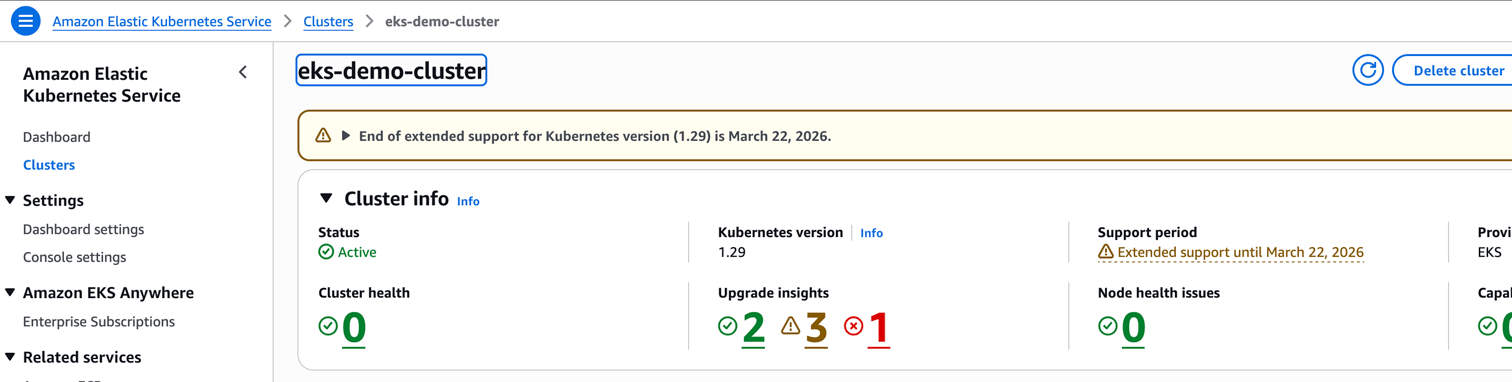
Use the EKS cluster overview page to confirm the cluster name and AWS region before creating the kubeconfig.
EKS cluster overview

2. Create the kubeconfig

mkdir -p .secrets
aws eks update-kubeconfig \
  --name <cluster-name> \
  --region <region> \
  --kubeconfig ./.secrets/eks-kubeconfig

3. Verify access from the host

kubectl --kubeconfig ./.secrets/eks-kubeconfig get nodes
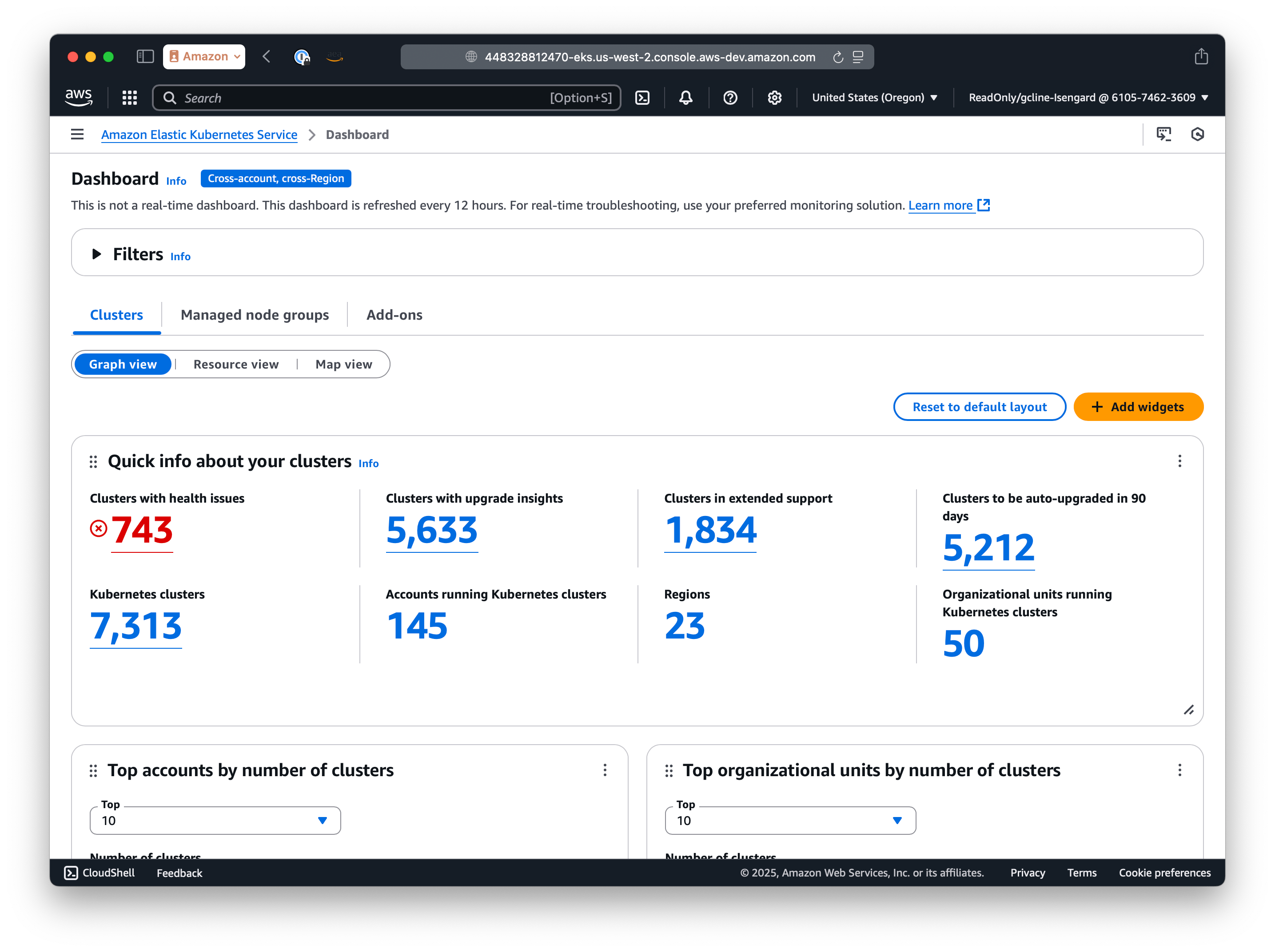
Confirm the node group reports Ready in the Console’s Compute tab.
EKS managed node groups dashboard

4. Configure Nora

Set the generic Kubernetes mount variable in .env:
mkdir -p ./.secrets/kubeconfigs
cp ./.secrets/eks-kubeconfig ./.secrets/kubeconfigs/eks-us-east-1
NORA_KUBECONFIGS_DIR=./.secrets/kubeconfigs
For two or more EKS clusters, put each kubeconfig under NORA_KUBECONFIGS_DIR and use Admin paths such as /kubeconfigs/eks-us-east-1 and /kubeconfigs/eks-us-west-2. Confirm the LB-creating add-on is present under Add-ons before continuing.
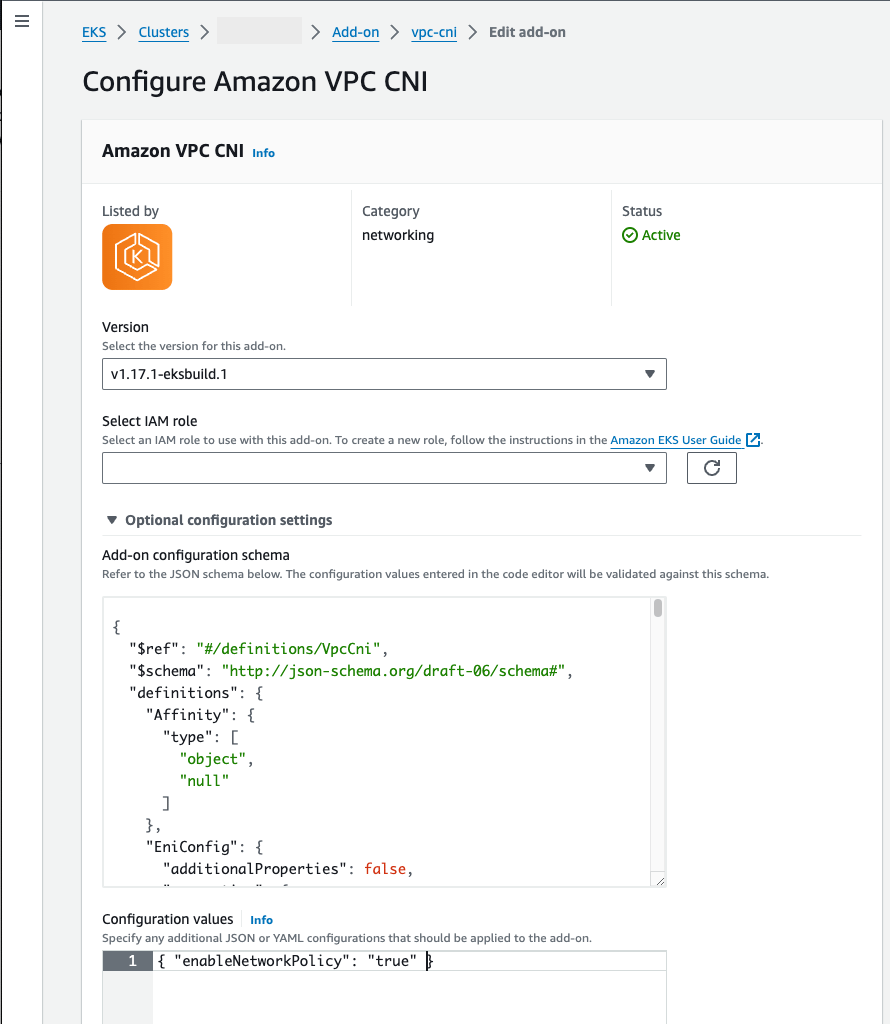
EKS Amazon VPC CNI add-on

5. Start the stack

docker compose -f docker-compose.yml -f docker-compose.kubernetes.yml up -d --build
This smoke-mode command is for the local nginx config (NGINX_CONFIG_FILE=nginx.conf, usually NGINX_HTTP_PORT=8080). If your .env already points to the public TLS config (NGINX_CONFIG_FILE=nginx.public.conf), include the tracked infra/docker-compose.public-tls.yml layer as shown in Promote to production; otherwise nginx will not mount /etc/letsencrypt and Cloudflare can return 521 because the origin web server is down.

6. Register this cluster in Admin

Open Admin -> Kubernetes, click Add cluster, and use these values:
FieldValue
Cluster ideks-us-east-1
LabelEKS US East 1
ProviderEKS
Actual cluster nameThe EKS cluster name from the AWS Console
Credential modeMounted kubeconfig path
Kubeconfig path/kubeconfigs/eks-us-east-1
Fallback namespacenora-openclaw-agents
OpenClaw namespacenora-openclaw-agents
Hermes namespacenora-hermes-agents
Exposure modeLoadBalancer
Service annotations JSONLeave empty for EKS Auto Mode, or use the AWS Load Balancer Controller annotations that match your cluster
Source rangesYour Nora control-plane egress CIDR when you can restrict access
Load balancer classeks.amazonaws.com/nlb for EKS Auto Mode NLB, otherwise leave empty if you use annotations
Do not put ./.secrets/eks-kubeconfig in the Admin Kubeconfig path when Nora runs in Docker Compose. That is the host-side path; the containers see files from NORA_KUBECONFIGS_DIR under /kubeconfigs.

7. Deploy a test agent

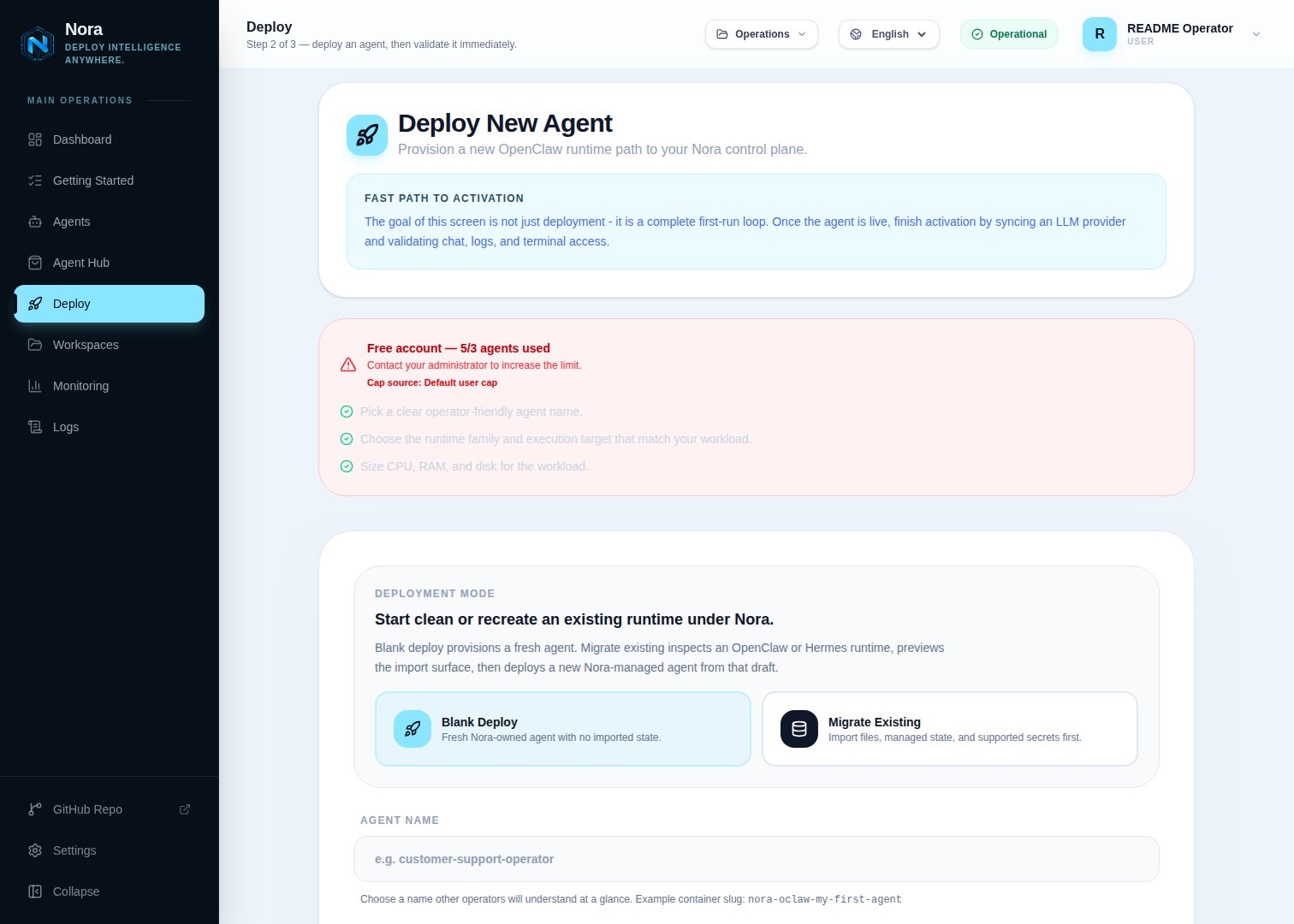
Open the dashboard at http://127.0.0.1:8080, sign in, and create an agent with the EKS cluster label you registered.
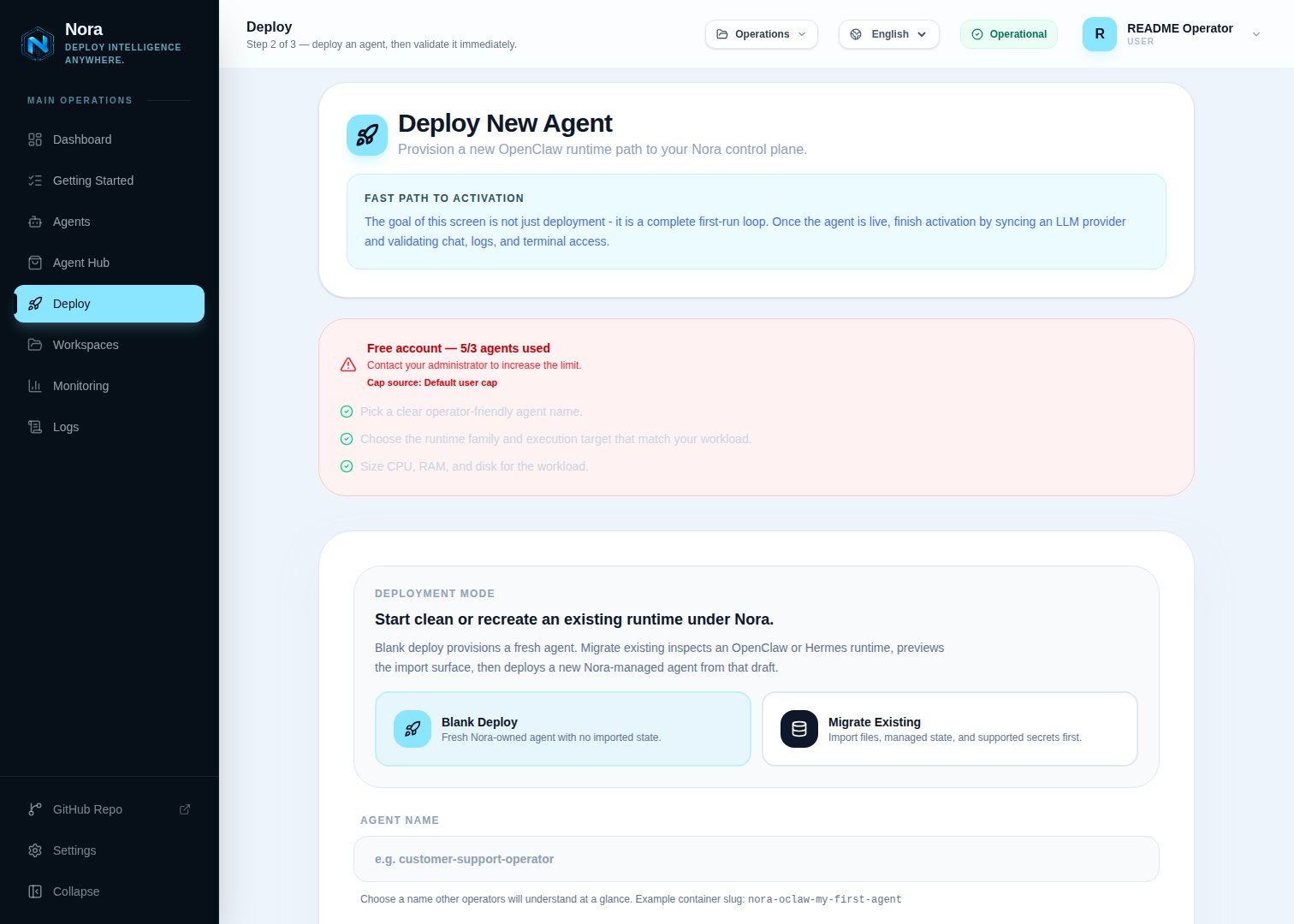
Deploy wizard backend
picker
Deploy wizard Kubernetes
selected
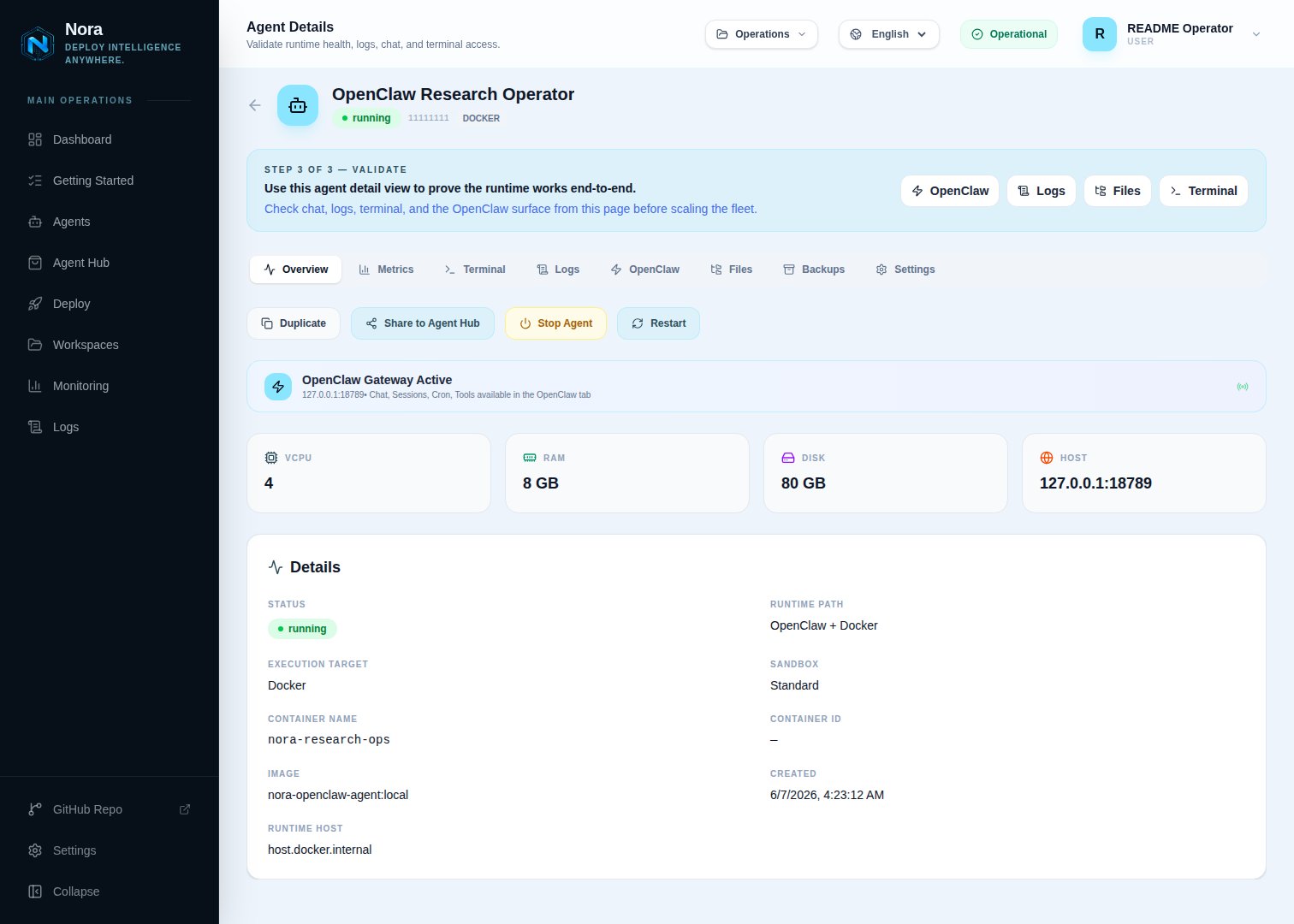
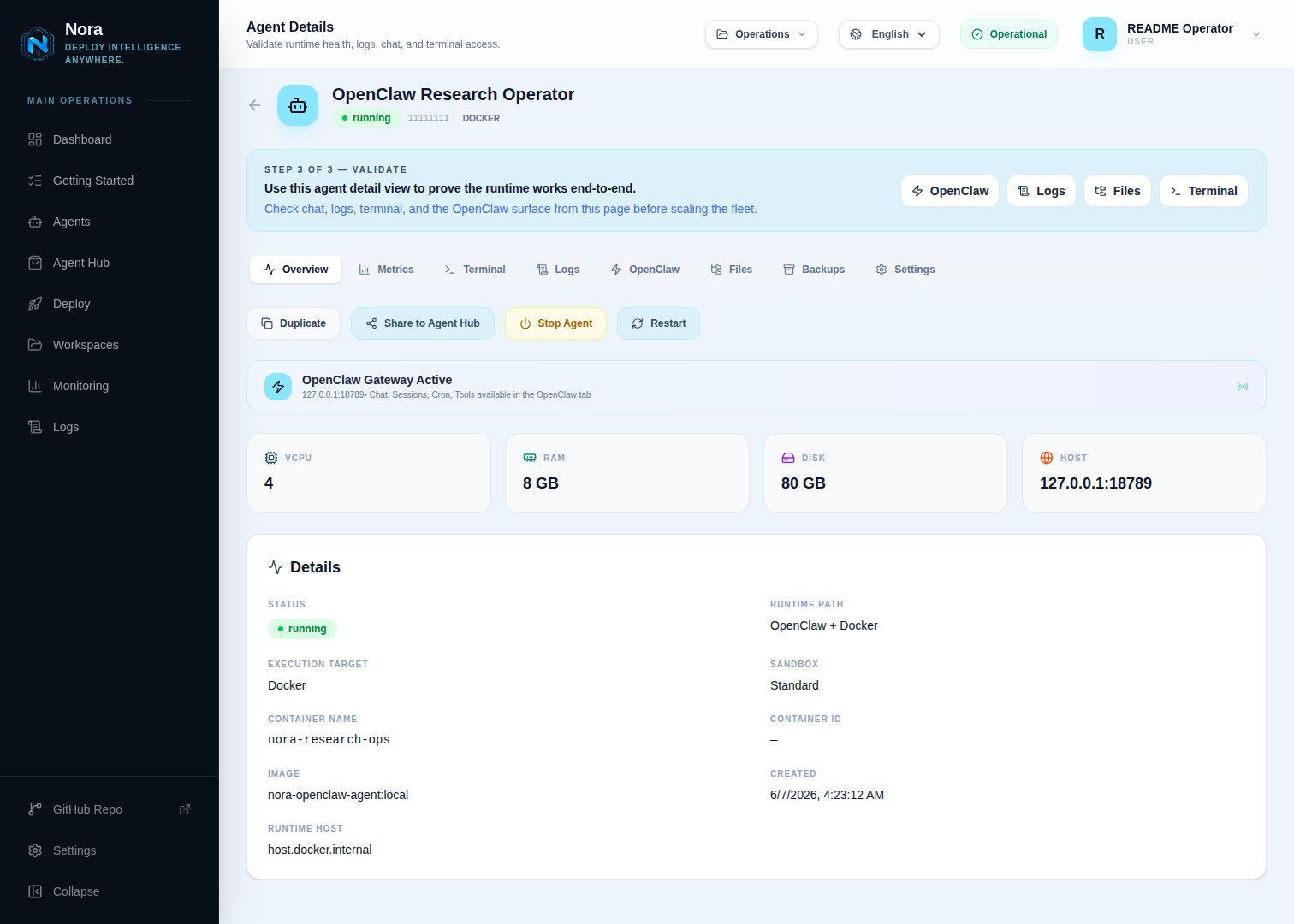
Agent detail K8s

EKS Service options

For EKS Auto Mode NLB: Set the Admin Load balancer class field to eks.amazonaws.com/nlb. For AWS Load Balancer Controller / NLB annotations:
{
  "service.beta.kubernetes.io/aws-load-balancer-scheme": "internet-facing",
  "service.beta.kubernetes.io/aws-load-balancer-nlb-target-type": "ip"
}
Your cluster must have the AWS load-balancing path you choose installed and configured. If Services stay pending, check the EKS controller events and IAM permissions for load balancer creation.

Verification

kubectl --kubeconfig ./.secrets/eks-kubeconfig -n nora-openclaw-agents get deploy,svc,pods
# If Hermes is enabled and deployed:
kubectl --kubeconfig ./.secrets/eks-kubeconfig -n nora-hermes-agents get deploy,svc,pods
docker compose -f docker-compose.yml -f docker-compose.kubernetes.yml logs worker-provisioner
For real e2e, enable the Kubernetes matrix cell:
cd e2e
REAL_ENABLE_OPENCLAW_DOCKER=0 REAL_ENABLE_OPENCLAW_K8S=1 \
  BASE_URL=http://localhost:8080 npm run test:real:matrix
Agent logs K8s

Automated smoke

Once your EKS kubeconfig is in place, run the shared lifecycle smoke:
cd e2e
KUBECONFIG_PATH=$PWD/../.secrets/eks-kubeconfig npm run smoke:k8s-eks
This script is operator-run only — it provisions real workloads against a live EKS cluster and is not part of CI. Set KEEP_ENV=true to leave the stack running after the script finishes.

Promote to production

Once the smoke is green, switch from the dev-mode stack to the prod-mode stack. The only changes vs the testing setup are nginx (public config + TLS) and Compose mode (infra/docker-compose.public-tls.yml for prod Dockerfiles, TLS mounts, public ports, and restart policies).

1. Tighten the LoadBalancer source ranges

Replace the smoke-time <nora-control-plane-egress-cidr> placeholder with your production control plane’s egress CIDR. For internal-only NLBs, add the aws-load-balancer-scheme: internal annotation.

2. Switch nginx to public + TLS

In .env:
NGINX_CONFIG_FILE=nginx.public.conf
NGINX_HTTP_PORT=80
Provision Let’s Encrypt certs once:
sudo ./infra/setup-tls.sh <your-domain>

3. Stop the smoke-mode stack

docker compose -f docker-compose.yml -f docker-compose.kubernetes.yml down

4. Start the prod-mode stack

docker compose \
  -f docker-compose.yml \
  -f infra/docker-compose.public-tls.yml \
  -f docker-compose.kubernetes.yml \
  up -d --build

5. Confirm

docker compose ps
curl -fsS https://<your-domain>/api/health
docker compose logs worker-provisioner | tail -50
Deploy a real agent from the UI and confirm it reaches running and the EKS NLB assigns a hostname.

See also

  • Kind — local Kubernetes for development
  • K3s — self-hosted production K8s
  • AKS — Azure Kubernetes Service
  • GKE — Google Kubernetes Engine