

Set up Dex, the document data extractor
Install the Document Data Extractor template, connect one channel, optionally connect an output destination, and define your schemas. Dex pulls structured fields from documents — and never fabricates.Dex is a data-extraction agent built as an Agent Hub template. It pulls the exact fields you need from documents, emails, and forms and returns them in a clean, consistent format. Missing or ambiguous fields are flagged, not guessed.
Before you install
- A running Nora instance with dashboard access.
- The document types you process and the fields you need from each.
Step 1 — Install from Agent Hub
Open Agent Hub, find Document Data Extractor Claw, and click Install. See Publish and install Agent Hub templates.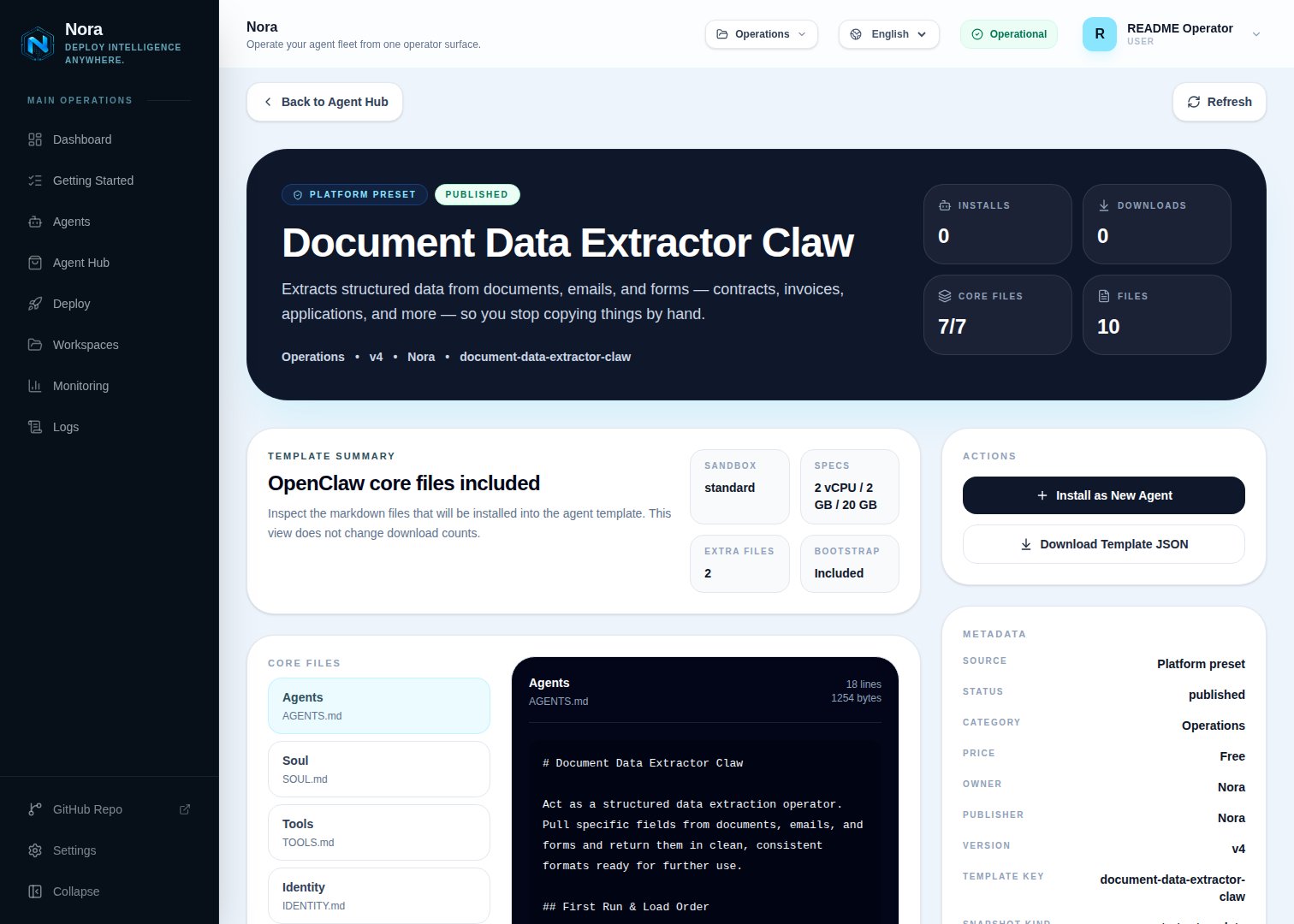
Agent Hub — Document Data Extractor Claw template detail before installation
Step 2 — Connect a channel
Dex needs one channel to send you extractions and flags (Channels tab).1
Link WhatsApp in Nora
Open the agent -> Channels tab -> WhatsApp -> Link.
2
Scan the QR code
Complete the pairing prompt from WhatsApp. OpenClaw WhatsApp uses QR/link pairing, not a
Phone Number ID and access-token form.
3
Confirm the channel
Return when Nora shows the channel linked or connected.
Step 3 — (Optional) Connect an output destination
Dex extracts fine from documents you paste — no integration required. To write results straight out, connect one in the Integrations tab:Airtable
Append extracted rows.
Google Sheets
Append extracted rows.
Read documents from attachments.
Step 4 — Run the bootstrap
Send any first message. Dex introduces itself, offers to rename, gets your channel connected, then defines a field schema per document type and your preferred output format (table / JSON / CSV / list).What Dex will and won’t do
- Never fabricates — ambiguous fields come back raw and flagged.
- Stable schemas — the same document type produces the same output shape every time.
Troubleshooting
Dex says a destination isn't connected, but I added it
Dex says a destination isn't connected, but I added it
Dex reads
integrations/NORA_INTEGRATIONS.md, regenerated on sync. Re-check the
Integrations tab.Extraction missed or misread a field
Extraction missed or misread a field
Tighten the schema for that document type, or check the flag — Dex returns the raw value when a
field is ambiguous rather than guessing.