

Set up Remy, the customer-support agent
Install the Customer Support & FAQ template, connect one channel, optionally connect a help desk, and load your knowledge base. Remy drafts accurate replies from your docs and flags what needs a human — you send everything.Remy is a first-line support agent built as an Agent Hub template. It classifies each inquiry, drafts an accurate reply from your knowledge base with a confidence level, and escalates anything the docs don’t cover. Nothing is sent without you.
Before you install
- A running Nora instance with dashboard access (
editoron the destination workspace). - Your support knowledge: FAQ/help docs, refund & return policy, escalation routing.
Step 1 — Install from Agent Hub
Open Agent Hub, find Customer Support & FAQ Claw (Built-in filter), and click Install. See Publish and install Agent Hub templates.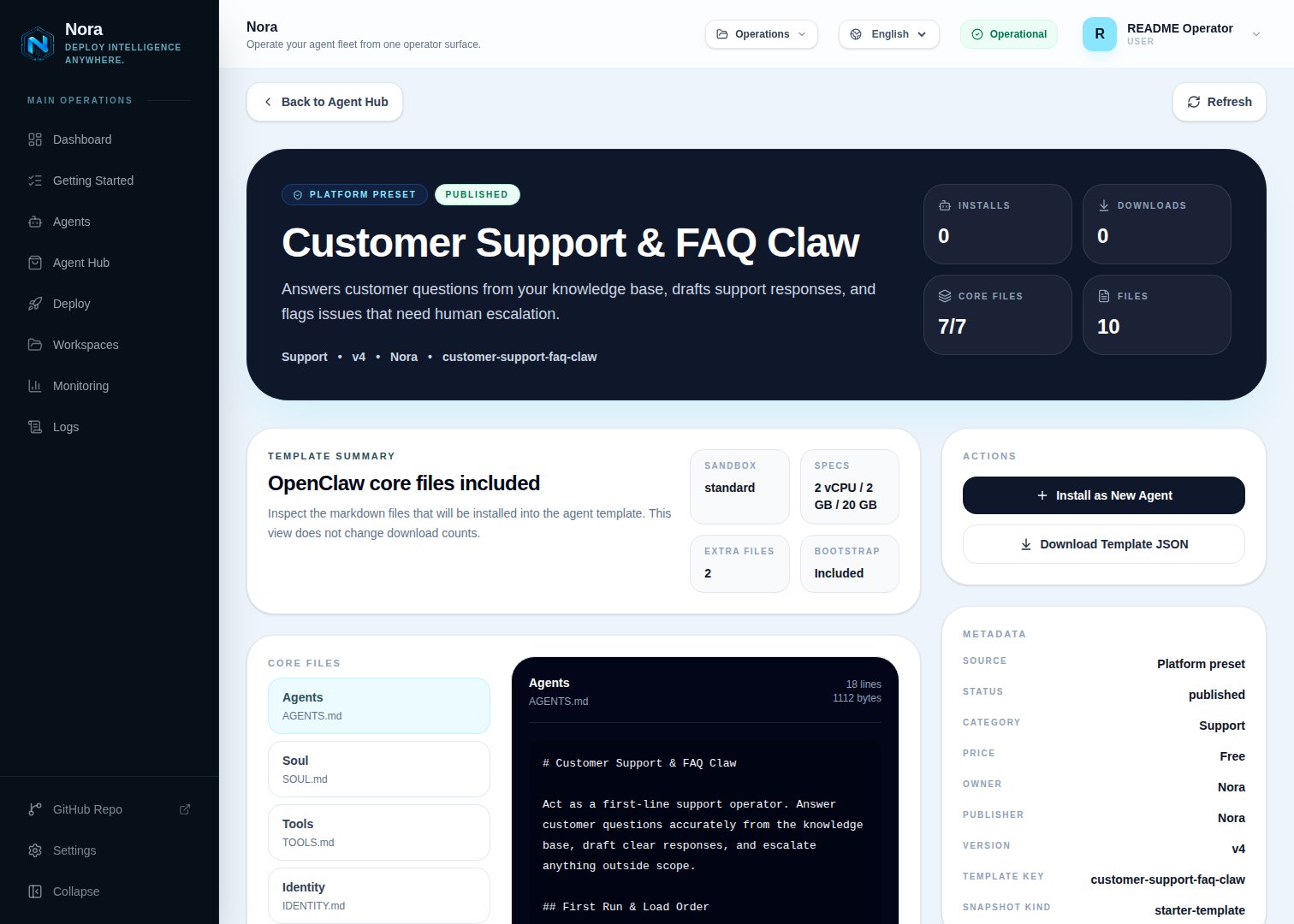
Agent Hub — Customer Support & FAQ Claw template detail before installation
Step 2 — Connect a channel
Remy needs one channel to reach you with drafts and escalations (Channels tab, separate from Integrations).1
Link WhatsApp in Nora
Open the agent -> Channels tab -> WhatsApp -> Link.
2
Scan the QR code
Complete the pairing prompt from WhatsApp. OpenClaw WhatsApp uses QR/link pairing, not a
Phone Number ID and access-token form.
3
Confirm the channel
Return when Nora shows the channel linked or connected.
Step 3 — (Optional) Connect a help desk
Remy works fine from inquiries you paste — no integration required. To pull tickets directly, connect one in the Integrations tab:Zendesk
Read/draft on tickets.
Slack
Support threads from a channel.
Email-based inquiries.
Step 4 — Run the bootstrap
Send any first message. Remy introduces itself, offers to rename, gets your channel connected, then loads your knowledge base, policies, escalation rules, and tone — read back for confirmation.What Remy will and won’t do
- Draft-only. Remy never sends on its own.
- No fabrication. If the knowledge base is silent, Remy escalates instead of guessing.
Troubleshooting
Remy says a help desk isn't connected, but I added it
Remy says a help desk isn't connected, but I added it
Remy reads
integrations/NORA_INTEGRATIONS.md, regenerated on sync. Re-check the
Integrations tab, then ask Remy to re-read.Answers feel generic or wrong
Answers feel generic or wrong
Load more knowledge-base content and tighten the out-of-scope list. Remy answers only from what
you give it.